One line
WarpKVM builds KVM over IP hardware that makes a remote computer feel local: 4K60 capture, BIOS-level control and 24 ms glass to glass in the WarpKVM app.
Press · media kit · updated 12 November 2026
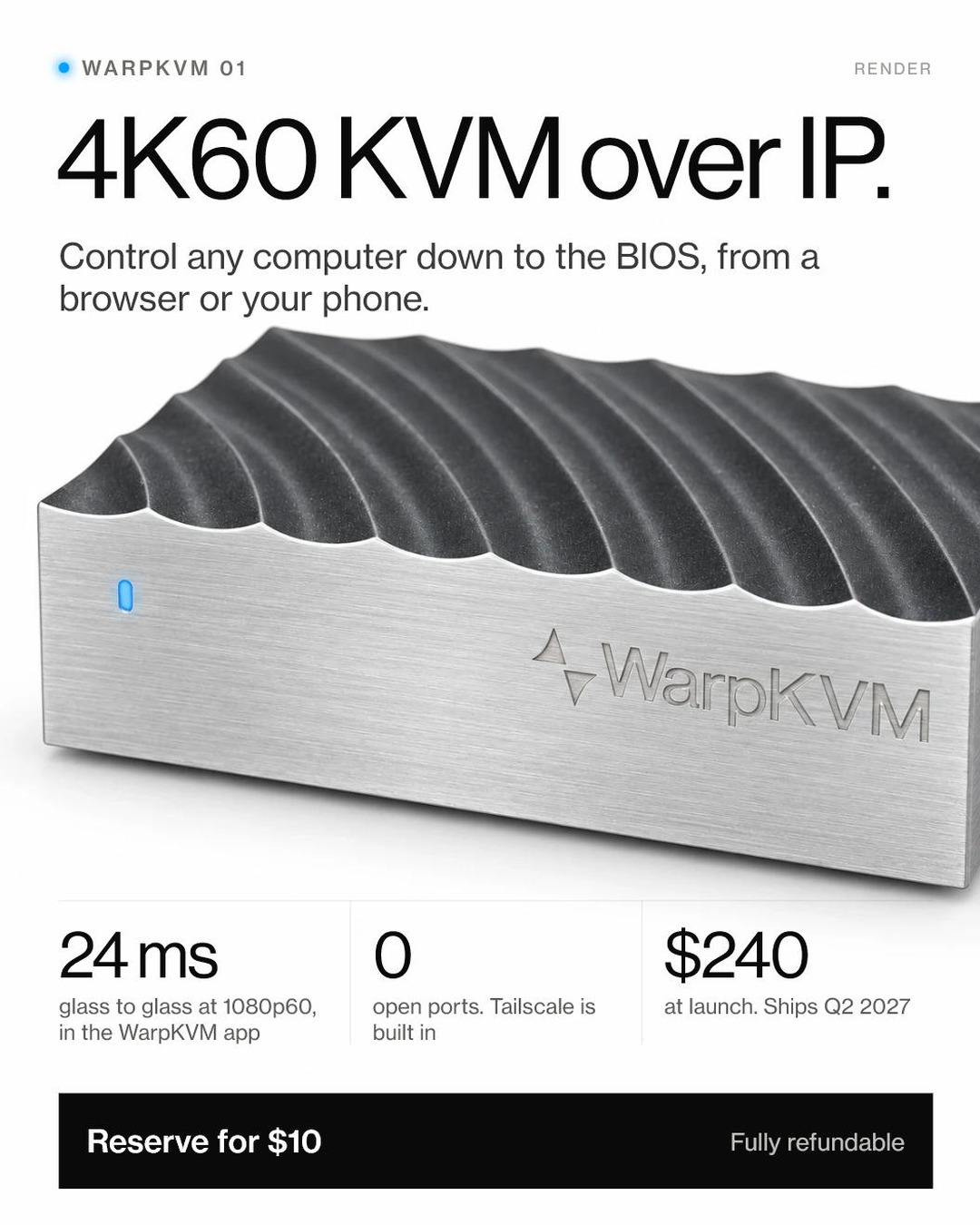
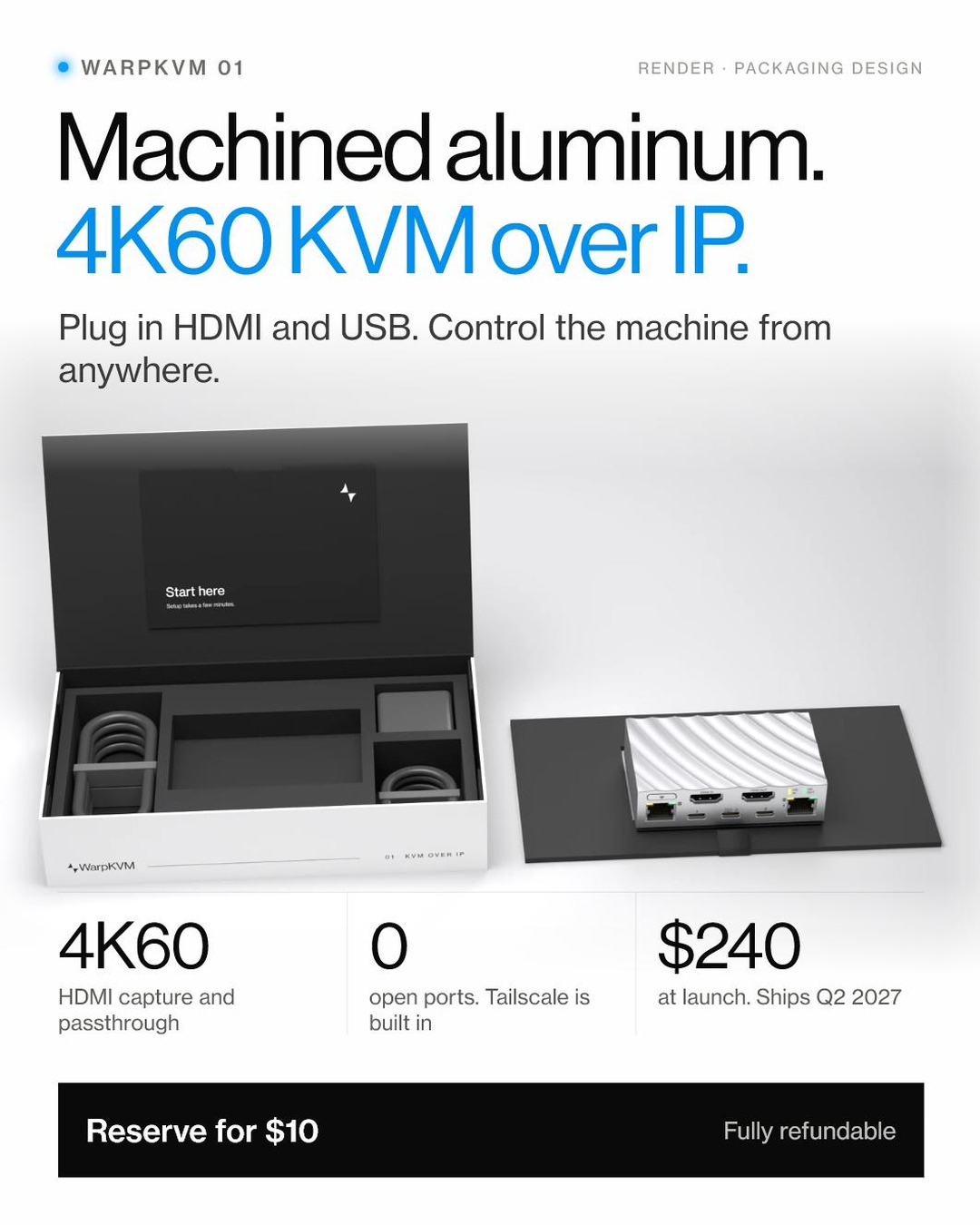
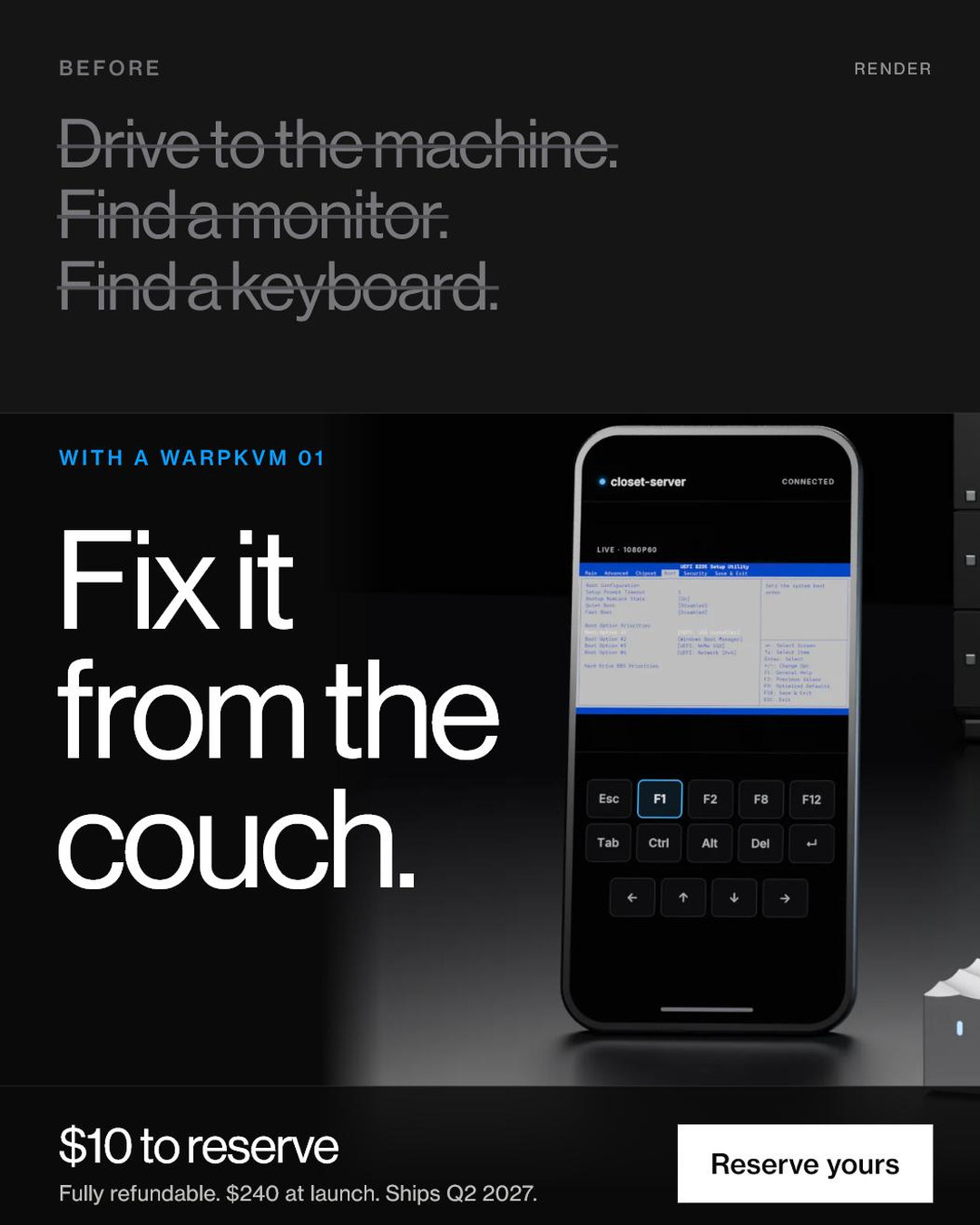
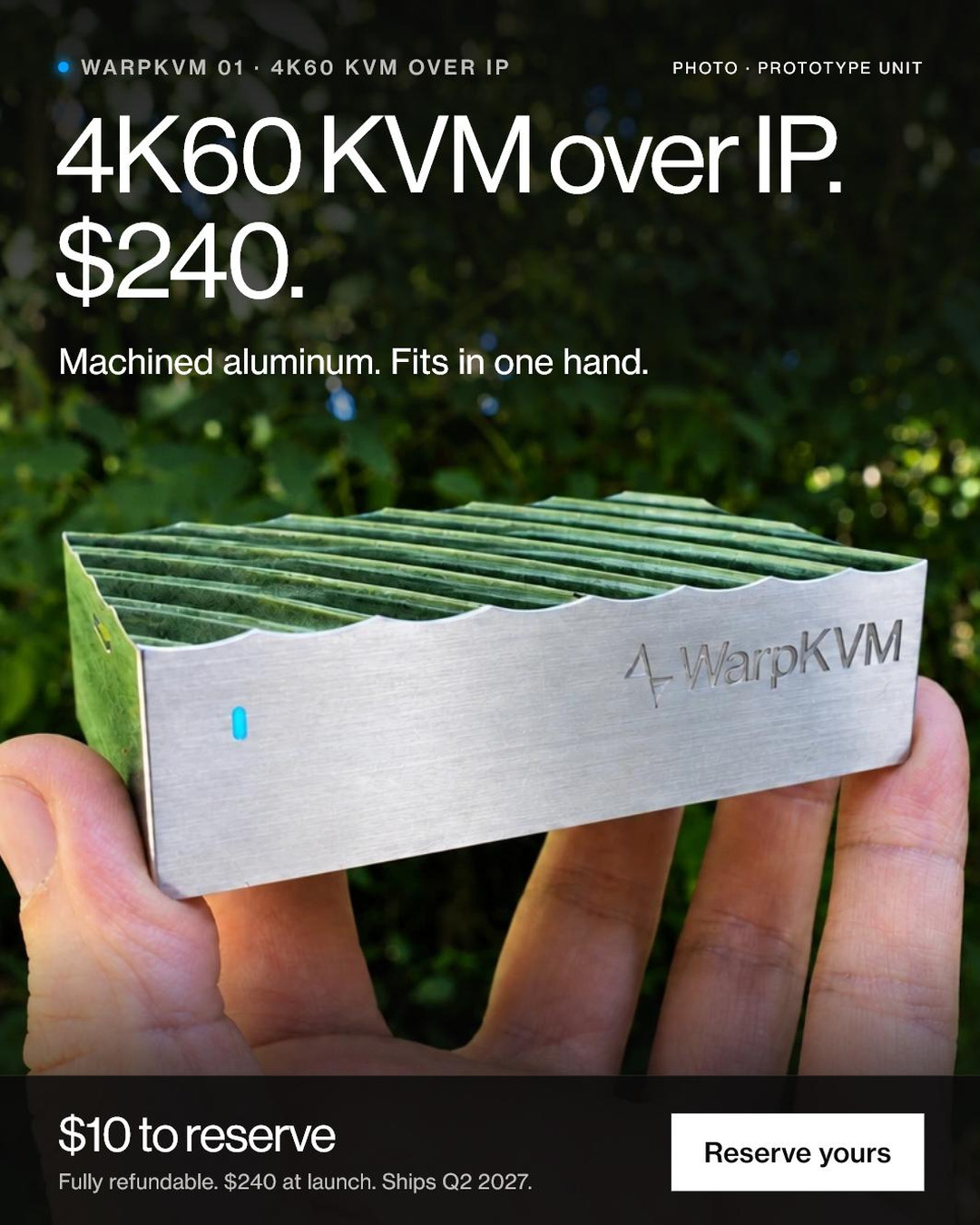
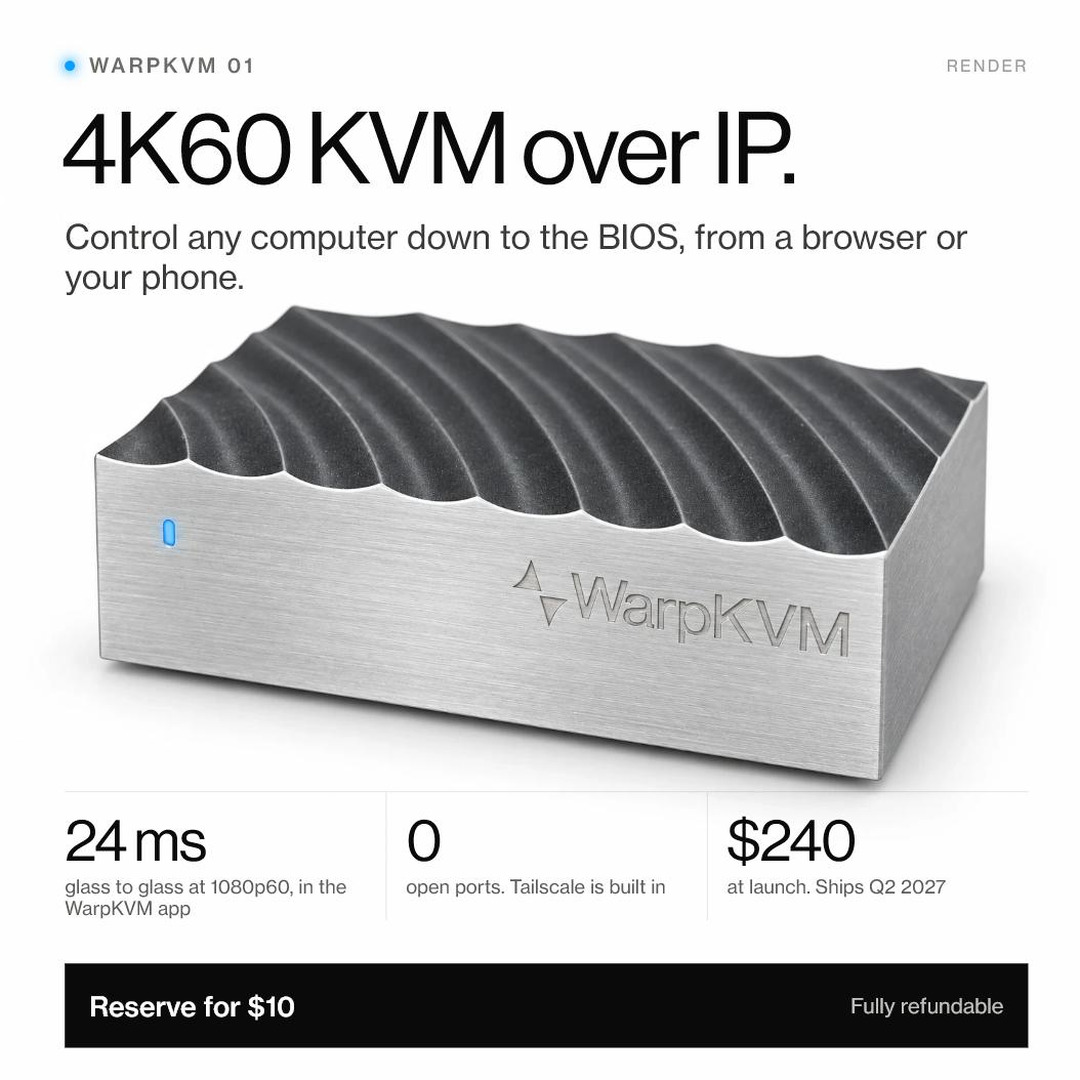
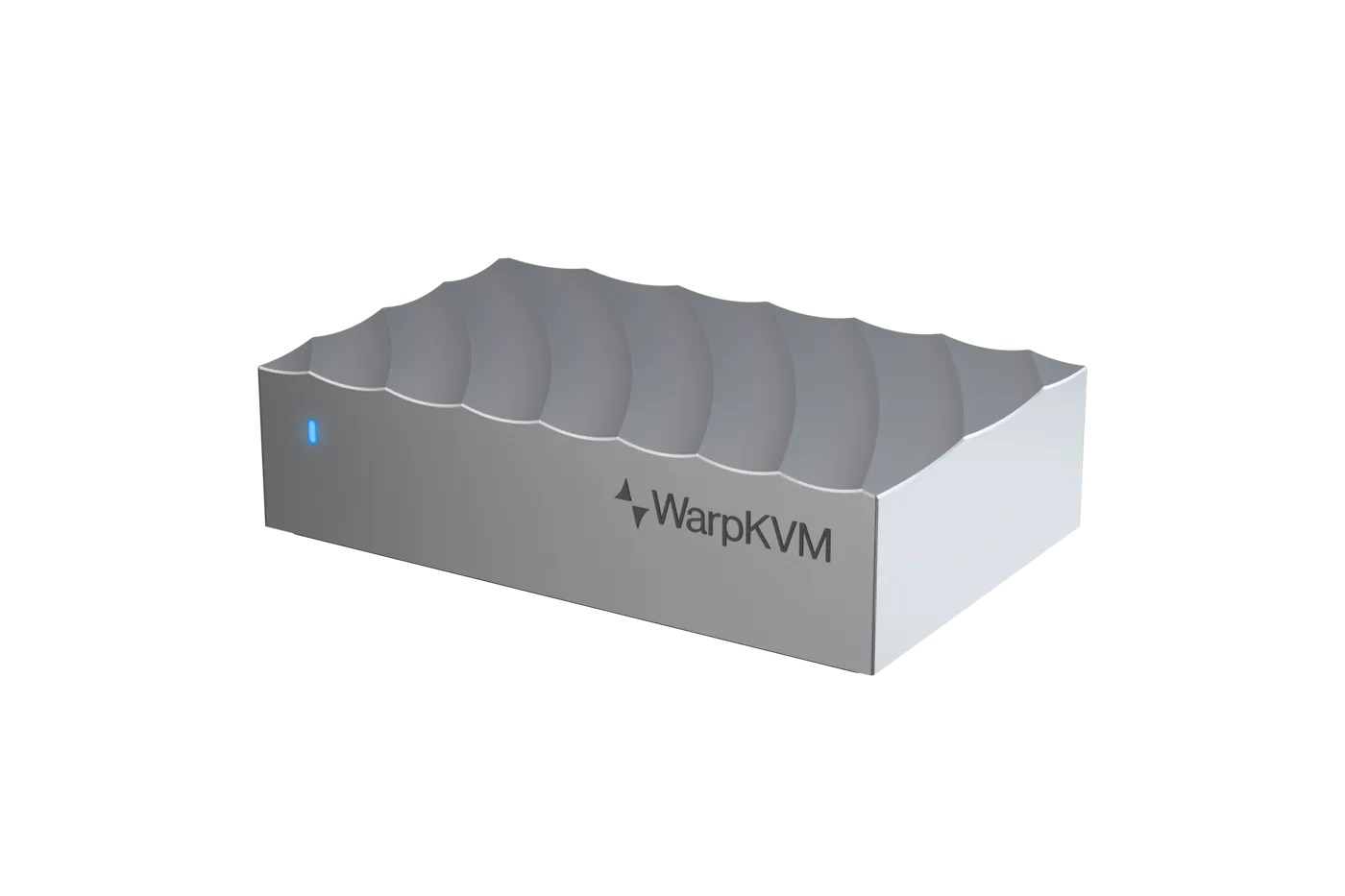
WarpKVM 01 is a 4K60 KVM over IP in a machined aluminum case. Plug it into any computer and control it down to the BIOS from a browser or your phone, from anywhere. Everything a writer, reviewer or partner needs is on this page, free to use in coverage of WarpKVM.
24ms
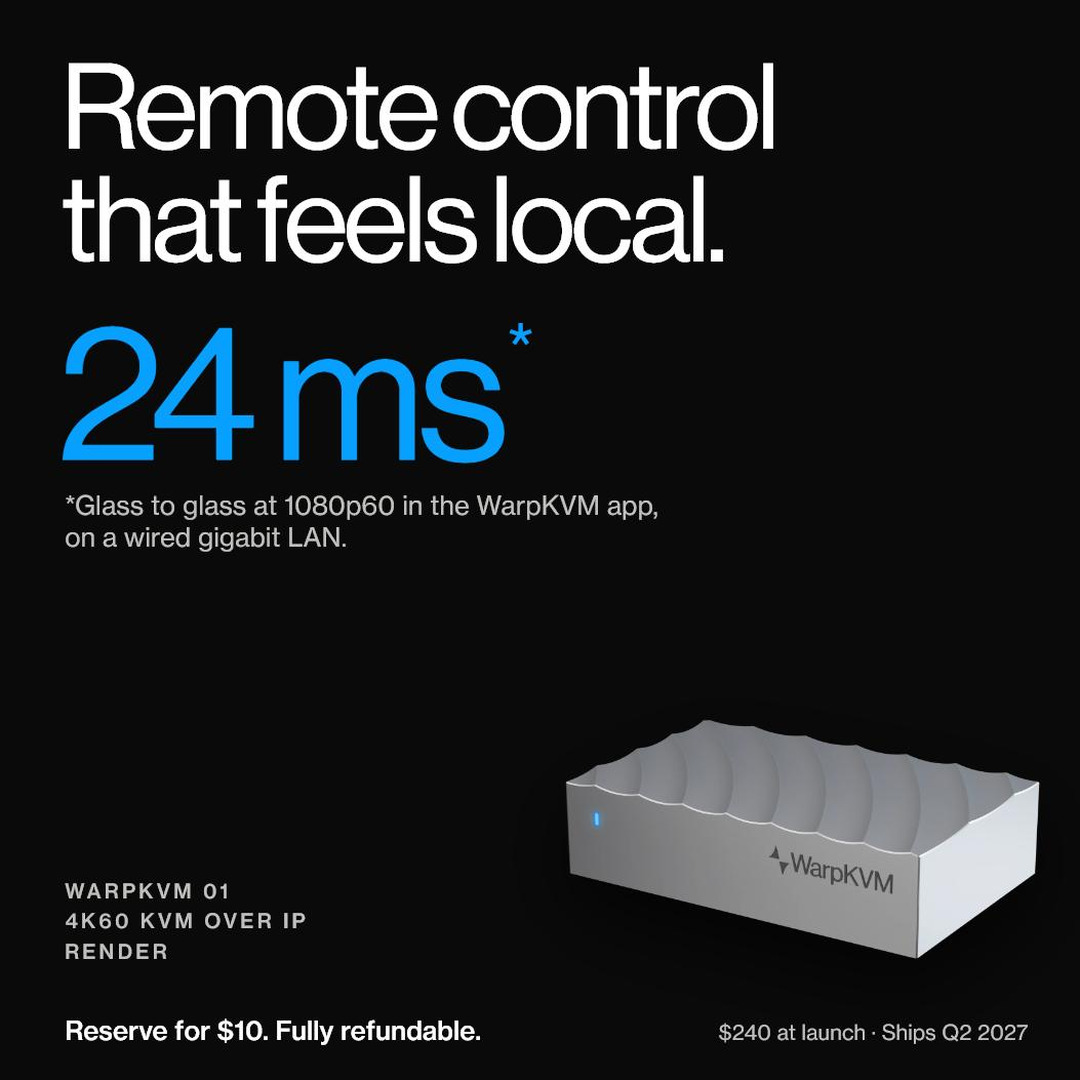
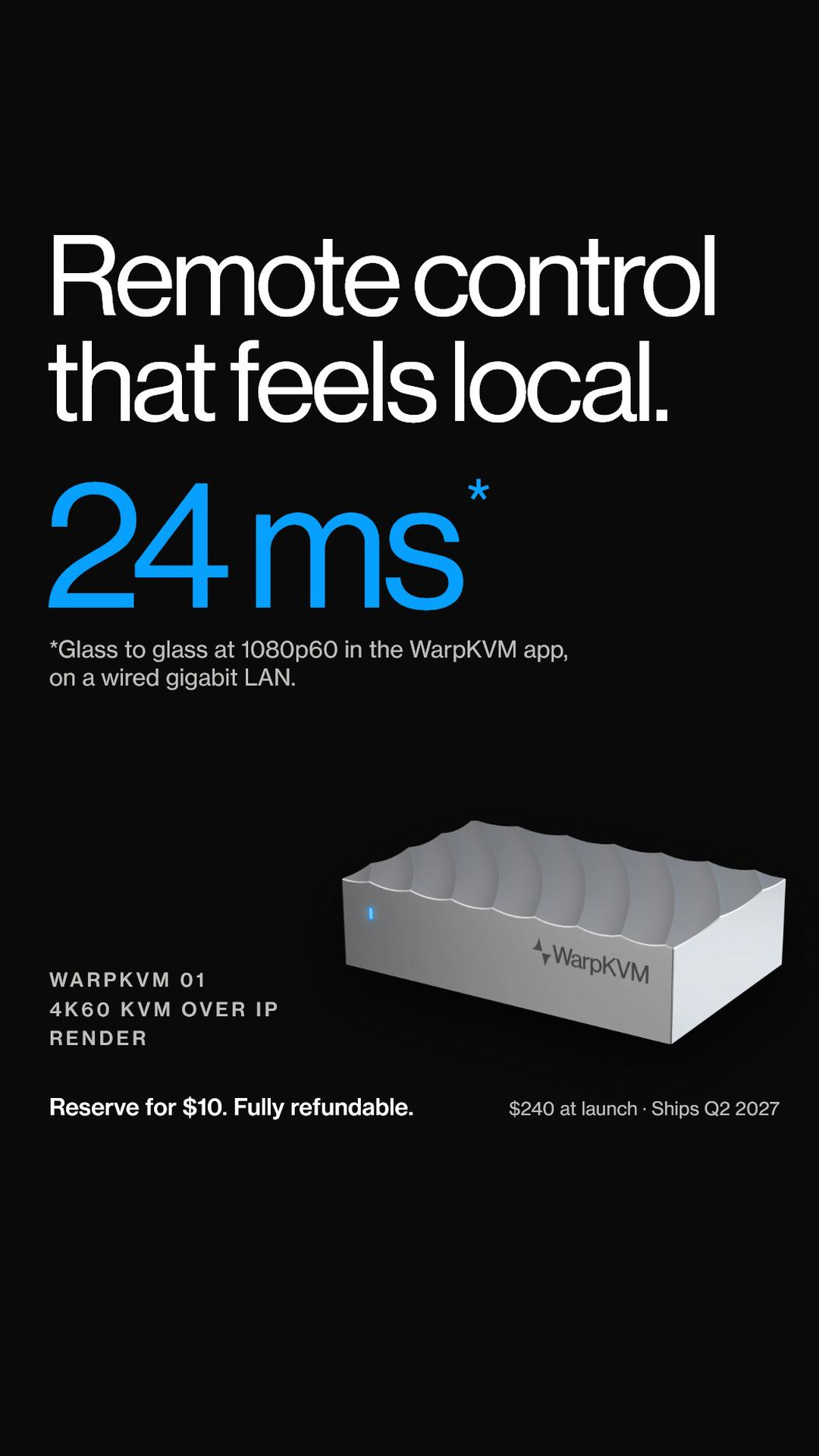
Glass to glass · 1080p60 · WarpKVM app
4K60
Captured and encoded in hardware
0
Open ports · native Tailscale
$240
At launch · ships Q2 2027
Sec. 01 · Fact sheet
Sec. 02 · Boilerplate
One line
WarpKVM builds KVM over IP hardware that makes a remote computer feel local: 4K60 capture, BIOS-level control and 24 ms glass to glass in the WarpKVM app.
Short · about 60 words
WarpKVM 01 is a 4K60 KVM over IP in a machined aluminum case. Plug it into any computer and control it down to the BIOS from a browser or a phone, from anywhere, over a native Tailscale mesh with zero open ports. It adds 24 ms glass to glass at 1080p60 in the WarpKVM app. It costs $240 and ships in Q2 2027.
Long · about 130 words
WarpKVM makes KVM over IP hardware for people who run their own machines. Its first product, the WarpKVM 01, sits between a computer and its monitor, keyboard and mouse, and puts that computer in a browser tab or on a phone anywhere in the world. Because it reads the picture from the first BIOS frame and appears to the computer as a monitor, keyboard and mouse, nothing is installed on the machine it controls. The 01 captures and encodes 4K at 60 Hz in hardware and adds 23.9 ms glass to glass at 1080p60 in the WarpKVM app, measured on the company's own two-sensor rig. It connects over a native Tailscale mesh with zero open ports, takes PoE, and its firmware, console and apps will be open source at launch. WarpKVM 01 costs $240 and ships in Q2 2027.
Sec. 03 · WarpKVM 01
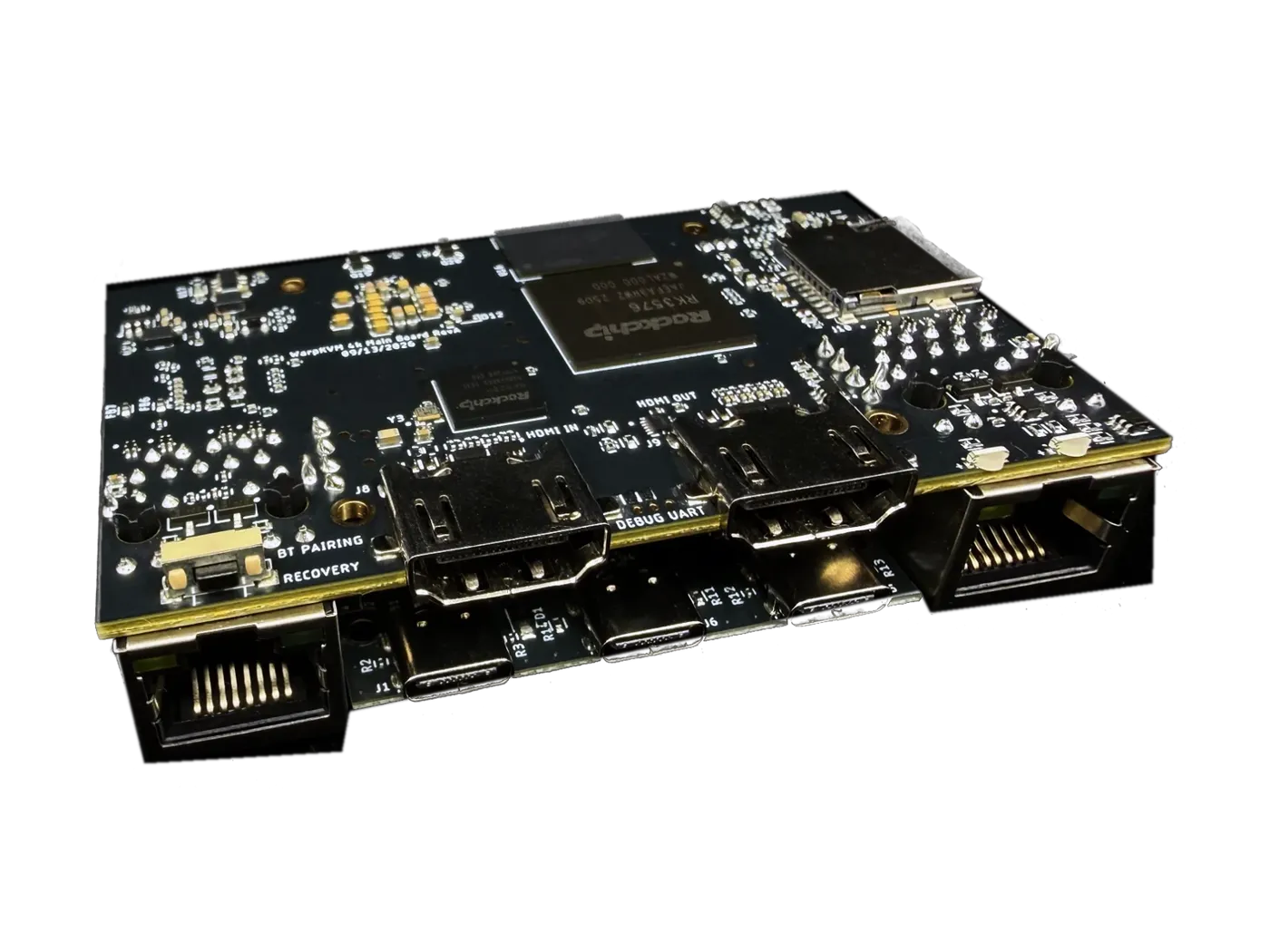
The picture is read from the first BIOS frame and encoded on the chip. The computer sees a monitor, a keyboard and a mouse, so there is nothing to install on it.
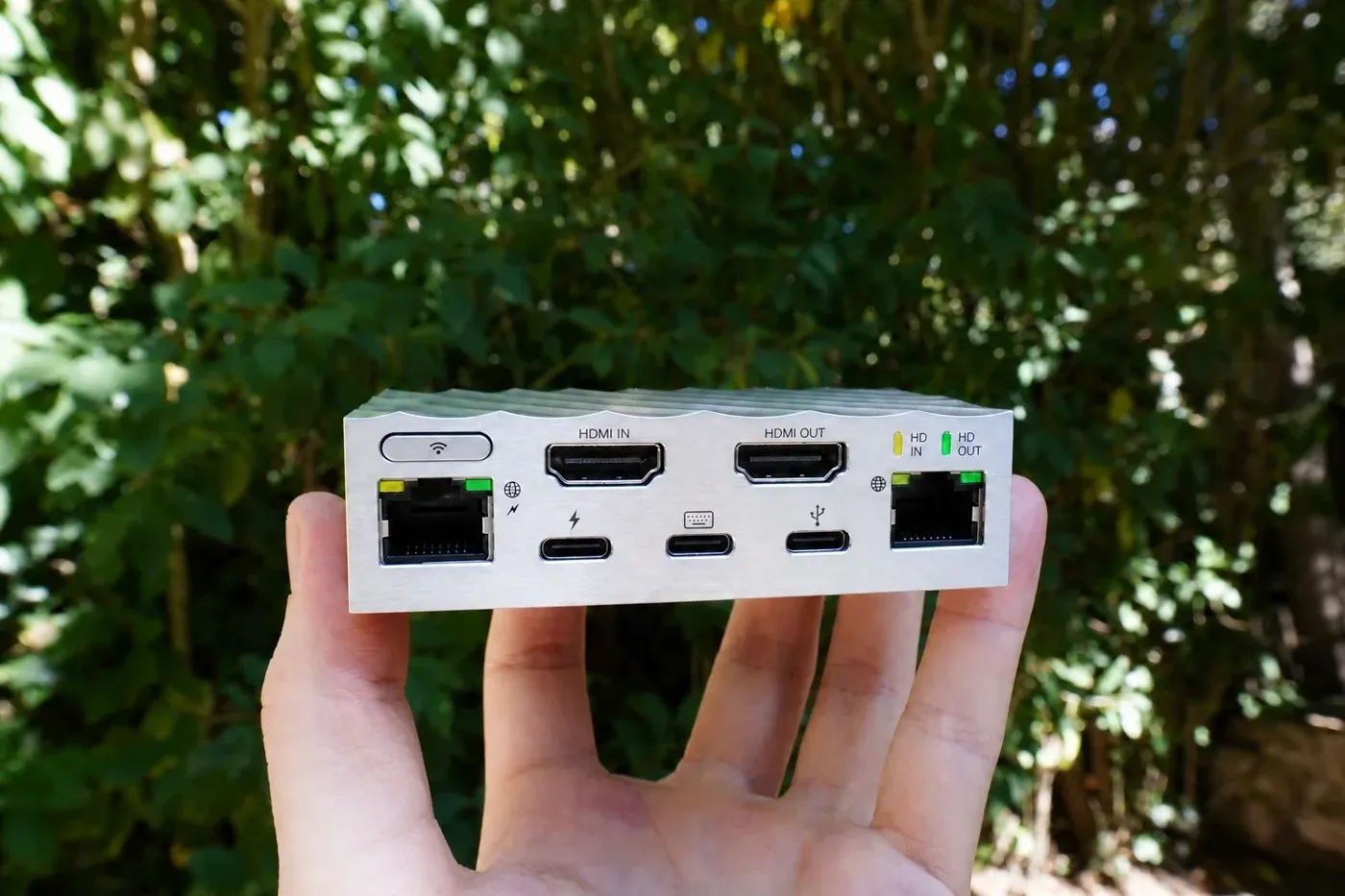
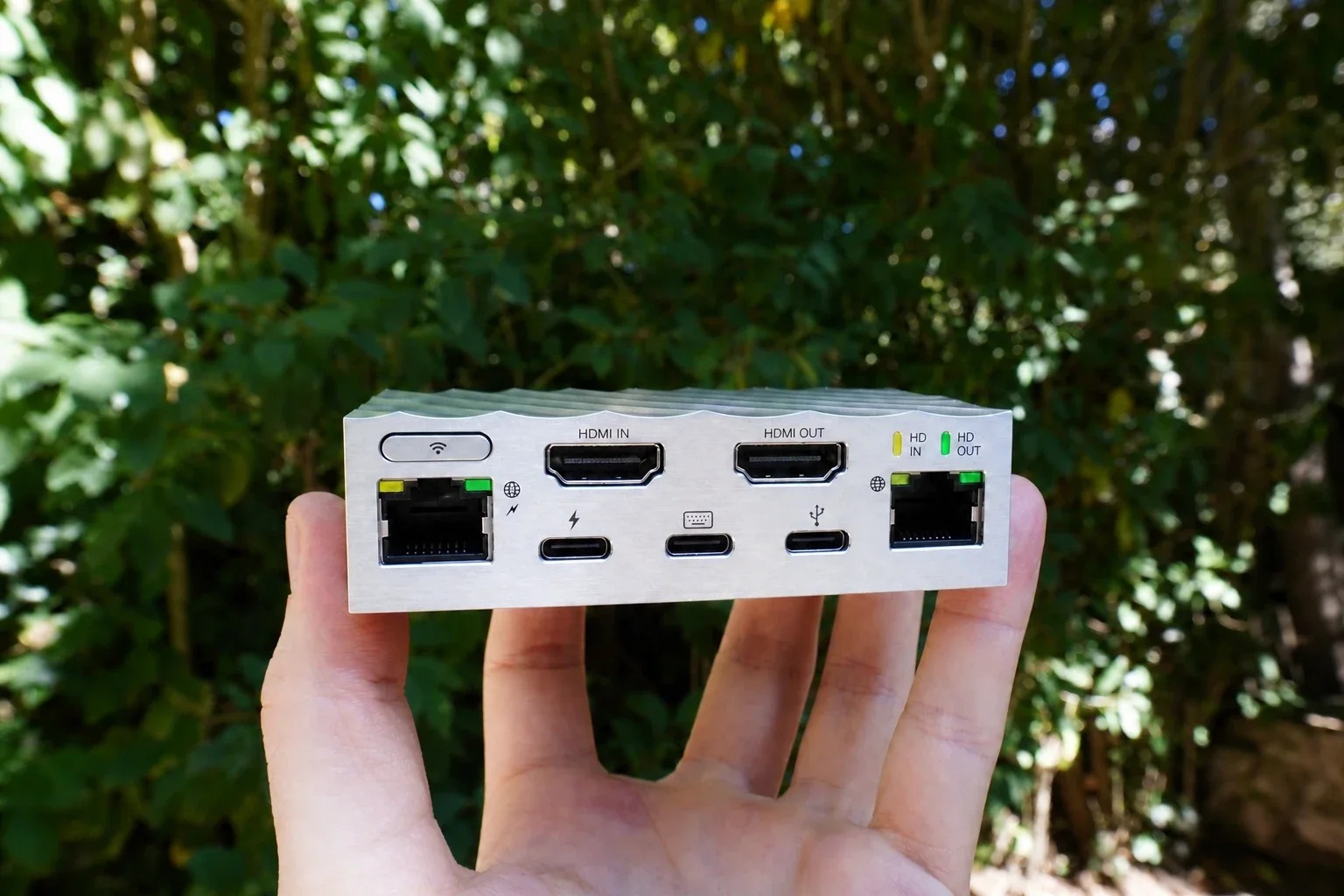
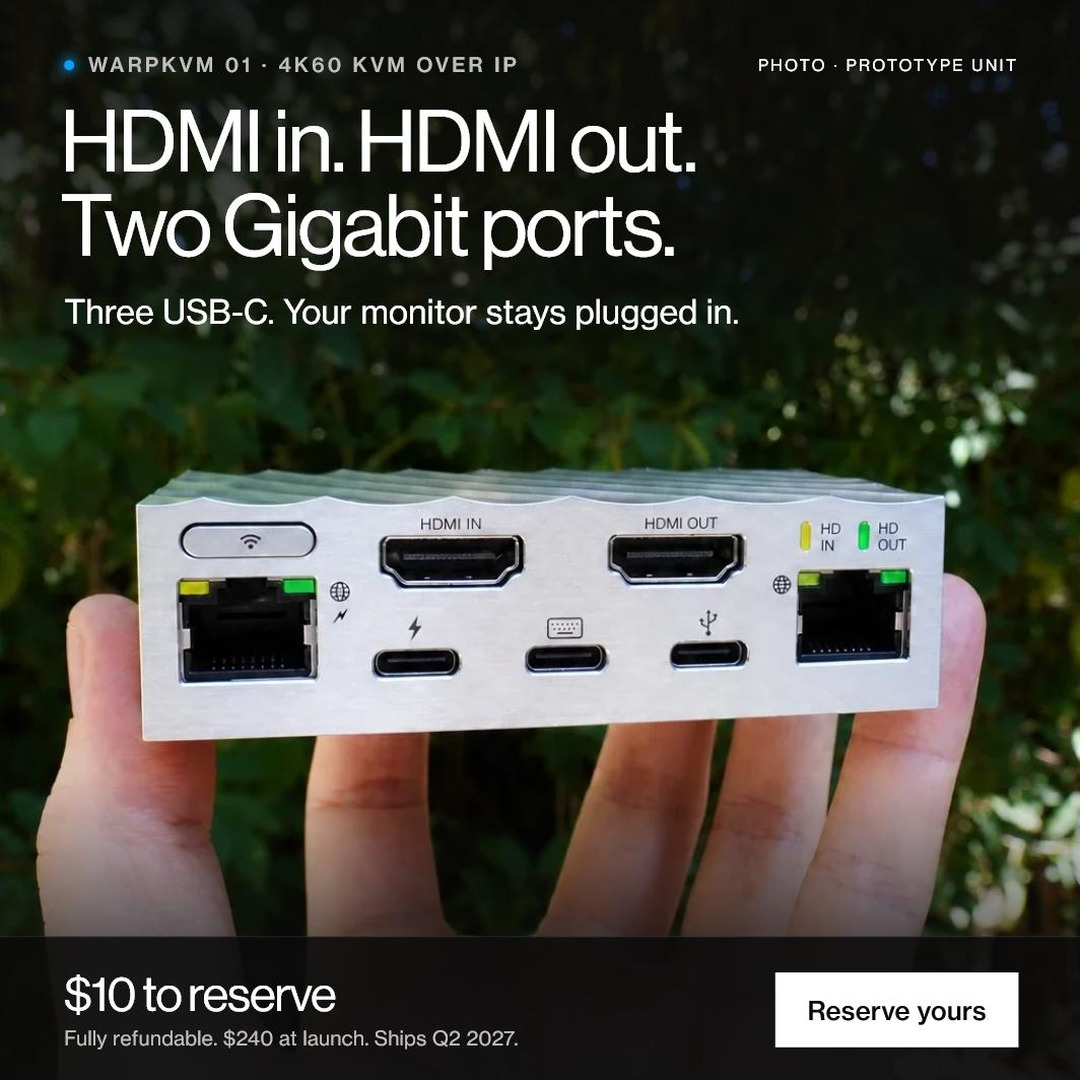
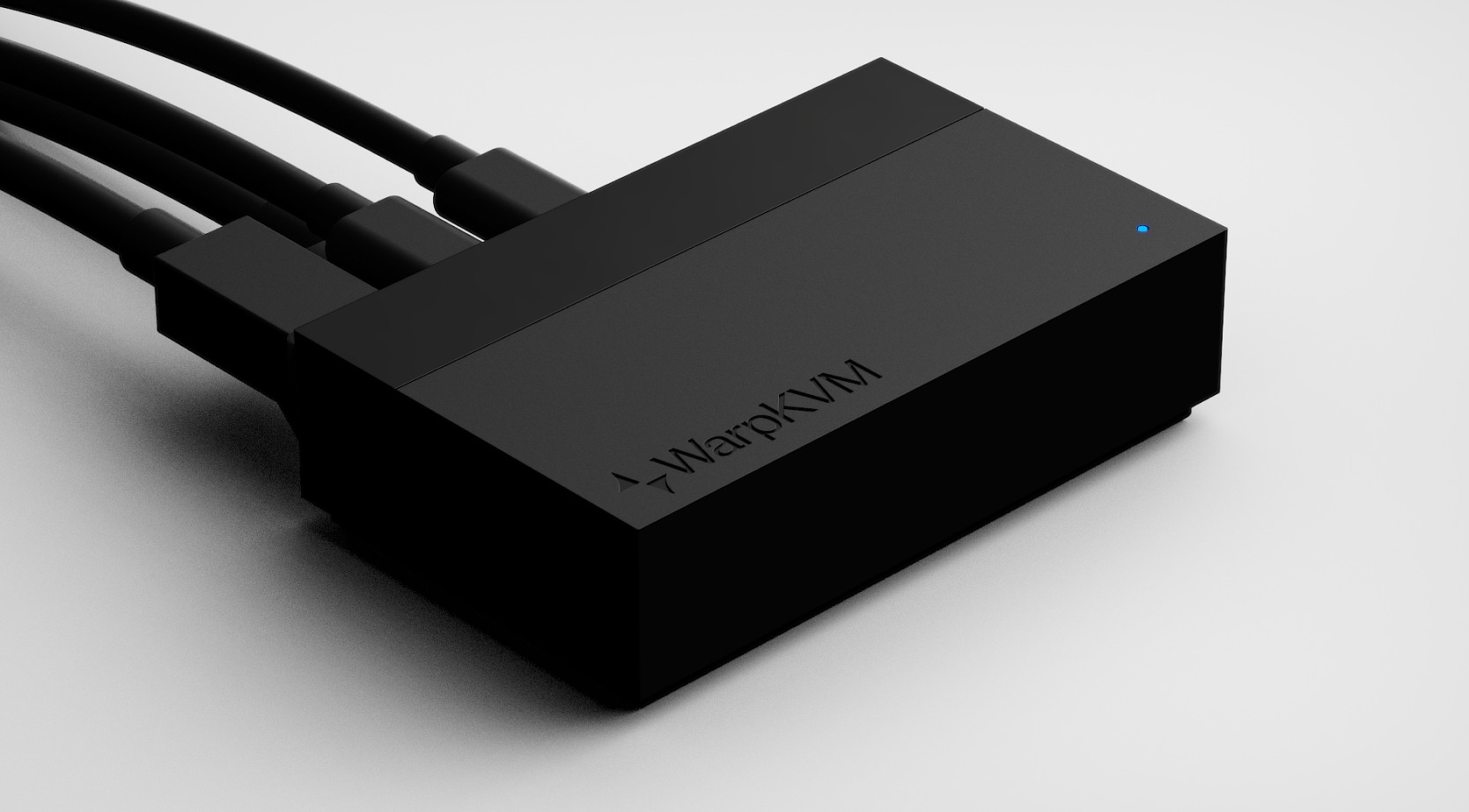
The connector face
1536 × 1024 · JPG
| Capture | 4K at 60 Hz · hardware H.264 / H.265 |
|---|---|
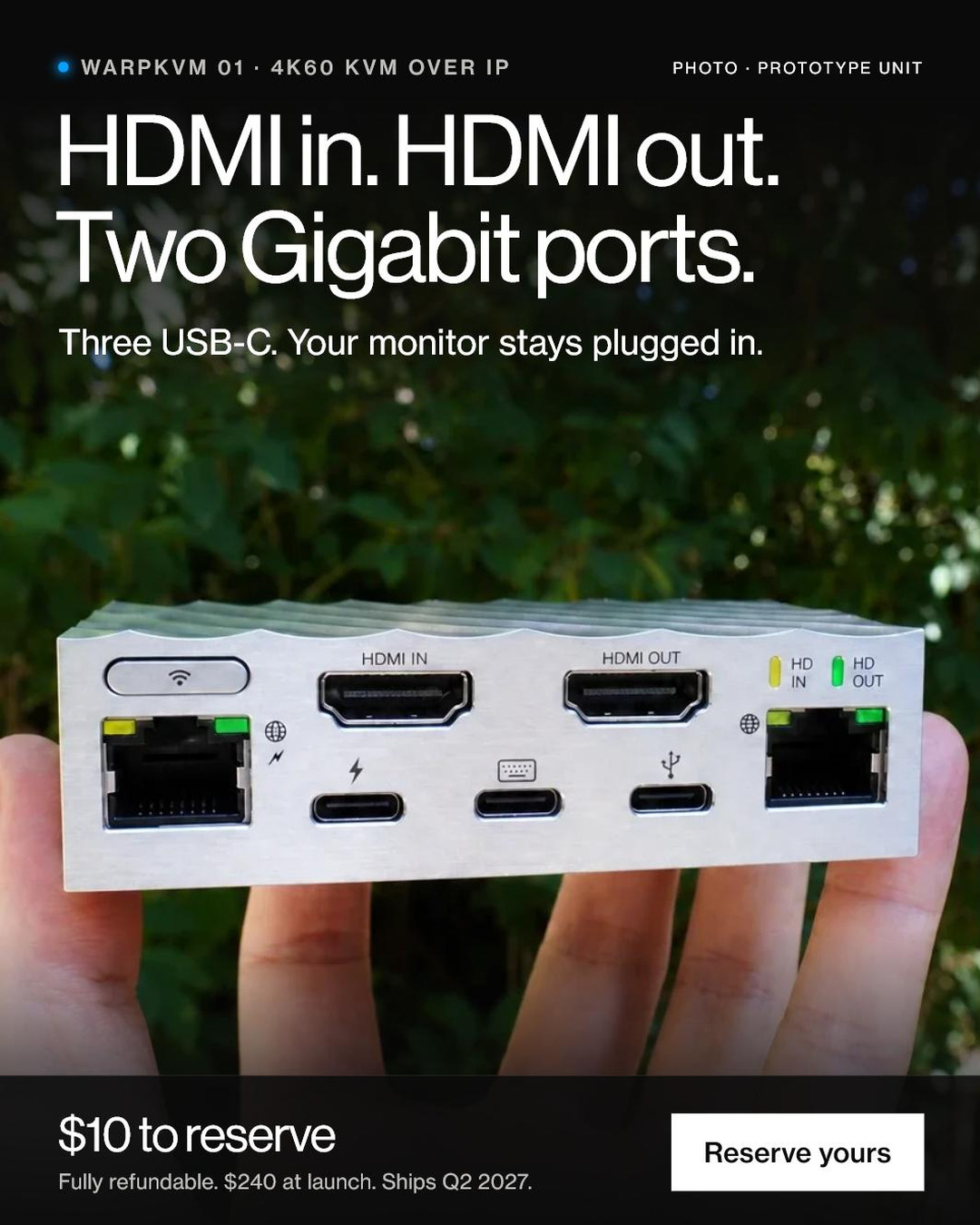
| HDMI | 2× HDMI 2.0 · in and out (passthrough and standalone) |
| USB-C | Power in · keyboard and mouse to the target · USB 3.2 expansion |
| Ethernet | 2× Gigabit · daisy-chain capable |
| Wireless | Wi-Fi 6 + Bluetooth |
| Power | USB-C PD or PoE |
| Compute | 4× Cortex-A72 + 4× Cortex-A53 · 1 GB LPDDR4 · 8 GB microSD |
| Remote access | Native Tailscale, zero open ports, end-to-end encrypted |
| Enclosure | Machined 6000-series aluminum · passive, silent |
| Size | 88 × 55.2 × 23.15 mm |
| Weight | About 150 g |
| Mounting | 2× M3 · rack-mount compatible |
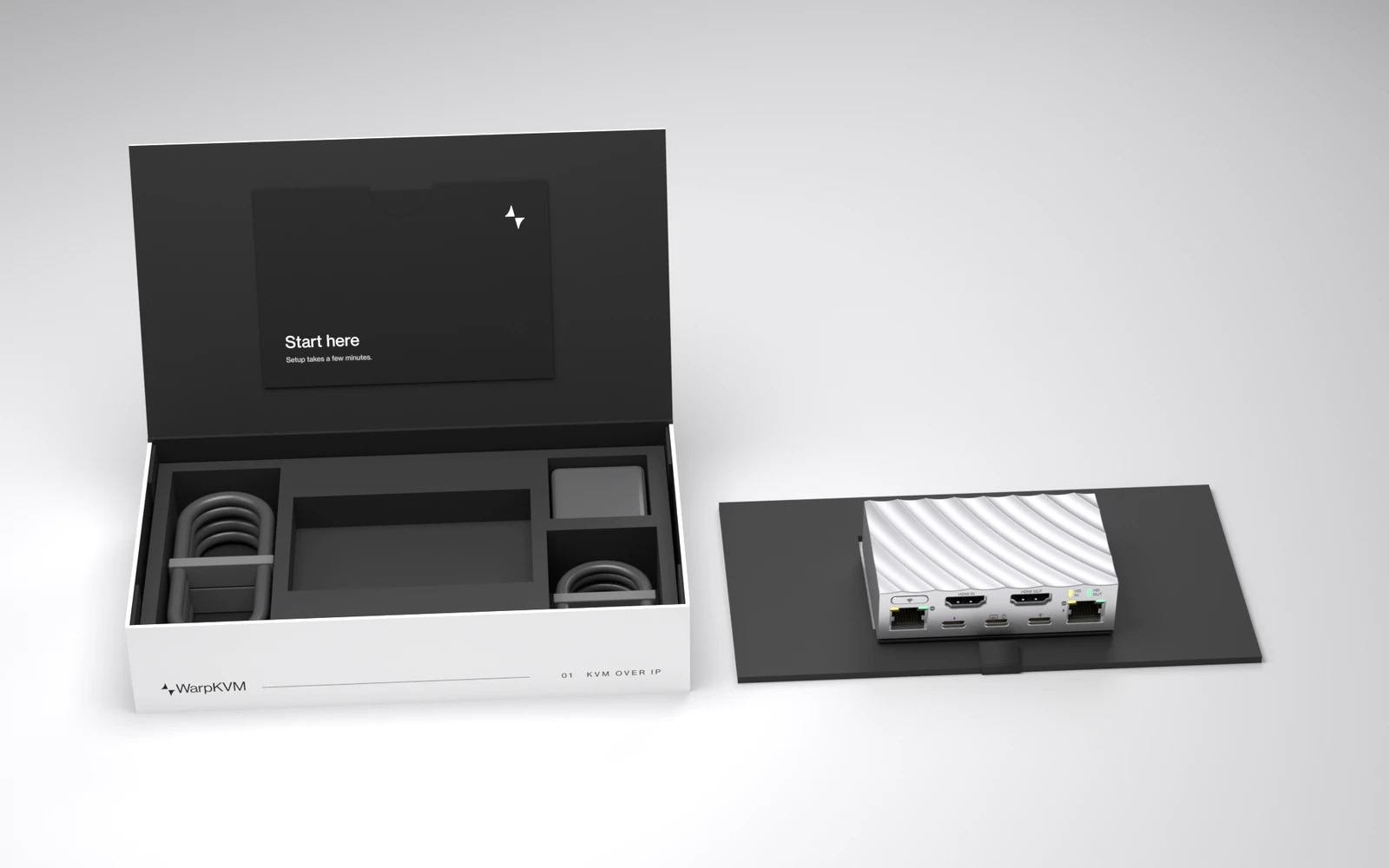
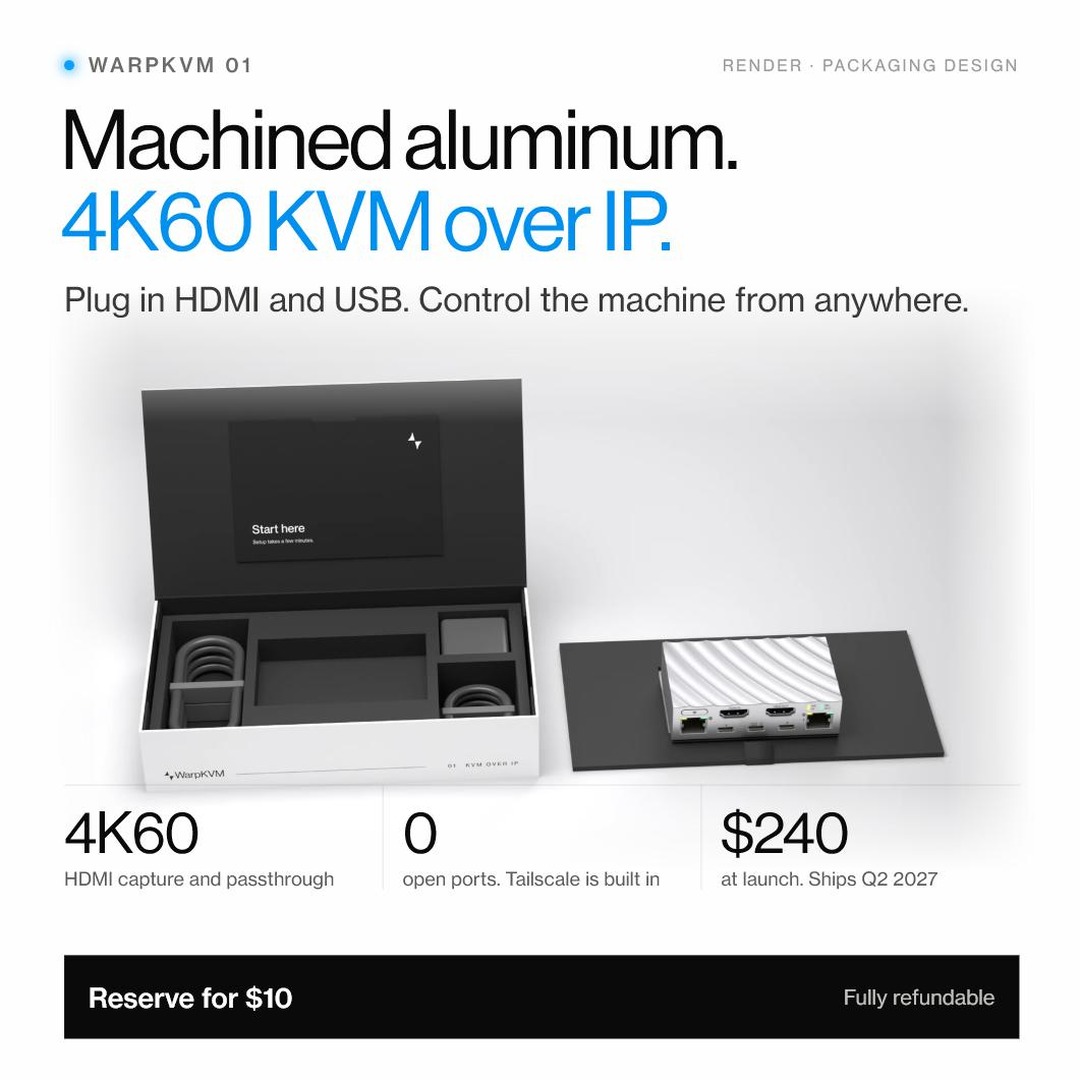
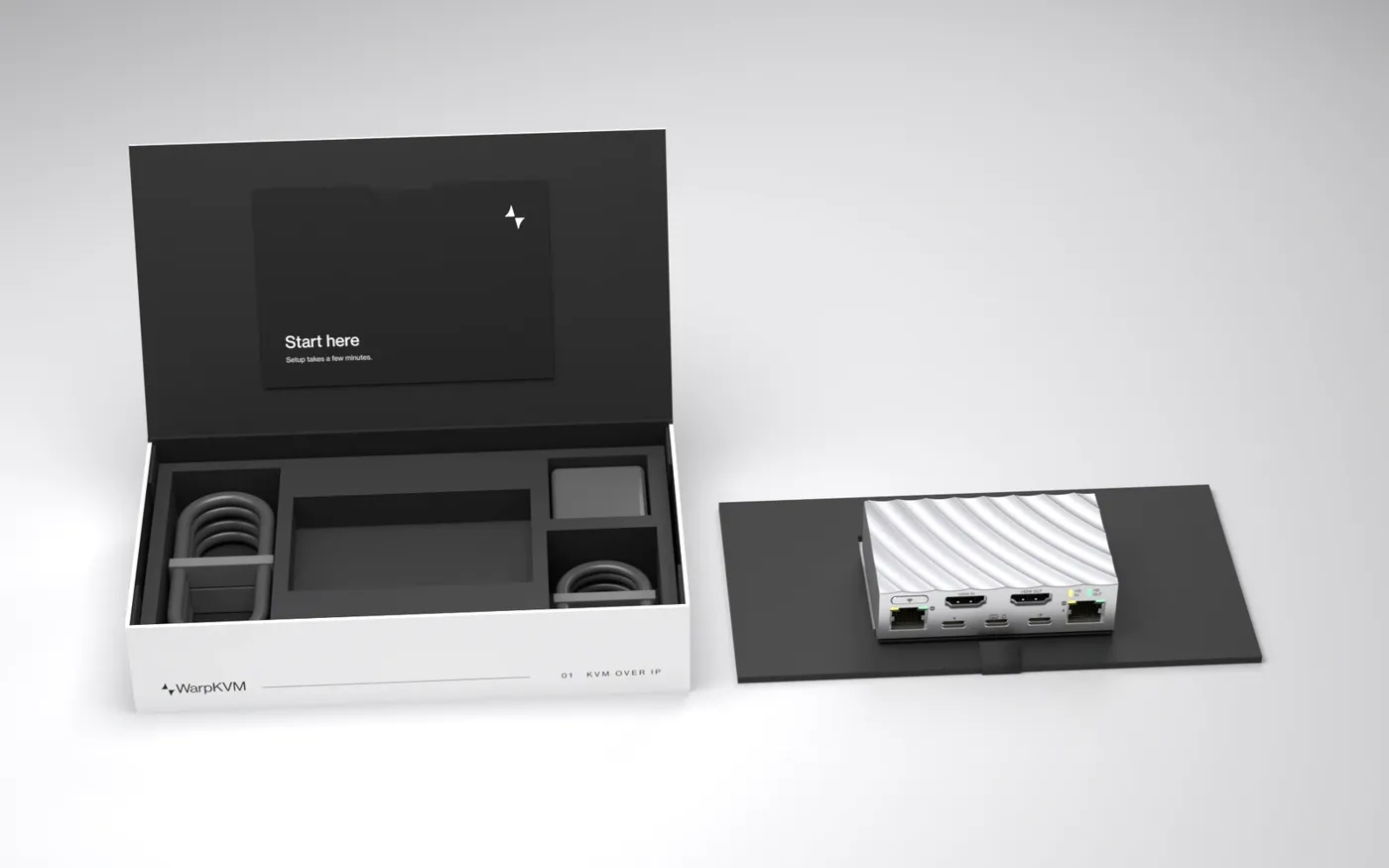
| In the box | WarpKVM 01, setup card, HDMI cable, Ethernet cable, two USB-C cables, power adapter |
| Price · ships | $240 · Q2 2027 |
Sec. 04 · Measured latency
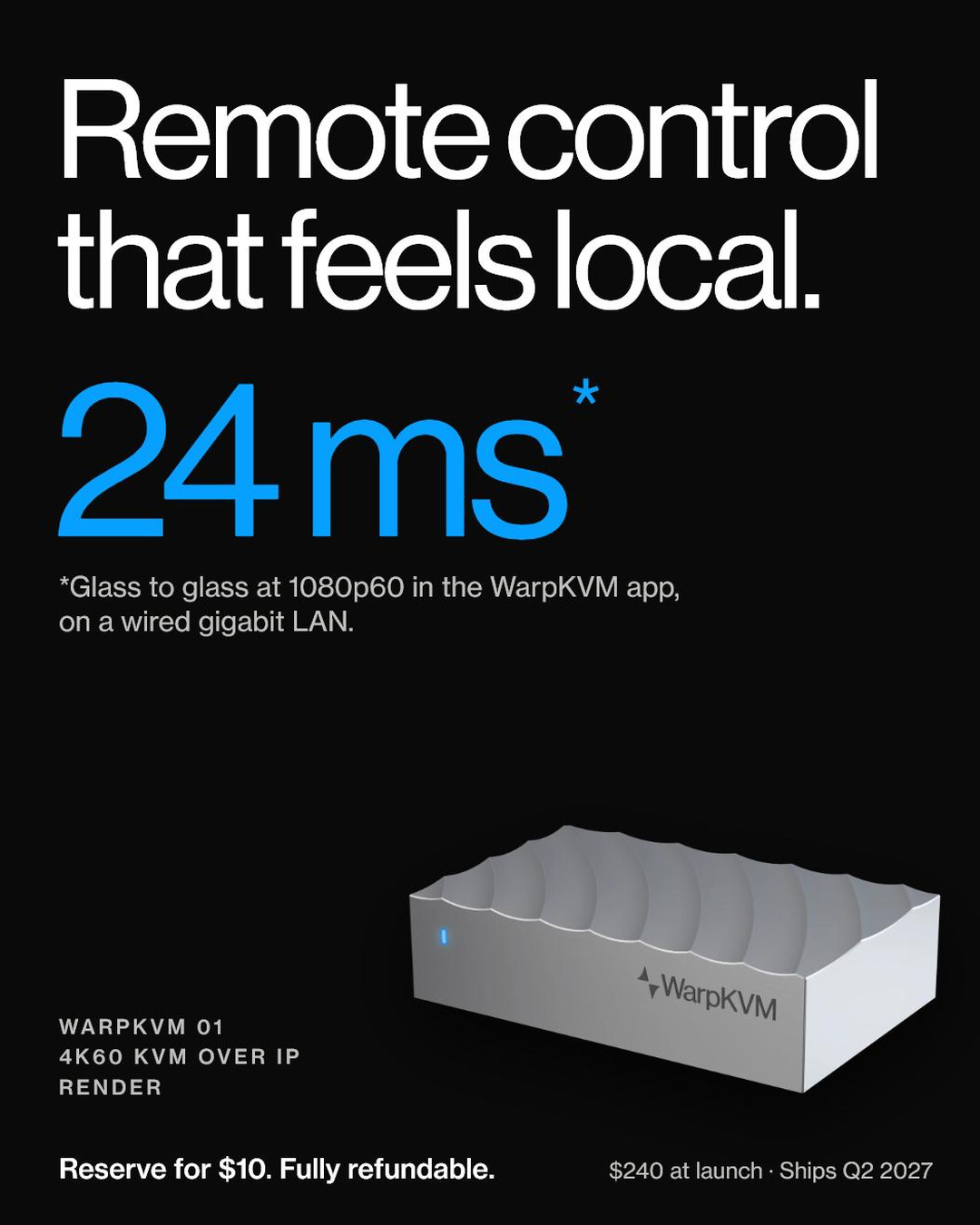
Two light sensors time the same pixel on a direct cable and through the KVM. The difference is what the video path adds. Every figure is a median of 300 measurements and the higher of a scrolling-text and a still screen.
For headlines, 24 ms is the rounded app figure. Comparisons against other KVMs, each measured on the same rig at its own lowest-latency settings, are on the latency page.
| Mode · viewer | Glass to glass |
|---|---|
| 1080p60 · WarpKVM app | 23.9 ms |
| 1080p120 · WarpKVM app | 16.4 ms |
| 4K30 · WarpKVM app | 38.5 ms |
| 4K60 · WarpKVM app * | 37.8 ms |
| 1080p60 · Chrome | 40.2 ms |
Measured October 16 to 20, 2026: Windows 10 viewer over wired gigabit LAN, median of 300 measurements, the higher of a scrolling-text and a still screen. Video path only; the input path is not included. * At 4K60 the scrolling-text test updates at 30 fps.
Sec. 05 · Photography
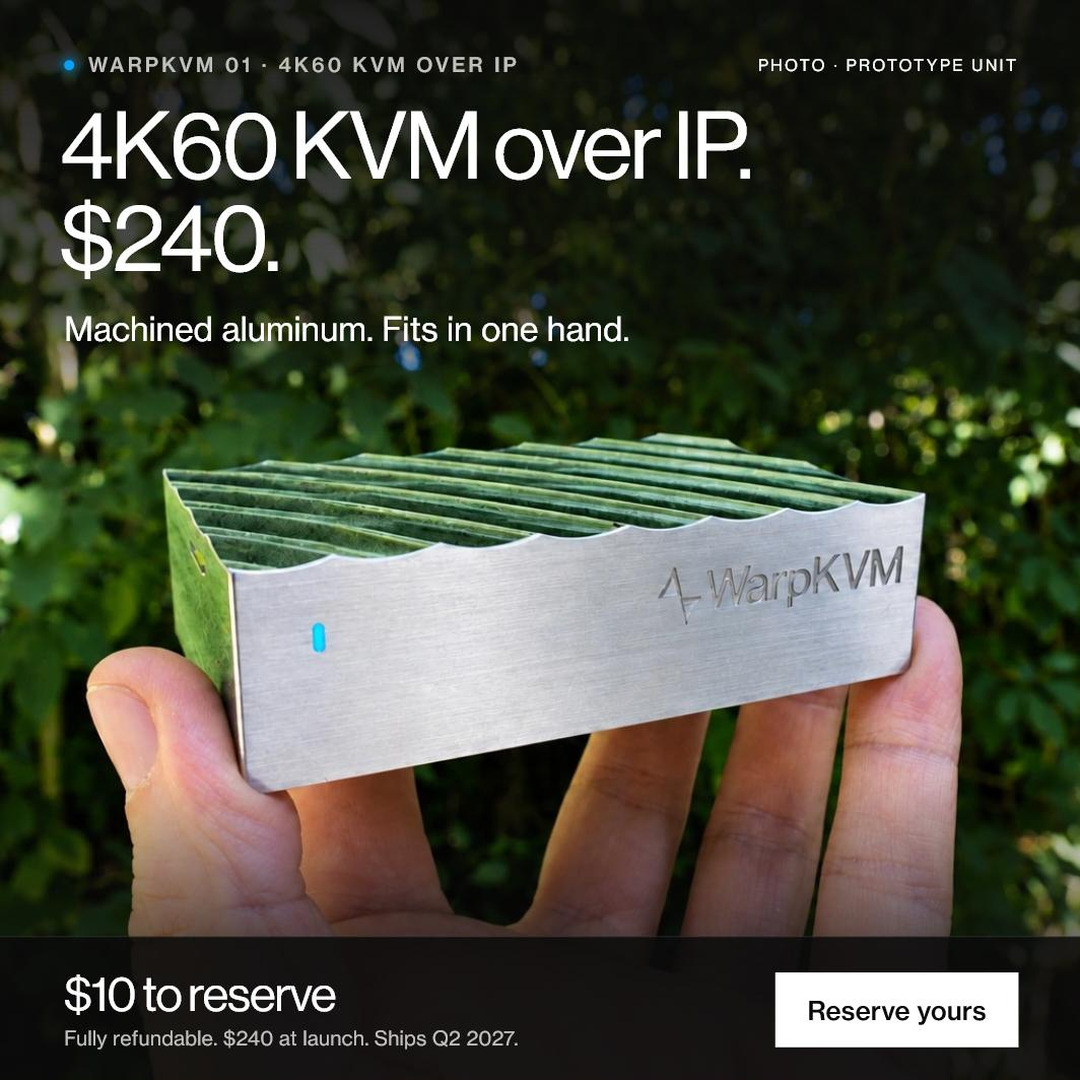
These show prototype WarpKVM 01 units. Please caption them as prototypes. Free to use in editorial coverage of WarpKVM; a credit line of “WarpKVM” is appreciated.
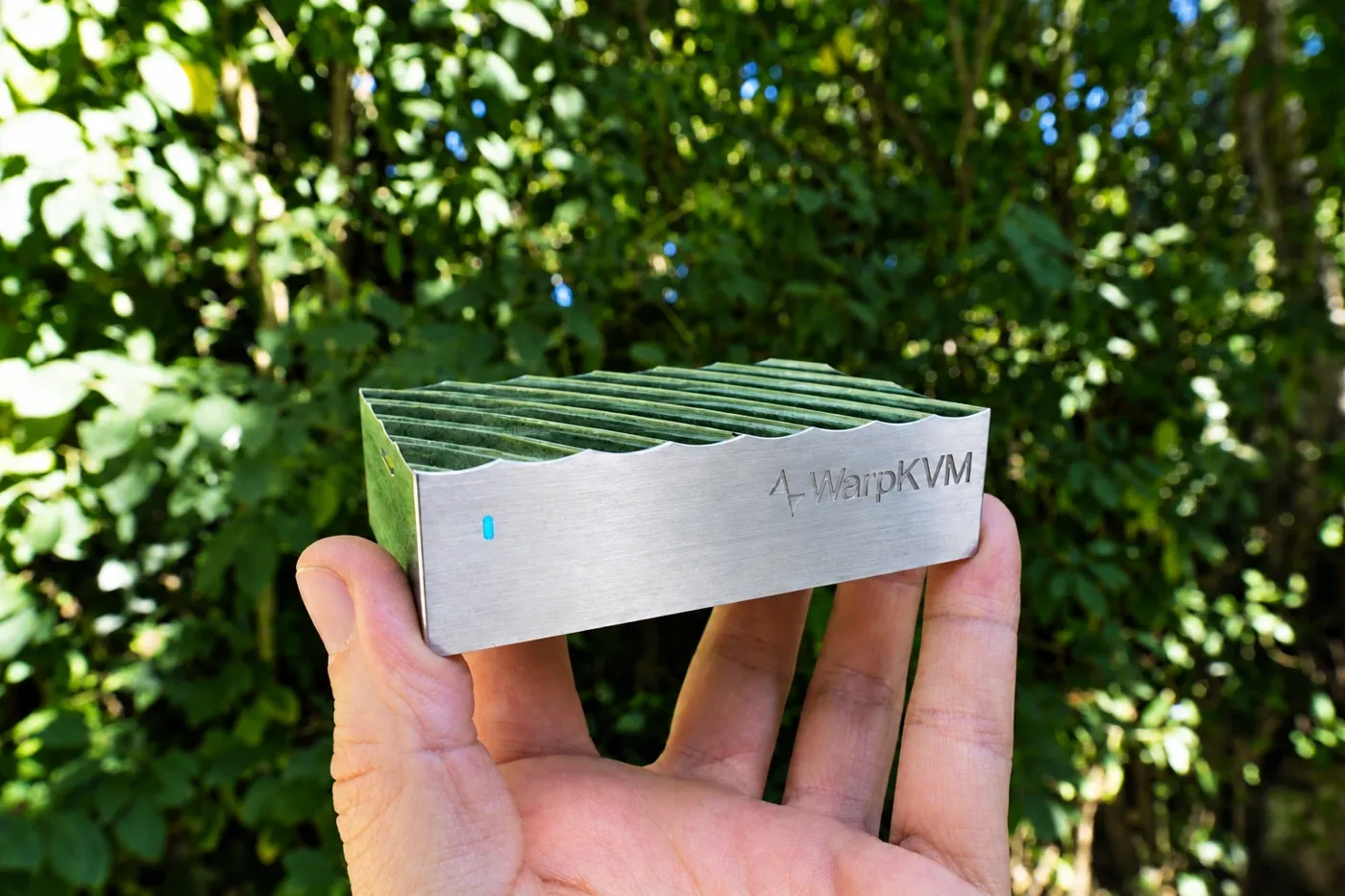
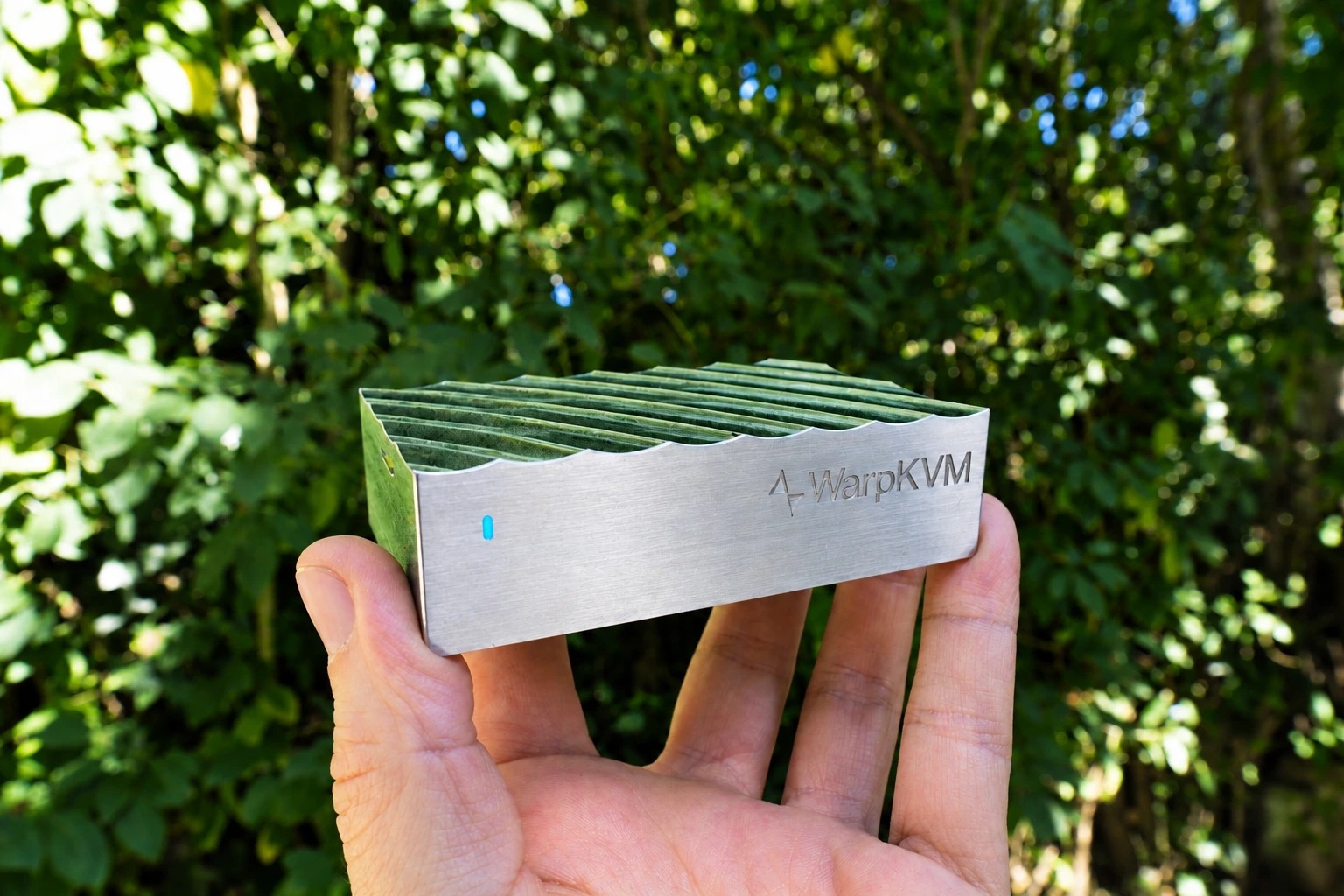
In hand
1536 × 1024 · JPG
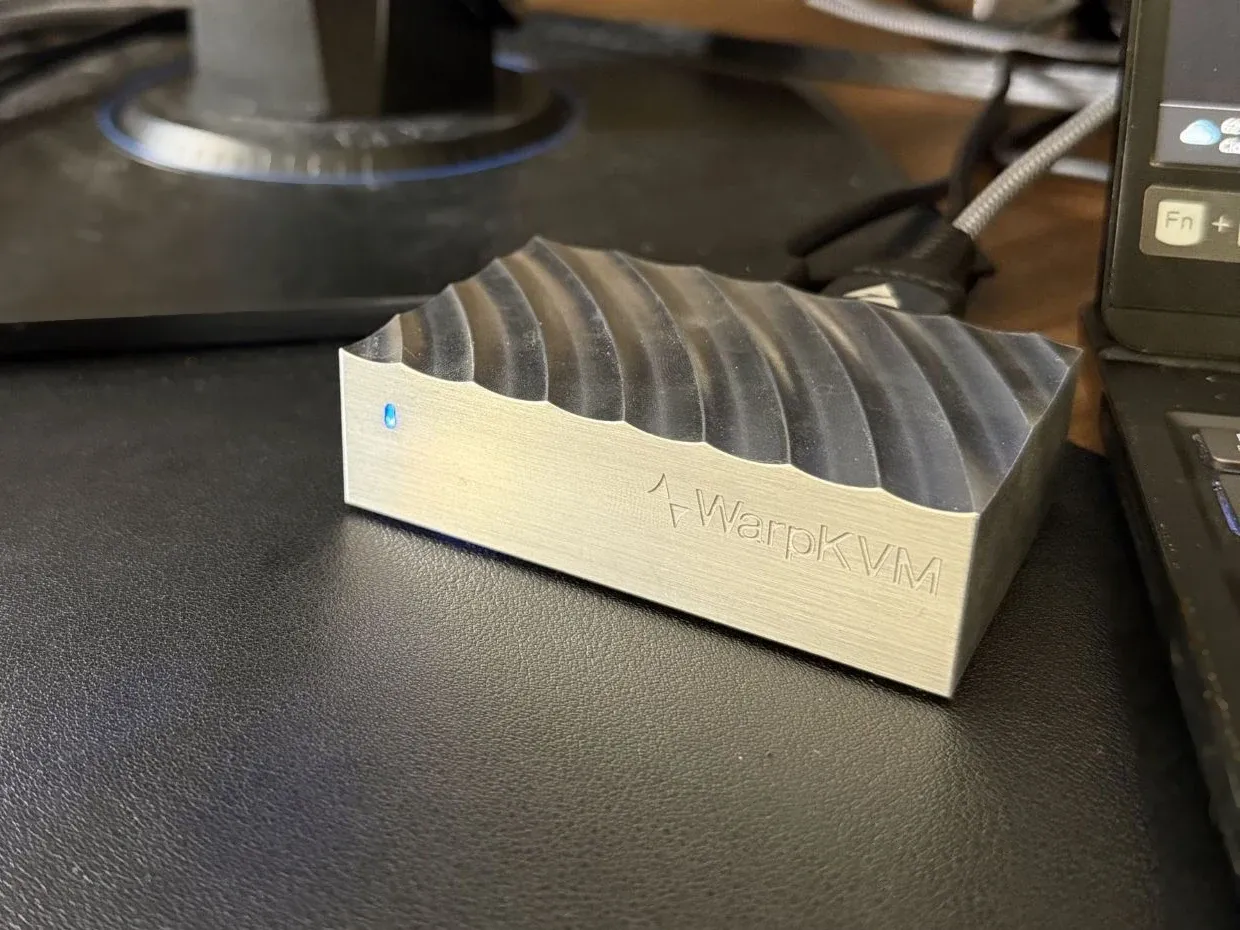
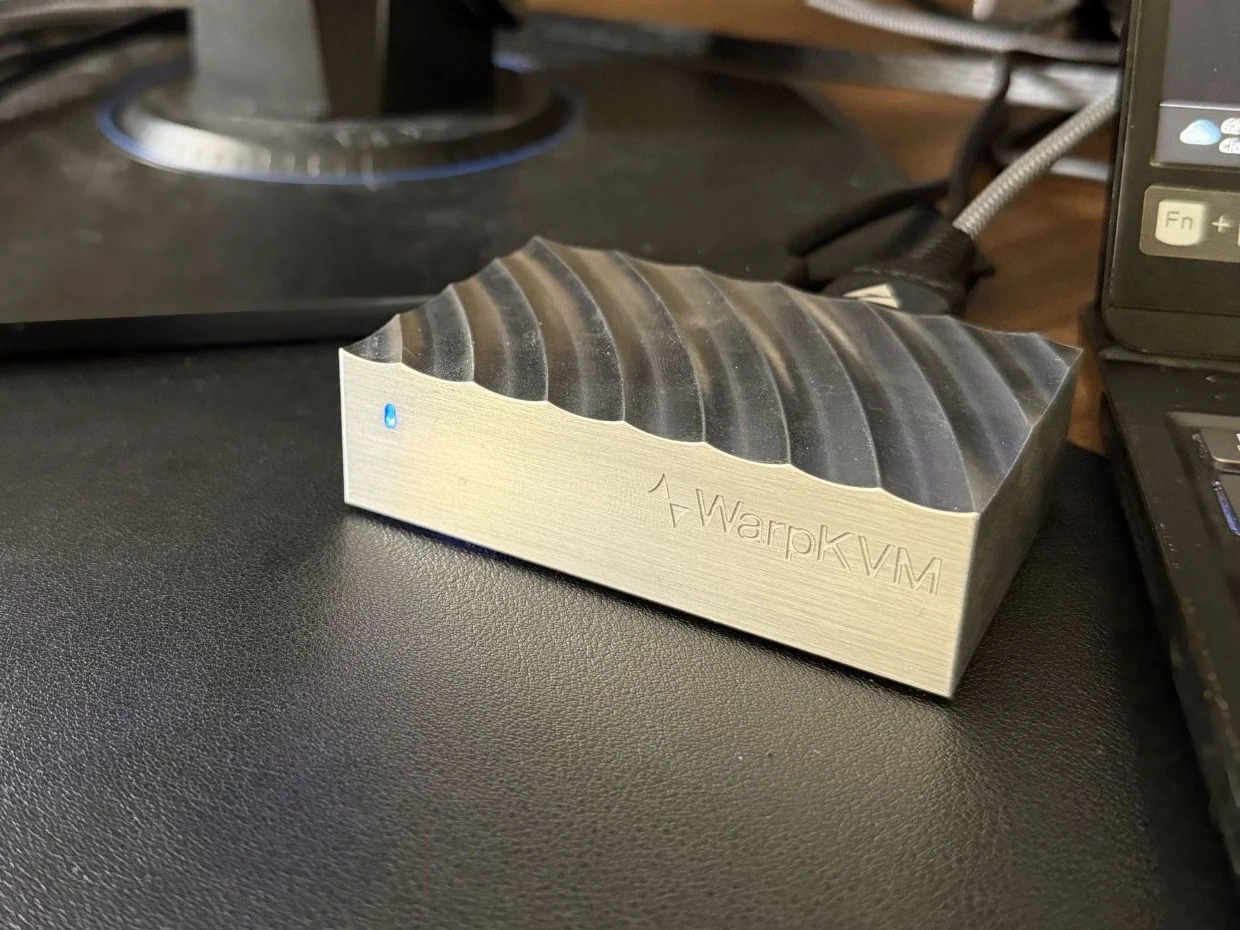
On the desk
1240 × 930 · JPG
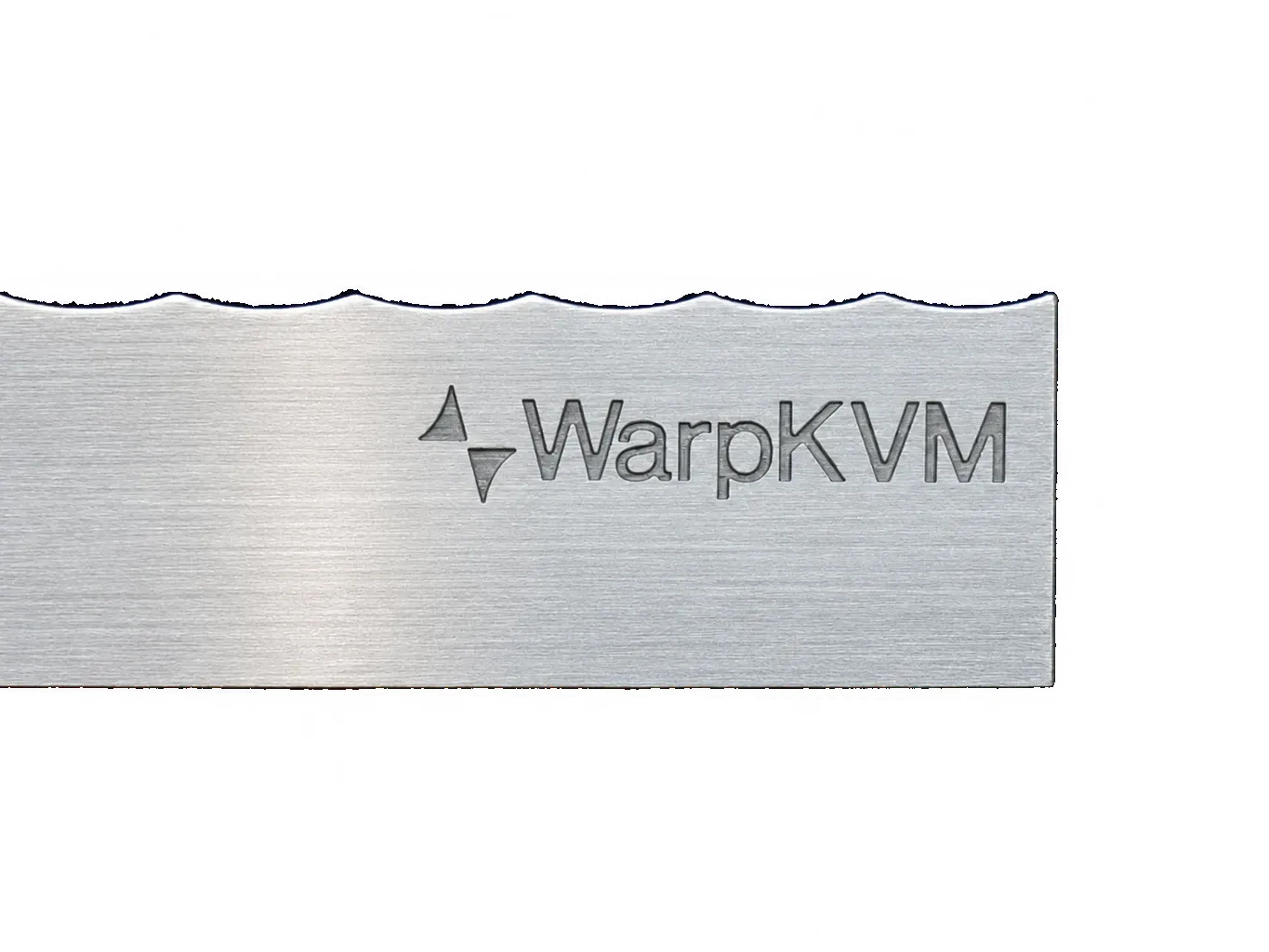
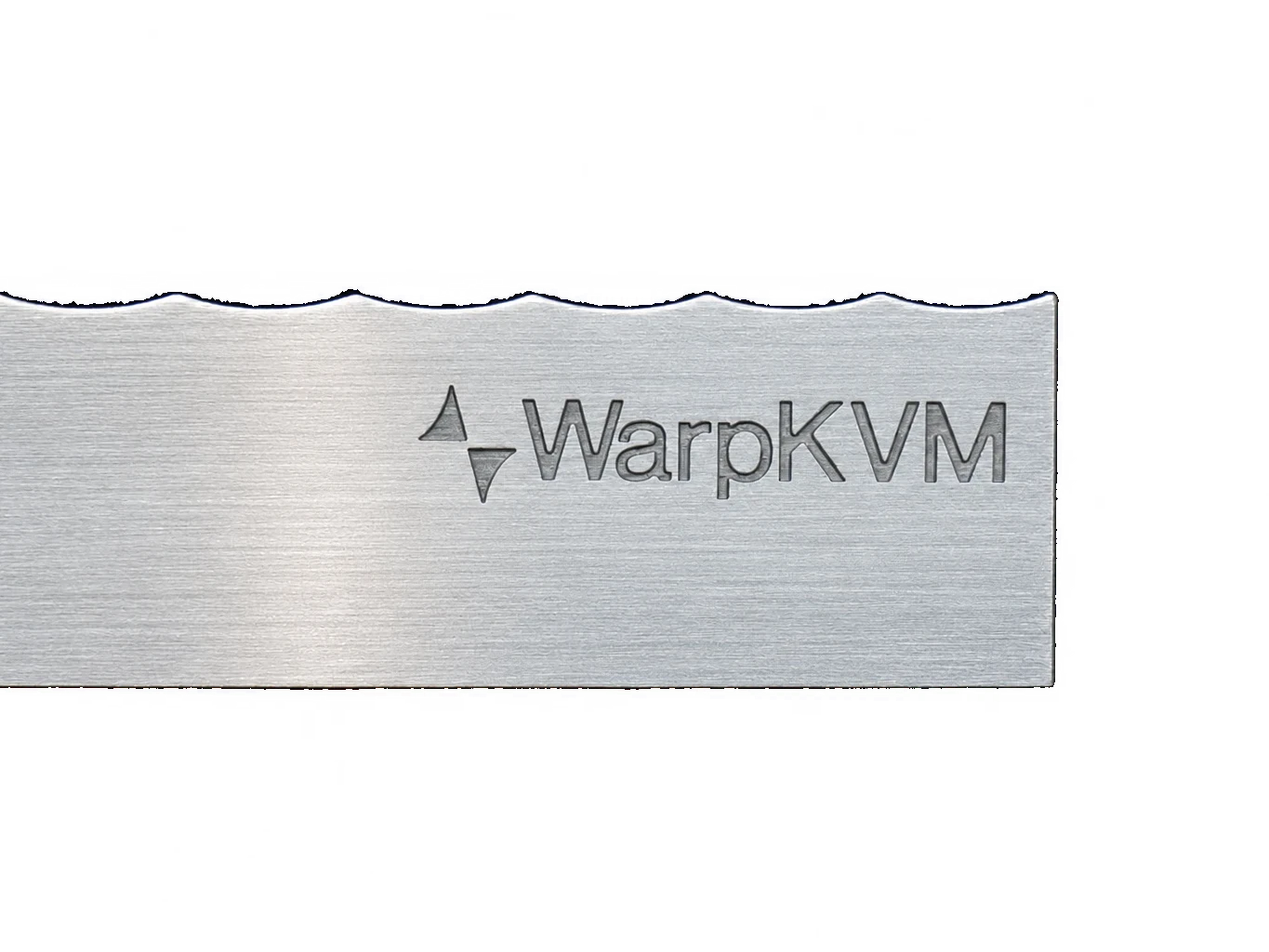
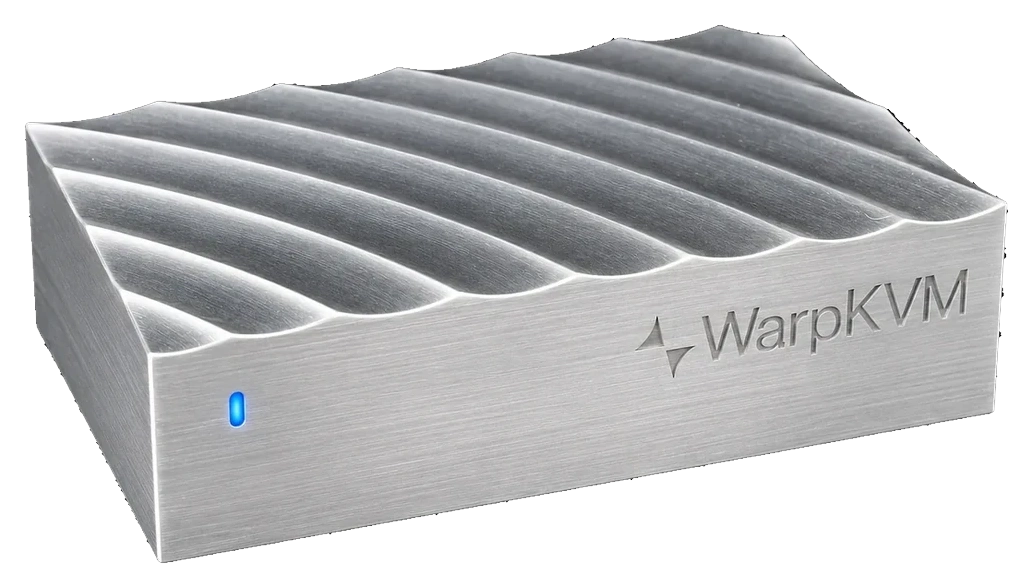
The engraving
1365 × 1024 · PNG · transparent
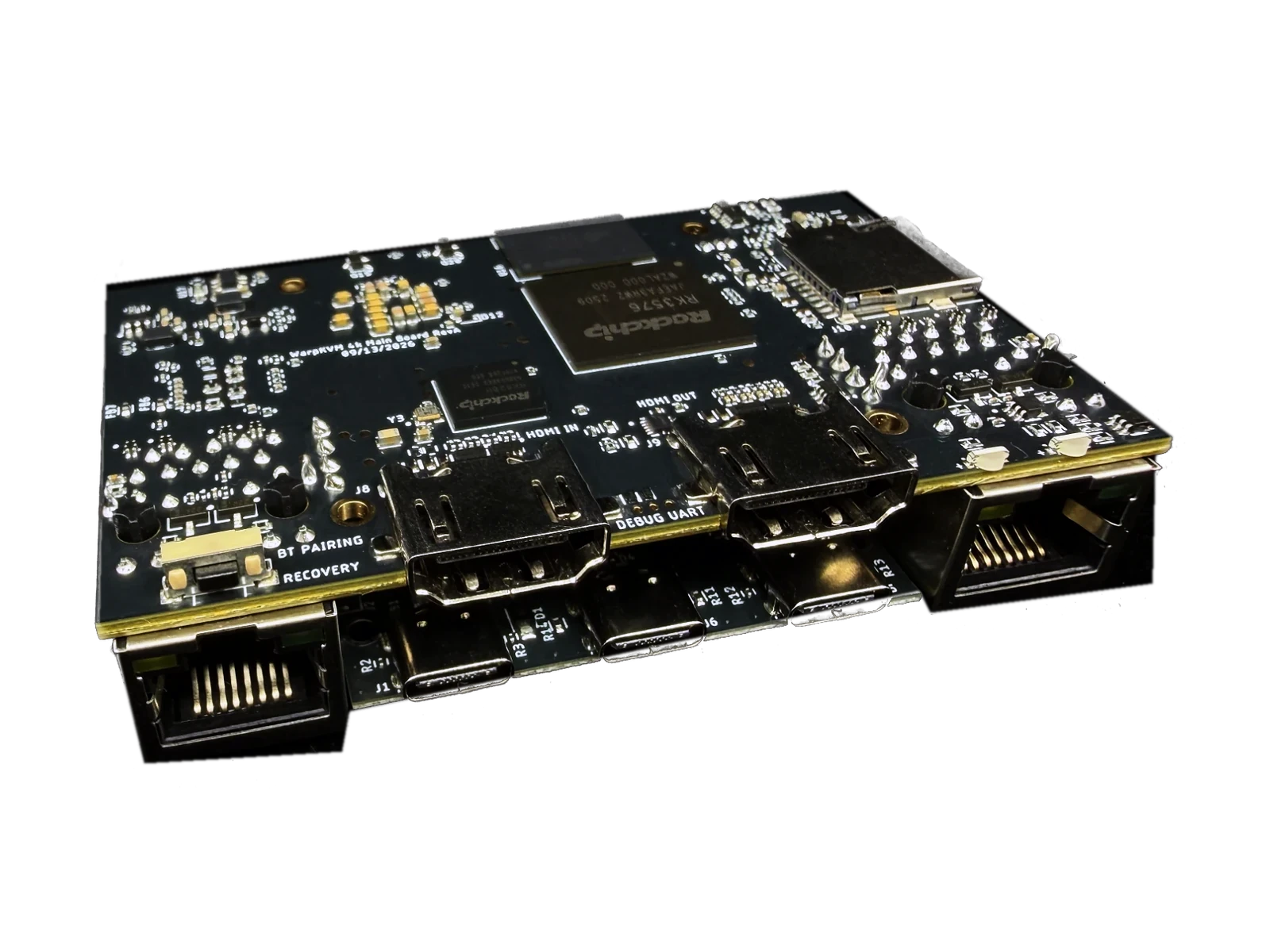
The mainboard
1600 × 1200 · PNG · transparent
The connector face
1536 × 1024 · JPG
Sec. 06 · Renders
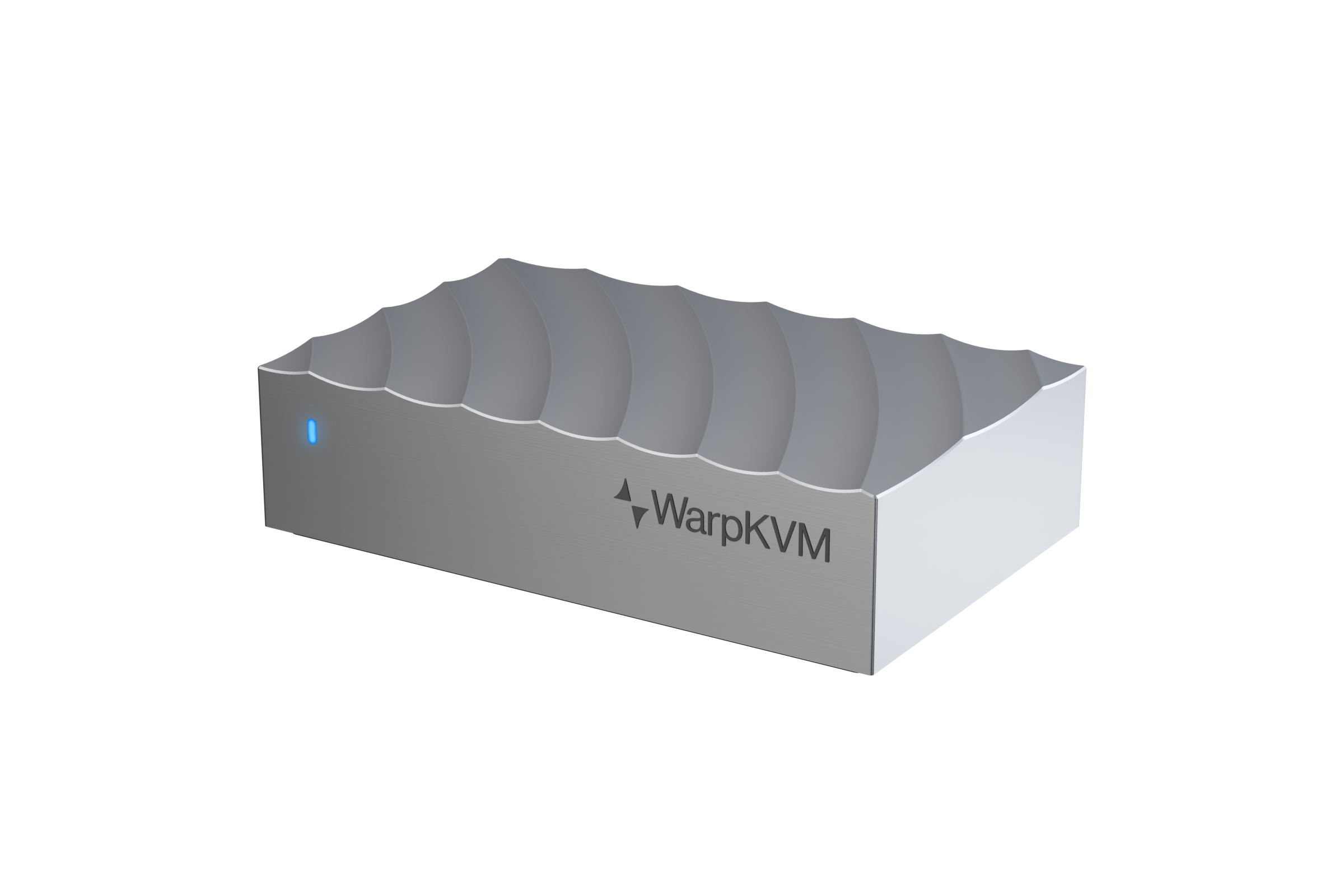
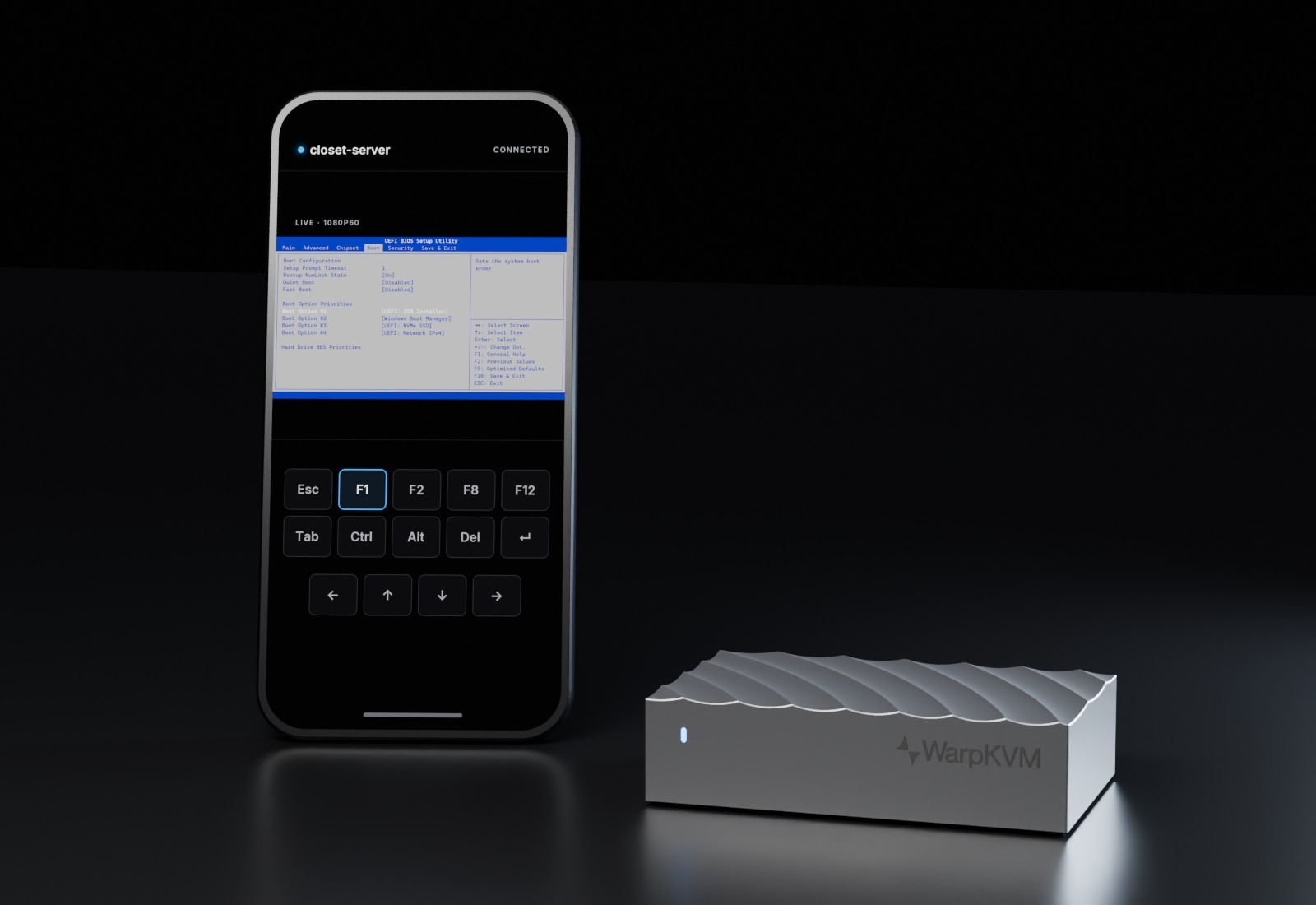
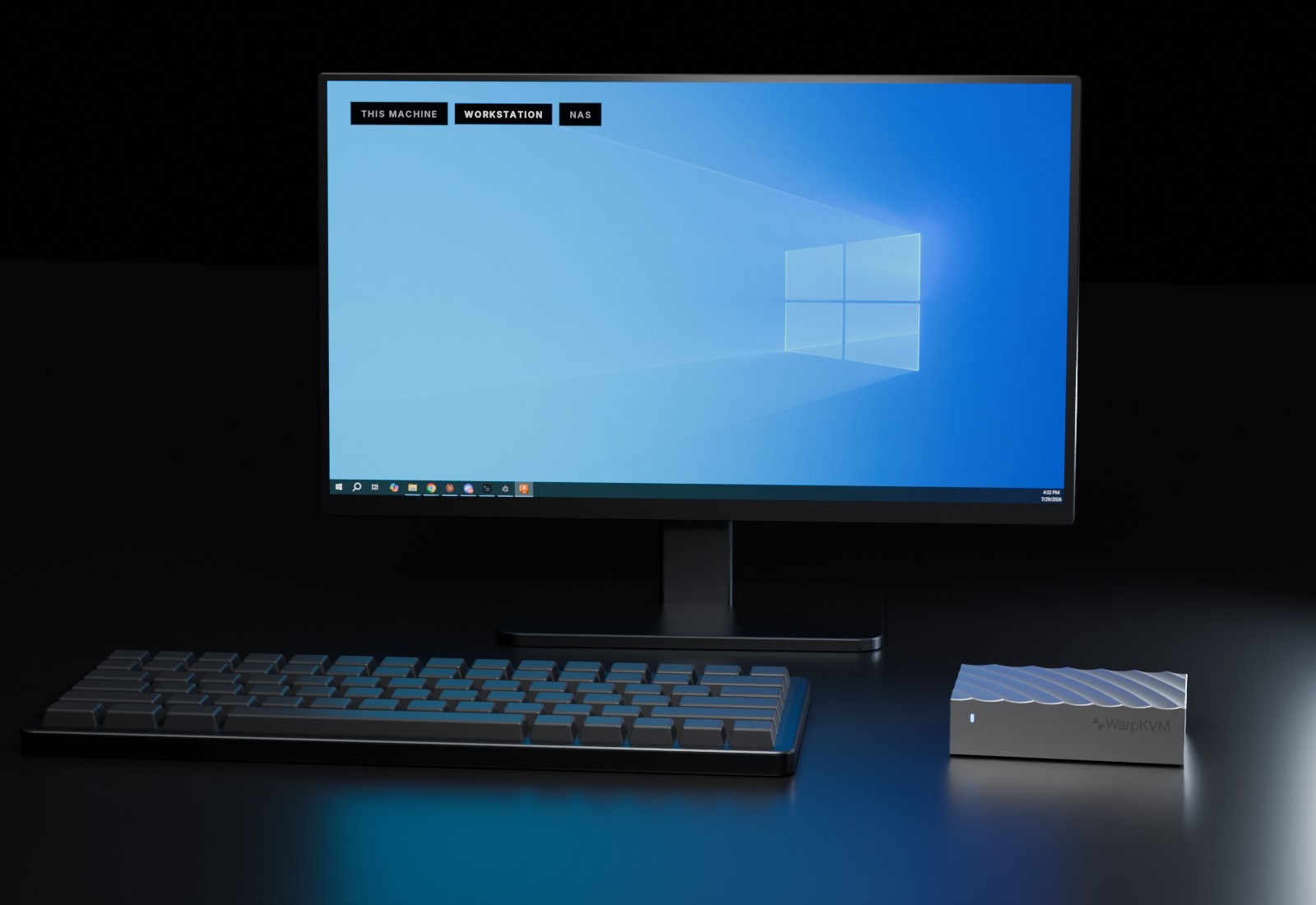
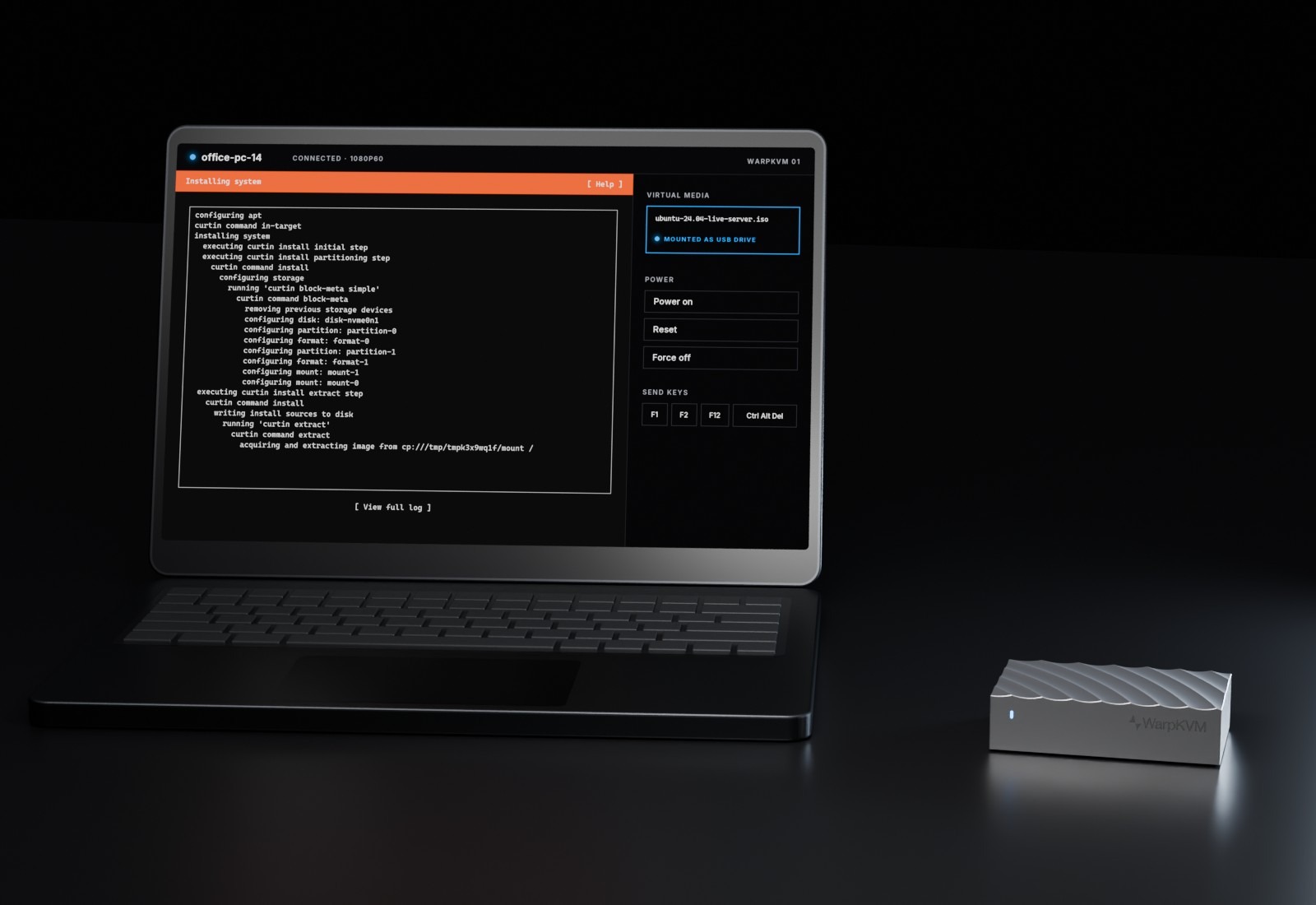
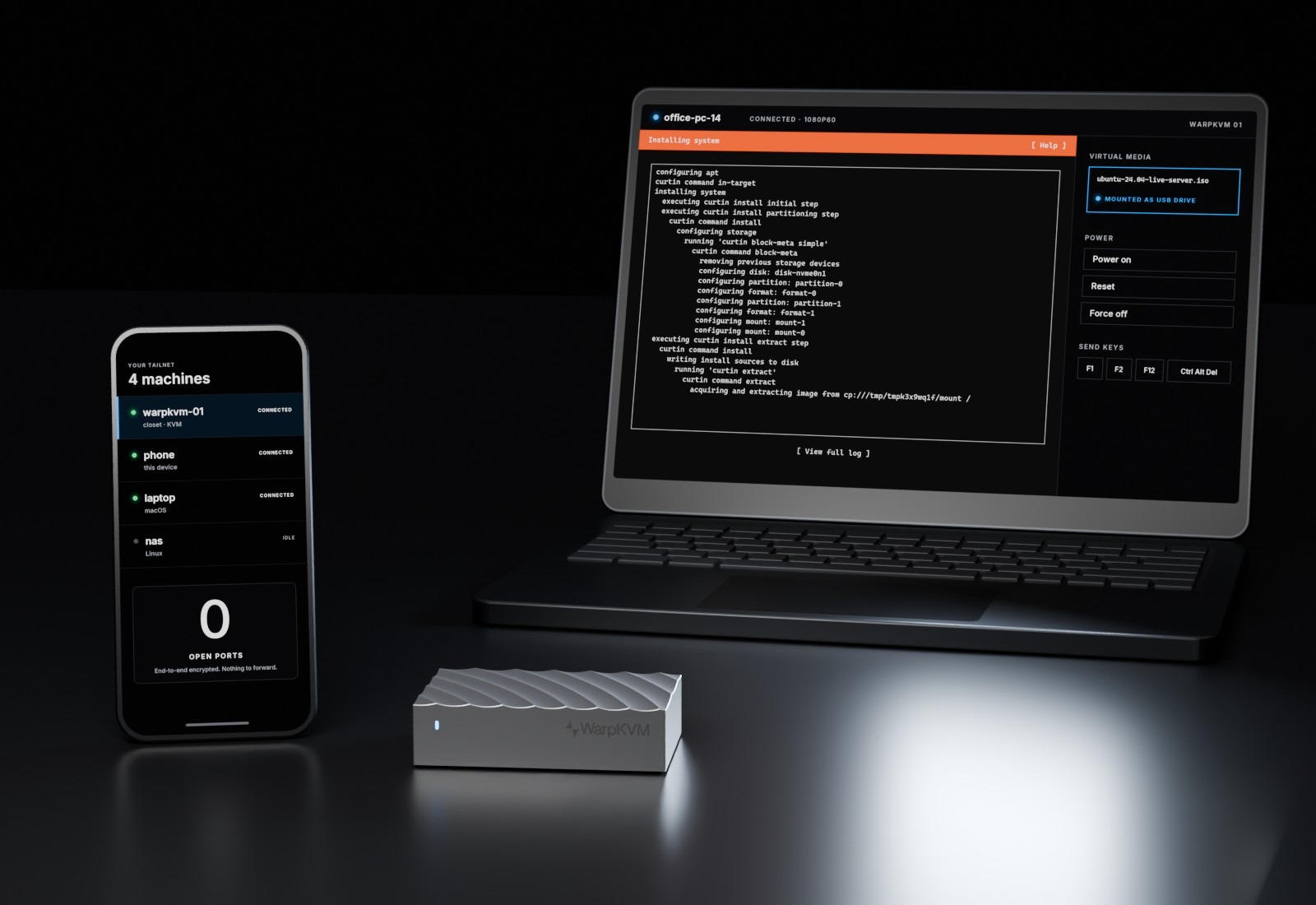
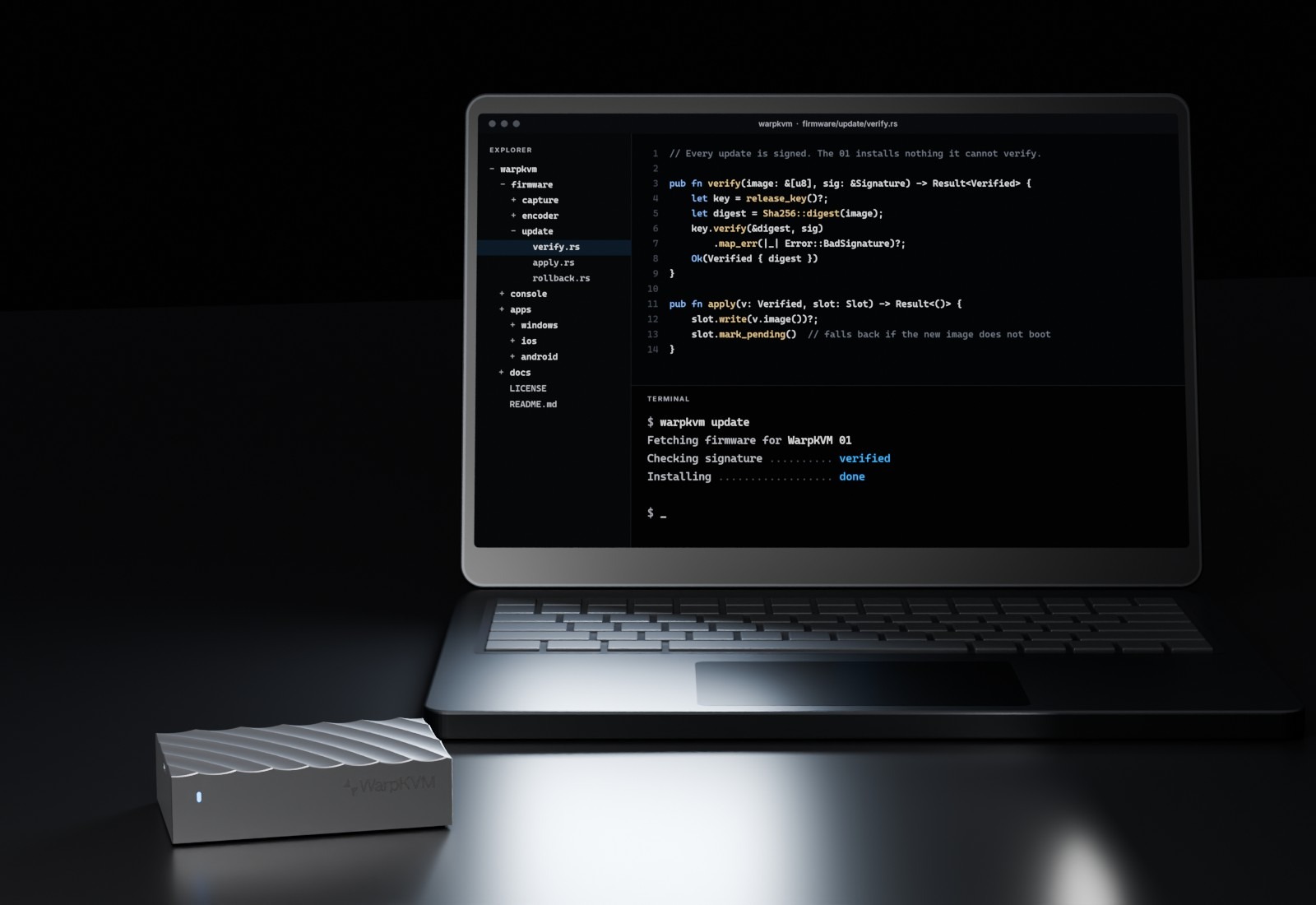
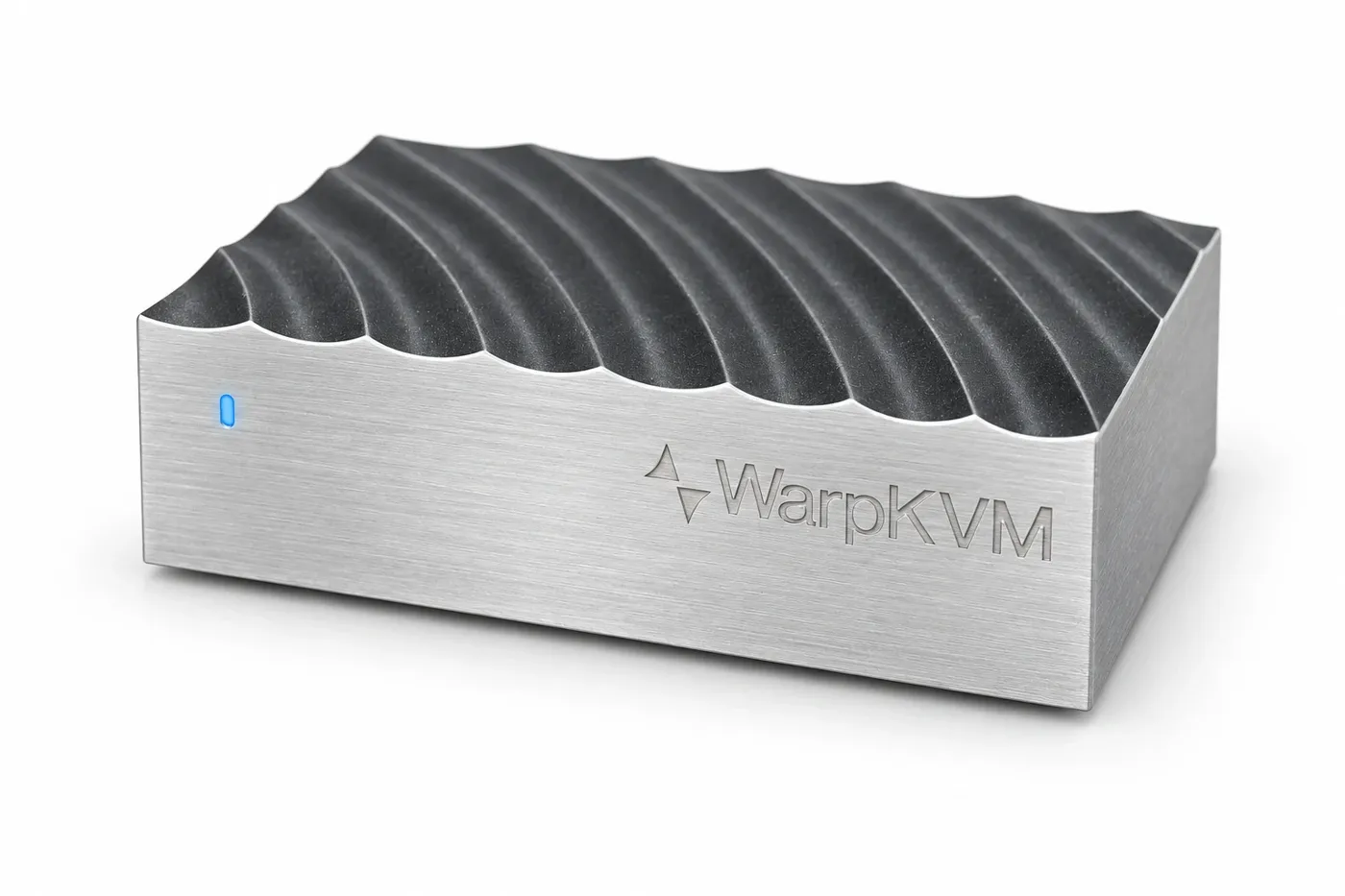
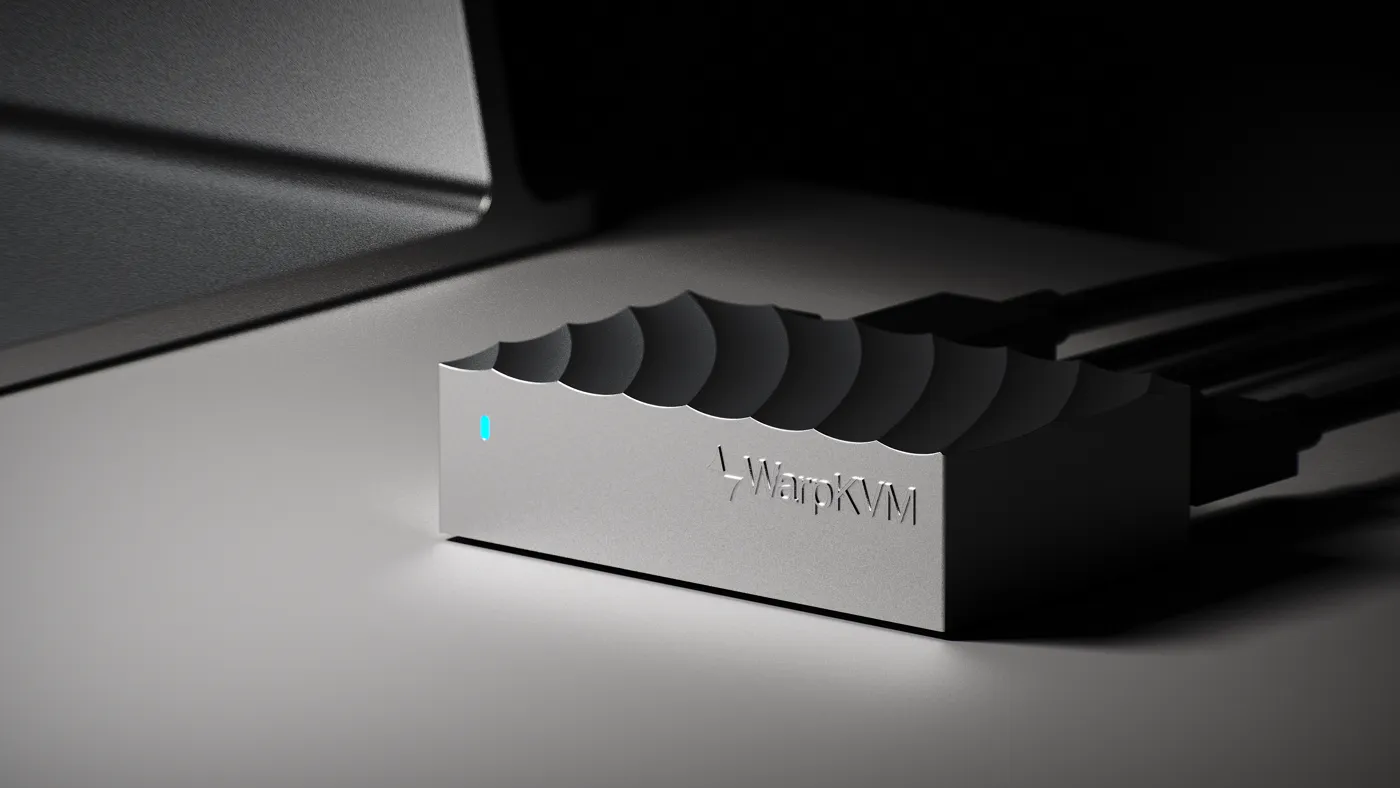
Rendered from the production design. Cut-outs are transparent PNGs for layouts on any background. The scenes show the 01 in use: on a desk, in a homelab rack, and on a phone.
Cut-out, blue status light
2400 × 1600 · PNG · transparent
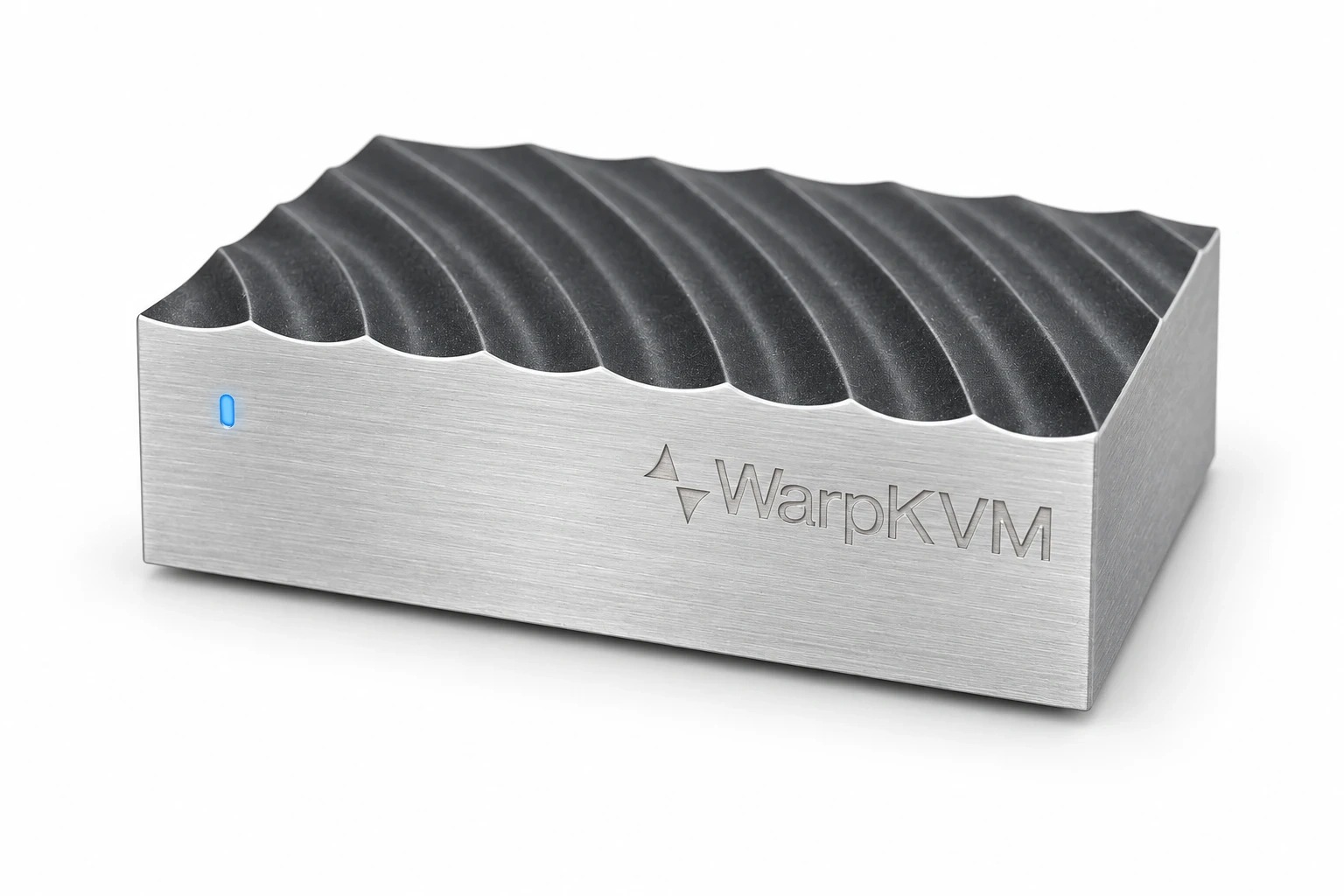
Studio, white
1536 × 1024 · JPG
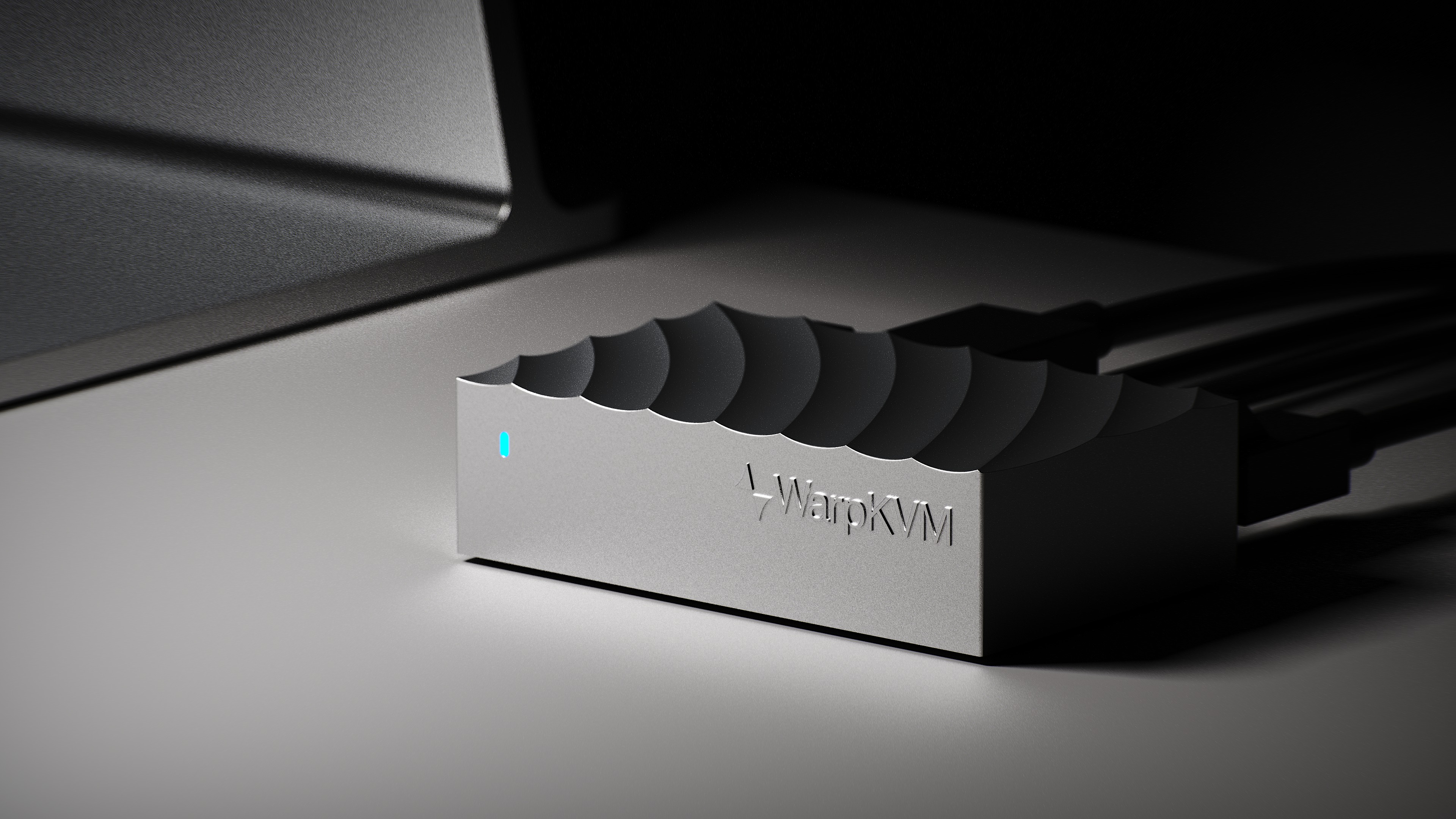
On the desk
3840 × 2160 · JPG
In the box
1600 × 1000 · JPG
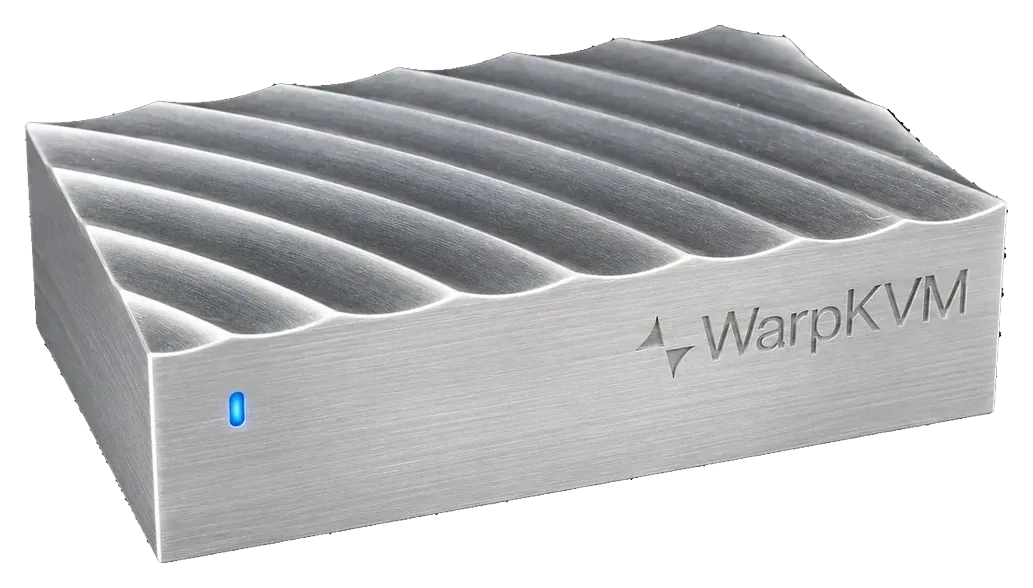
Cut-out, low light
1033 × 588 · PNG · transparent
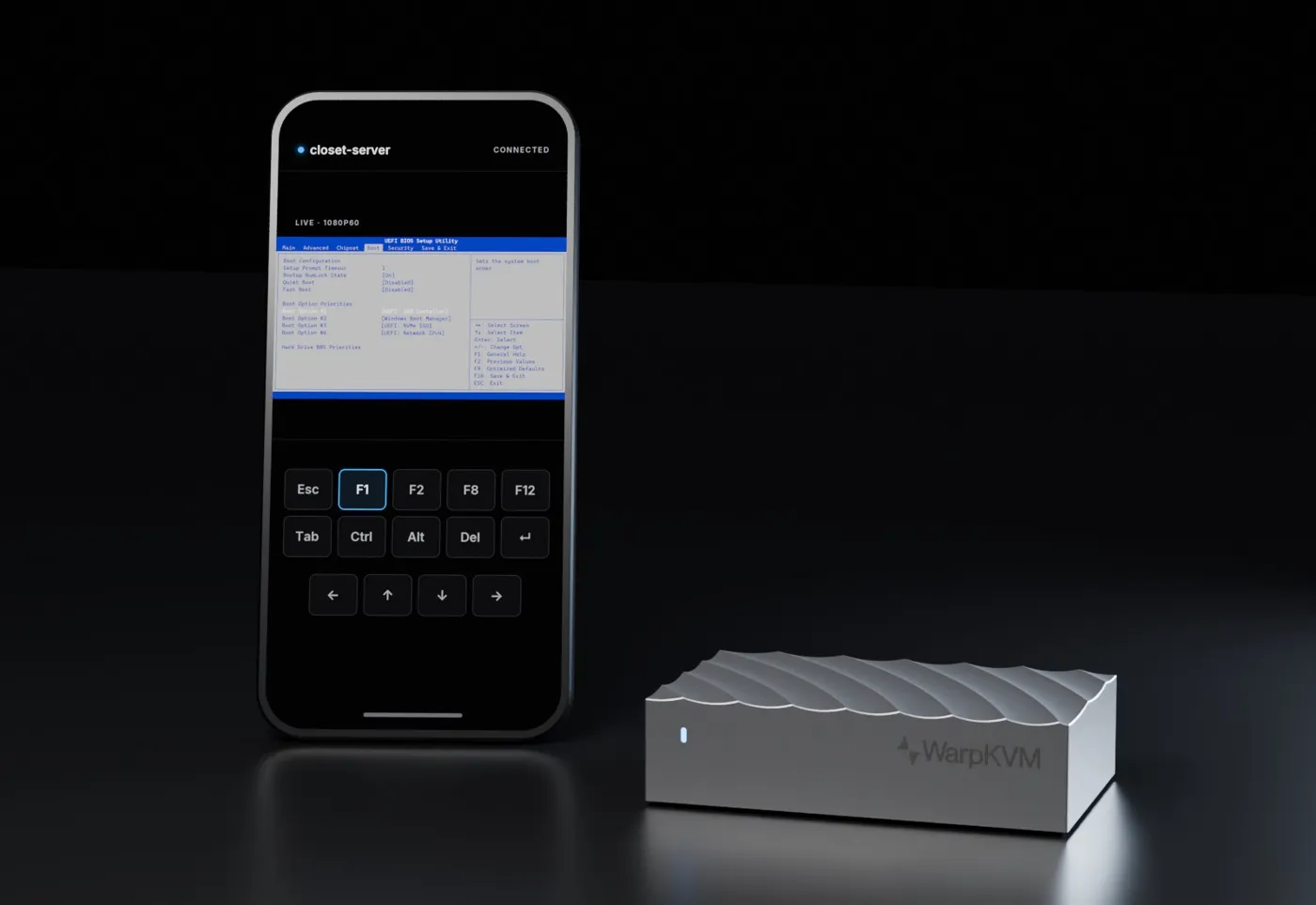
Scene · homelab
1600 × 1100 · JPG
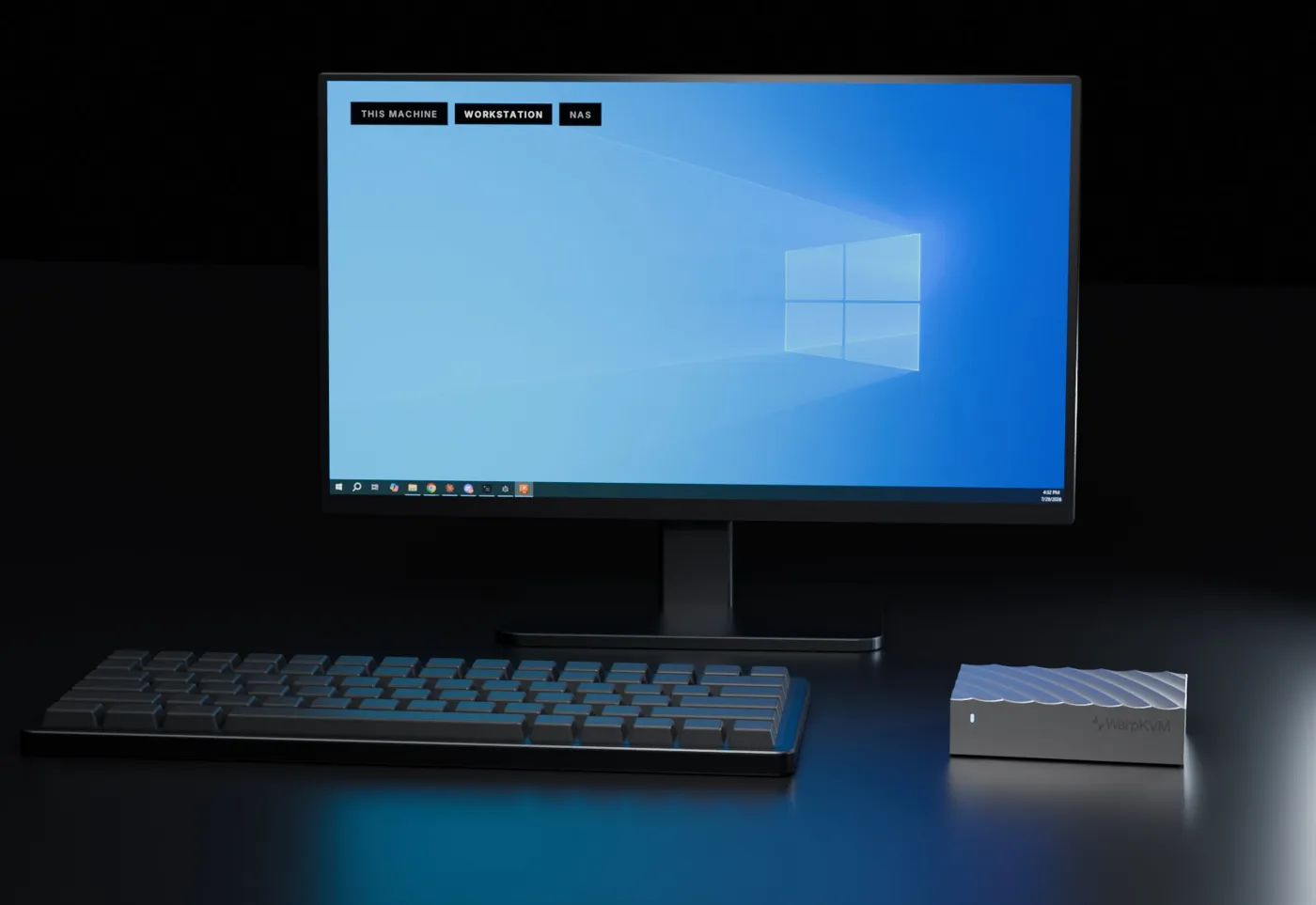
Scene · the console
1600 × 1100 · JPG
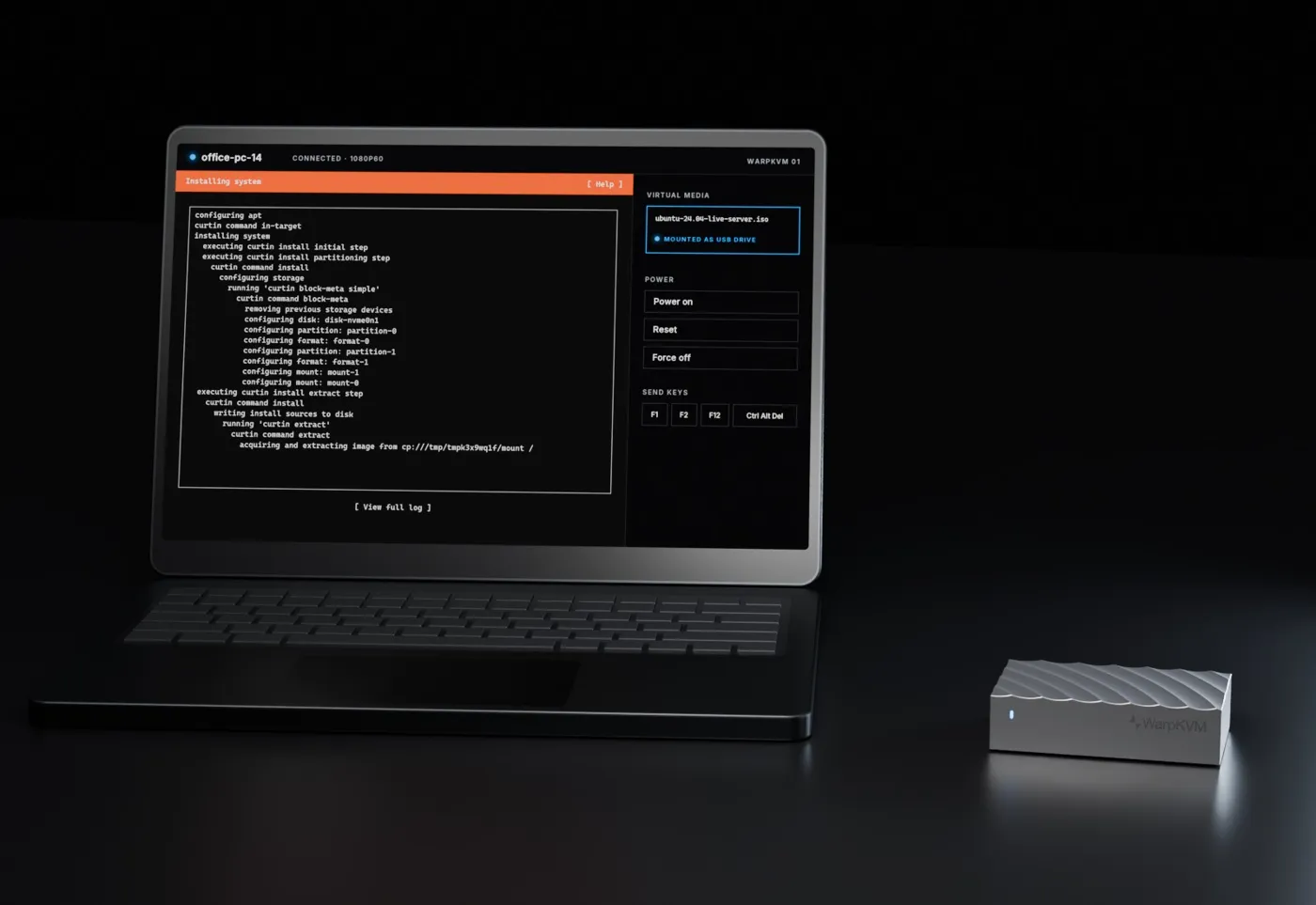
Scene · remote
1600 × 1100 · JPG
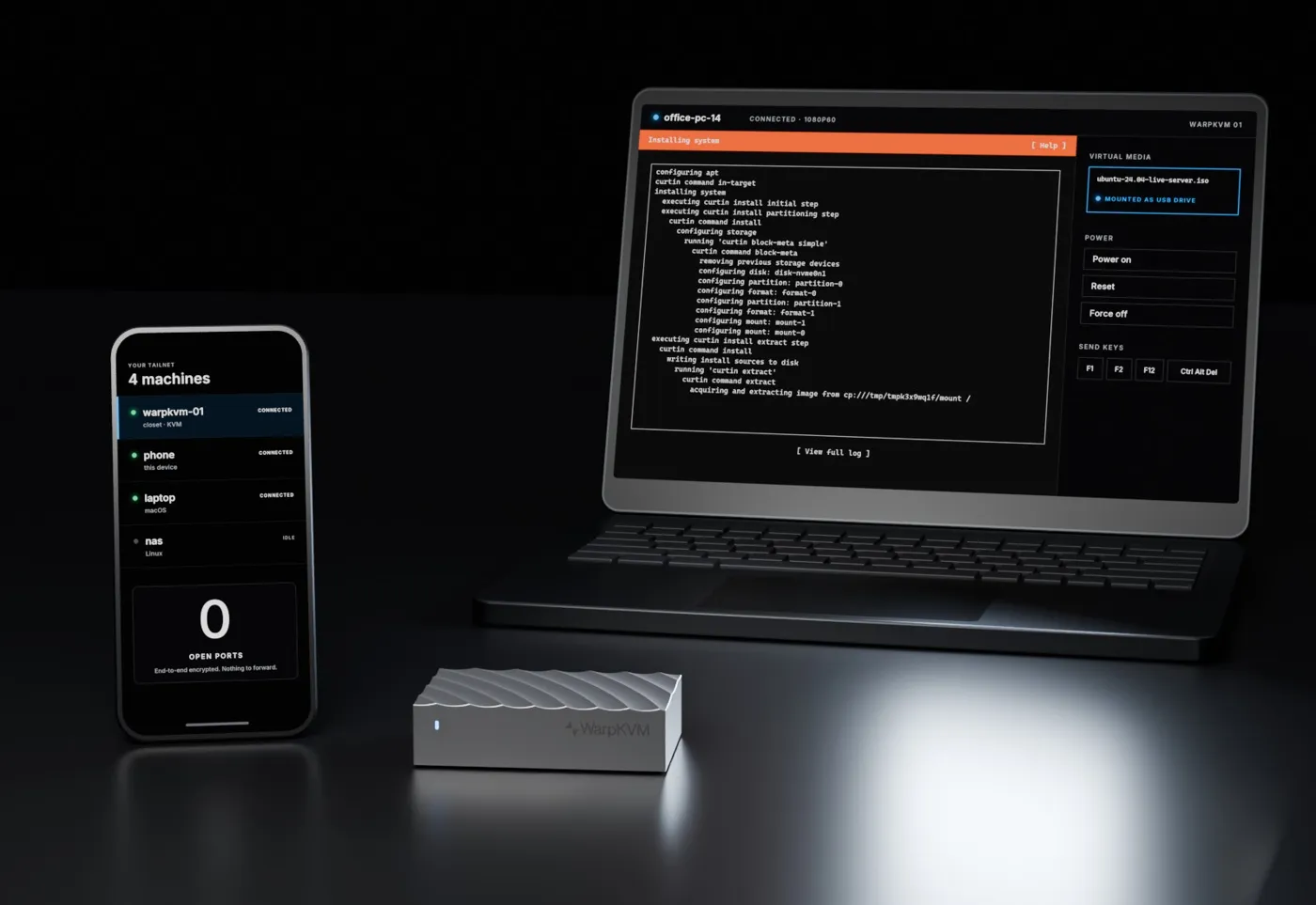
Scene · laptop and phone
1600 × 1100 · JPG
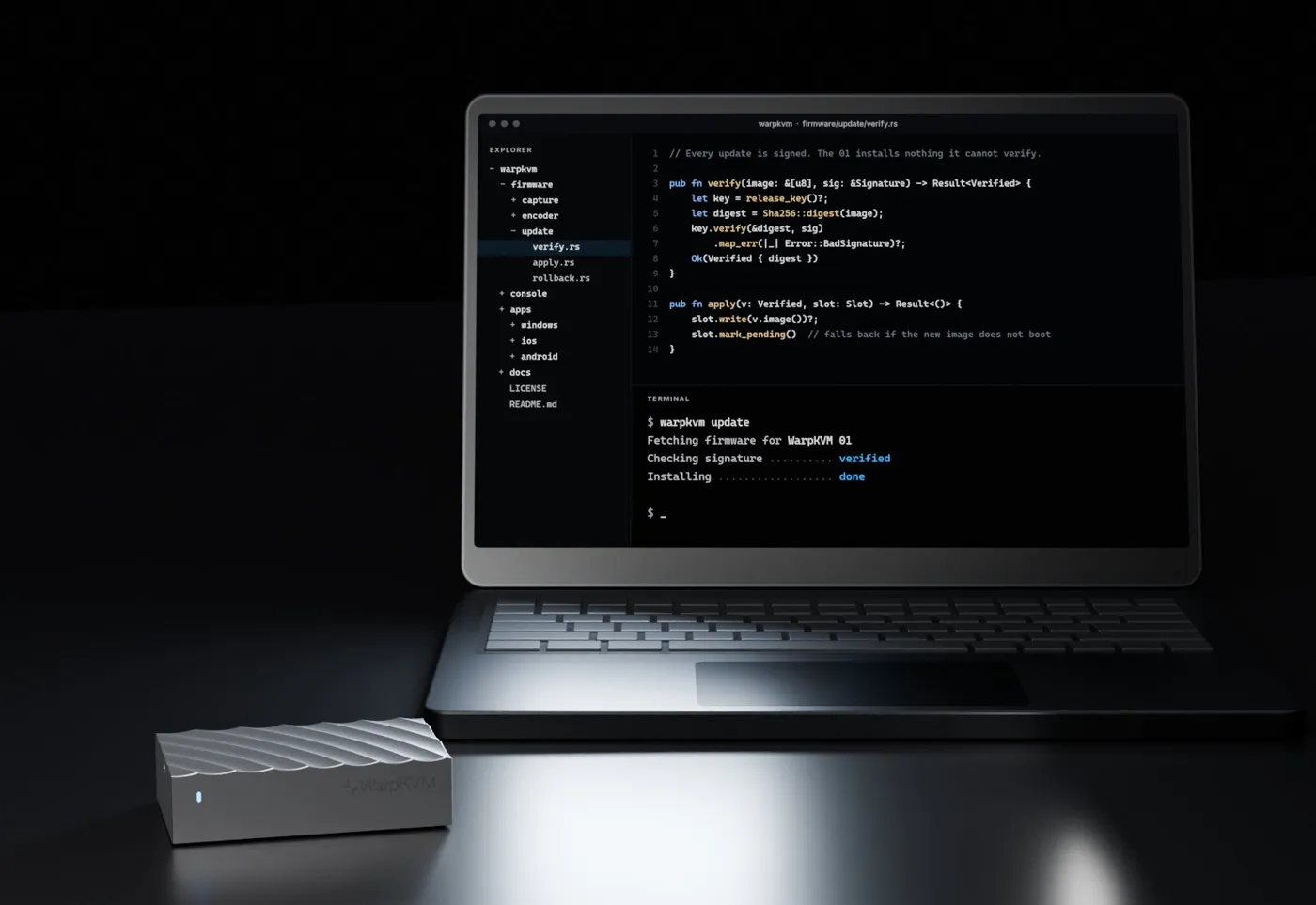
Scene · open source
1600 × 1100 · JPG
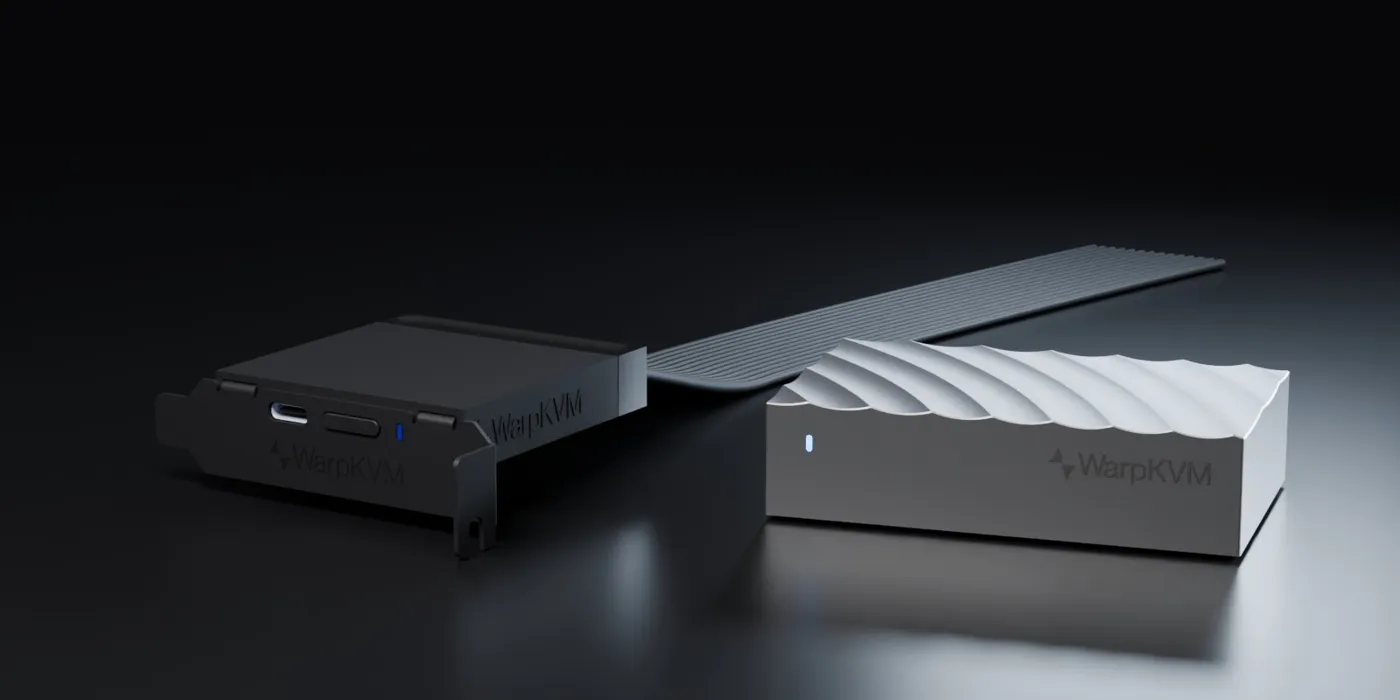
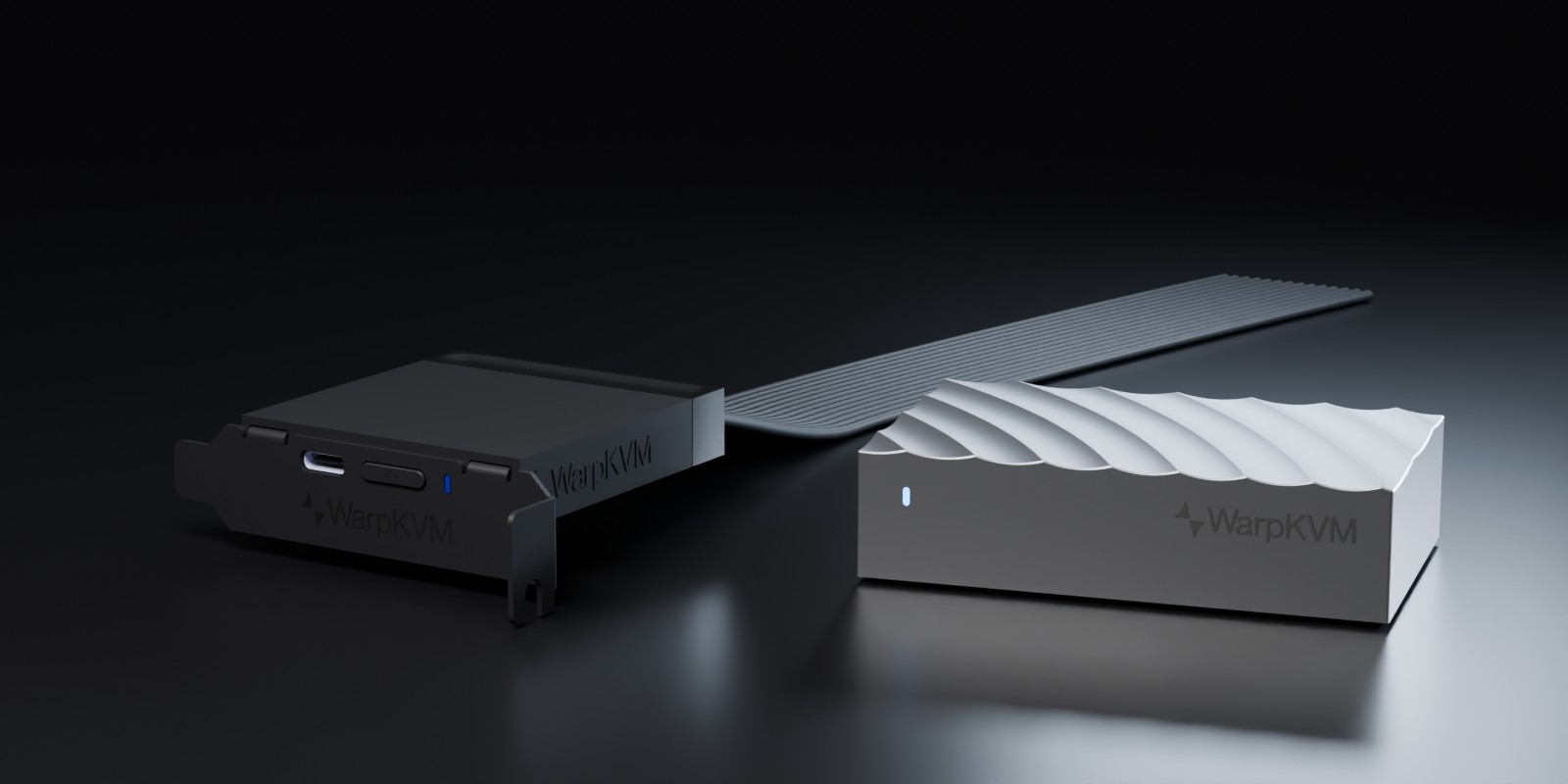
Scene · 01 and ATX card
1600 × 800 · JPG
Sec. 07 · Campaign
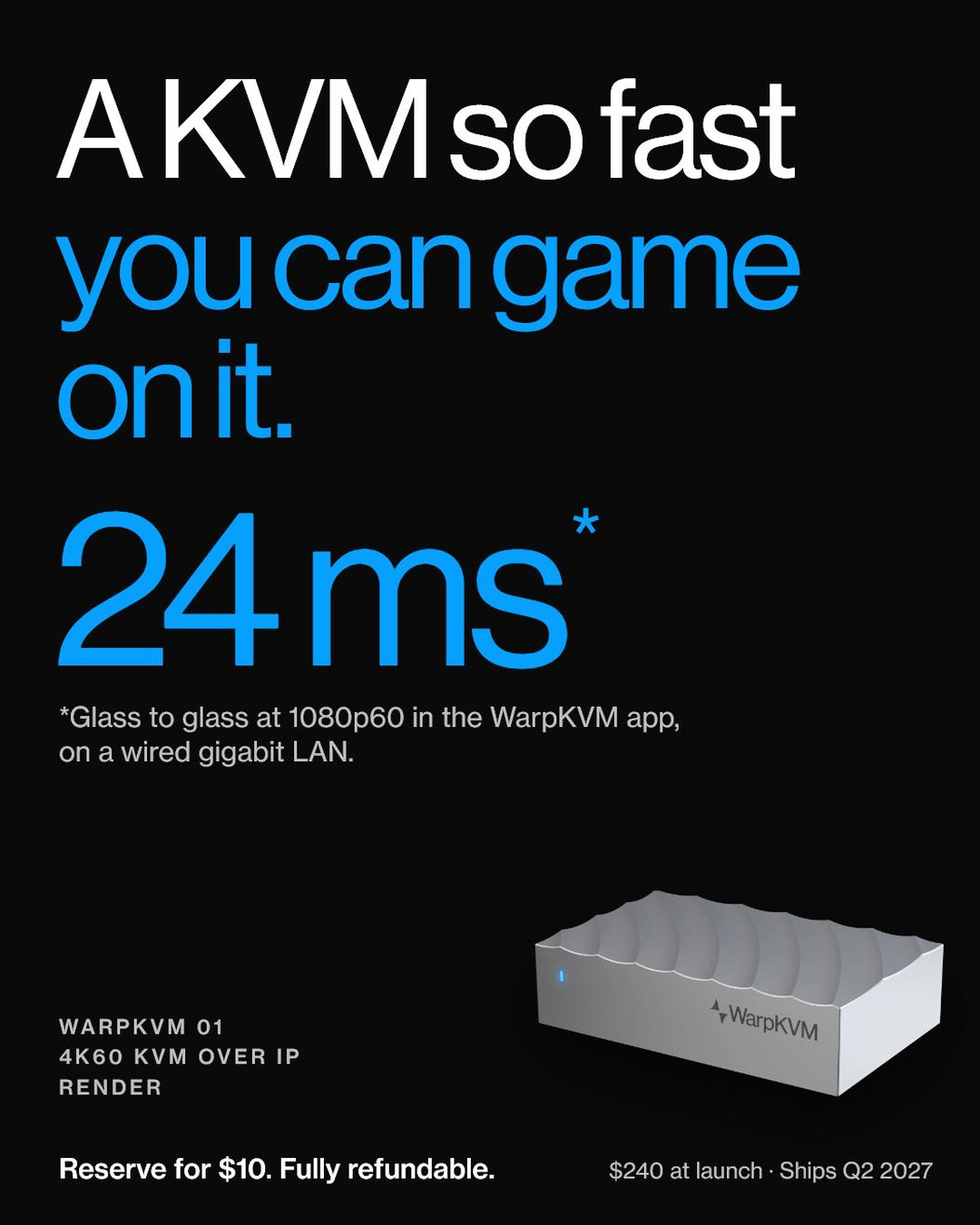
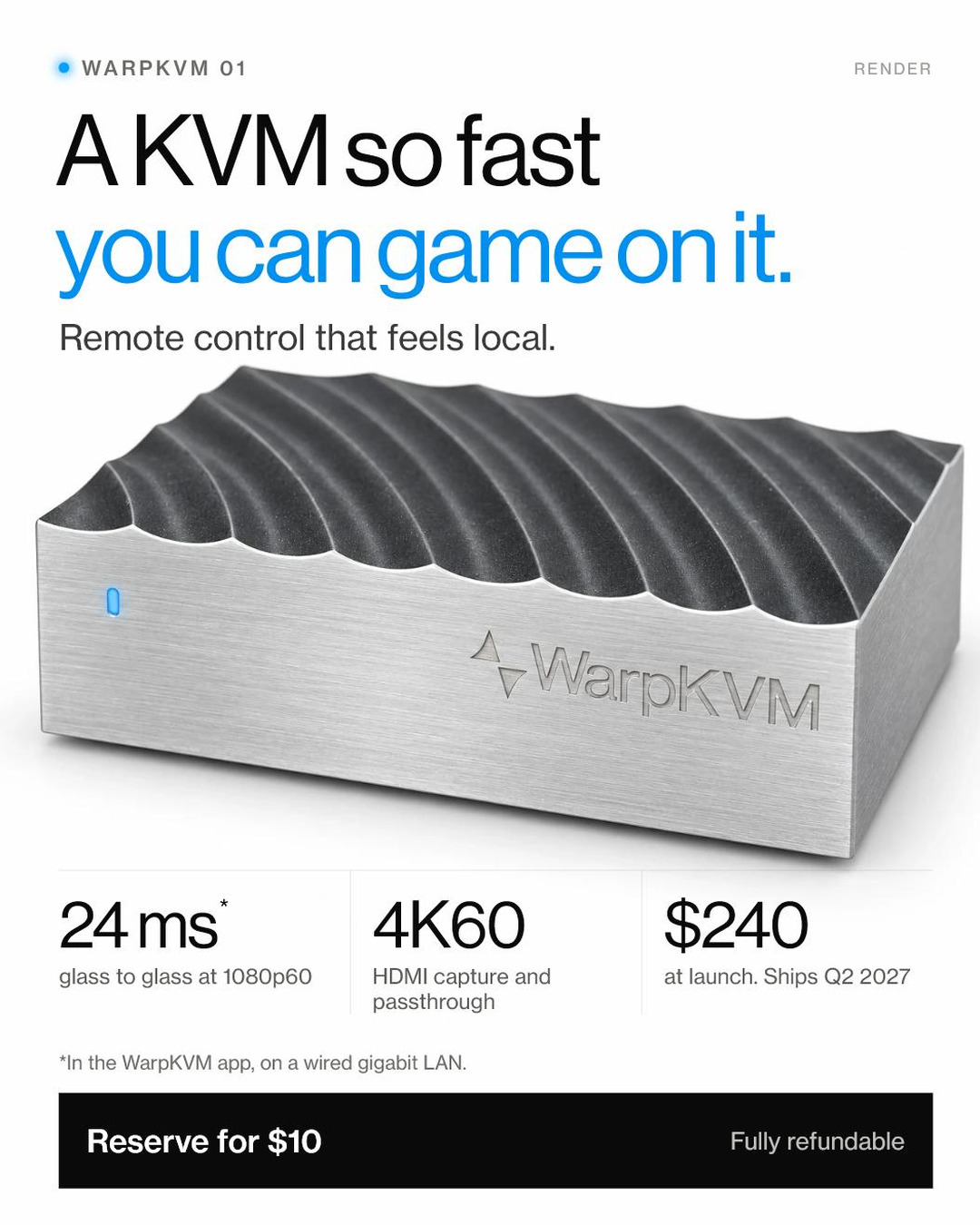
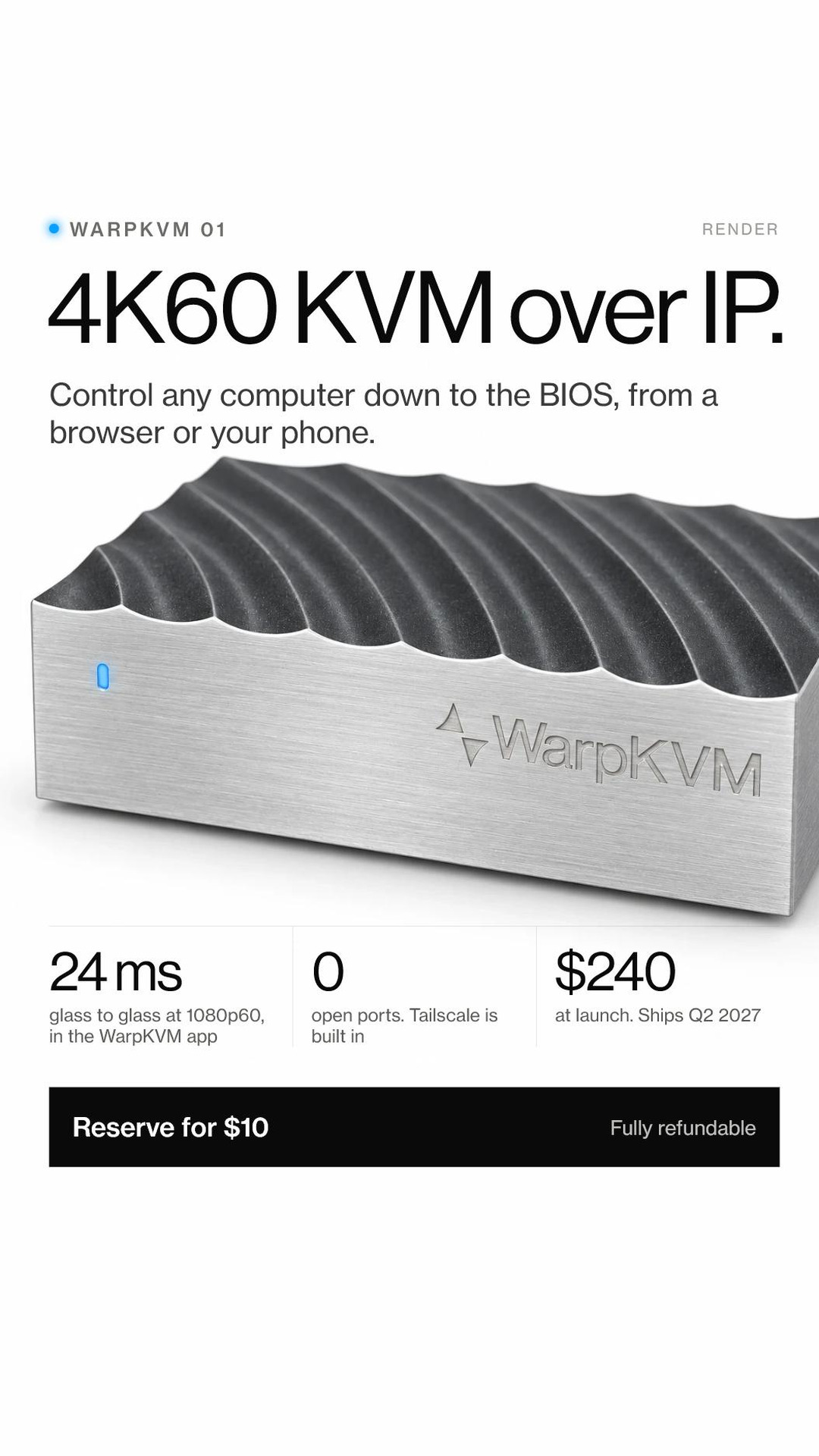
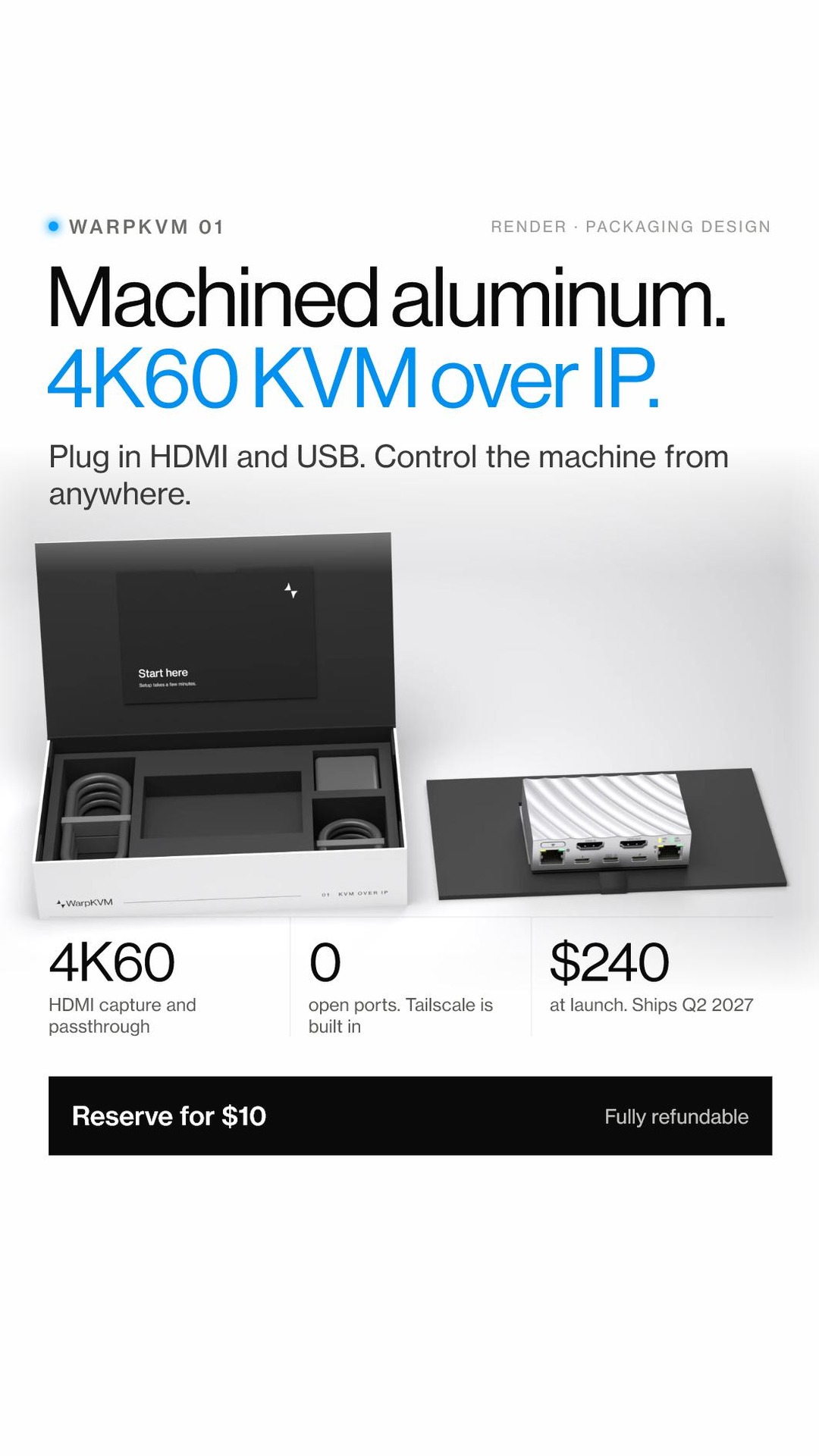
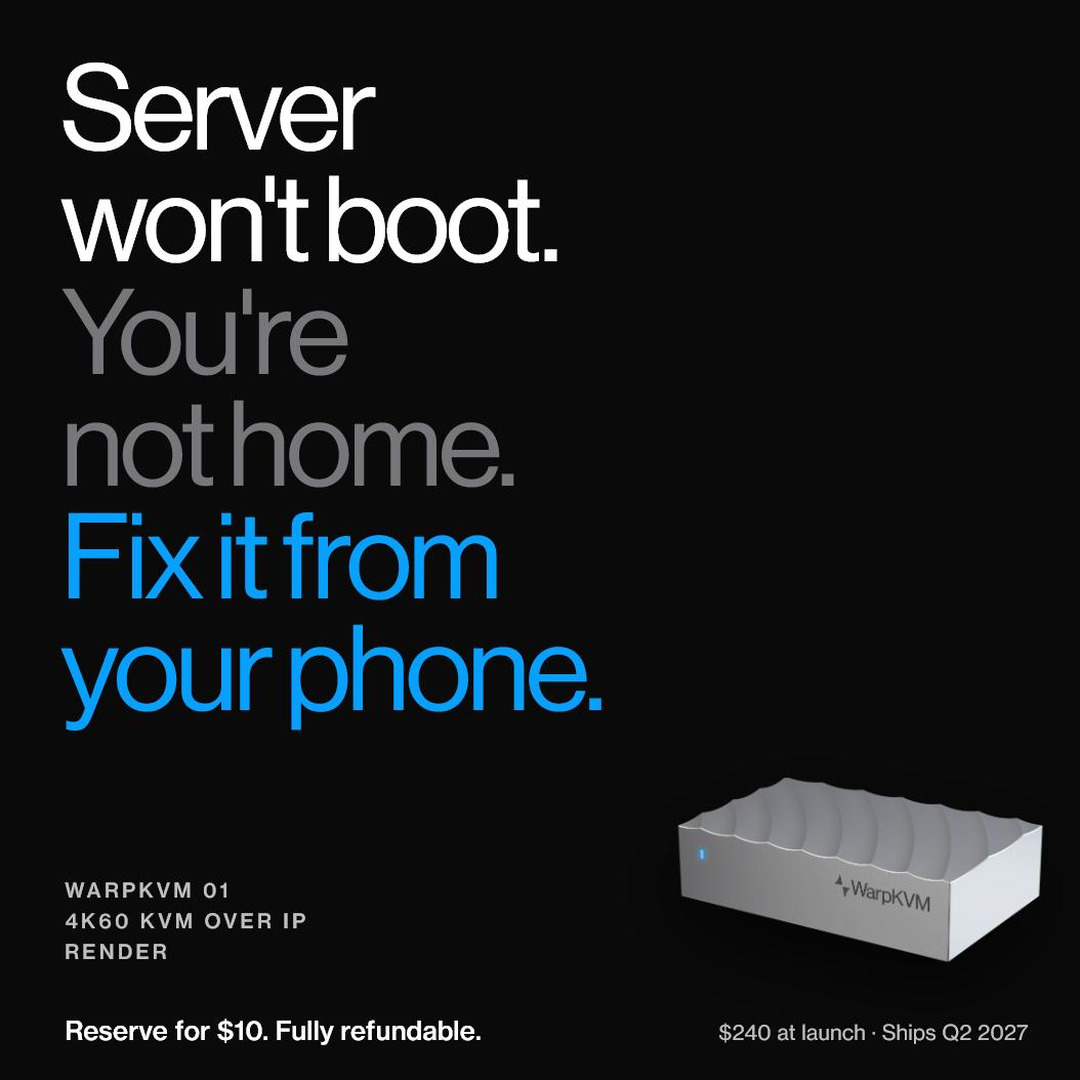
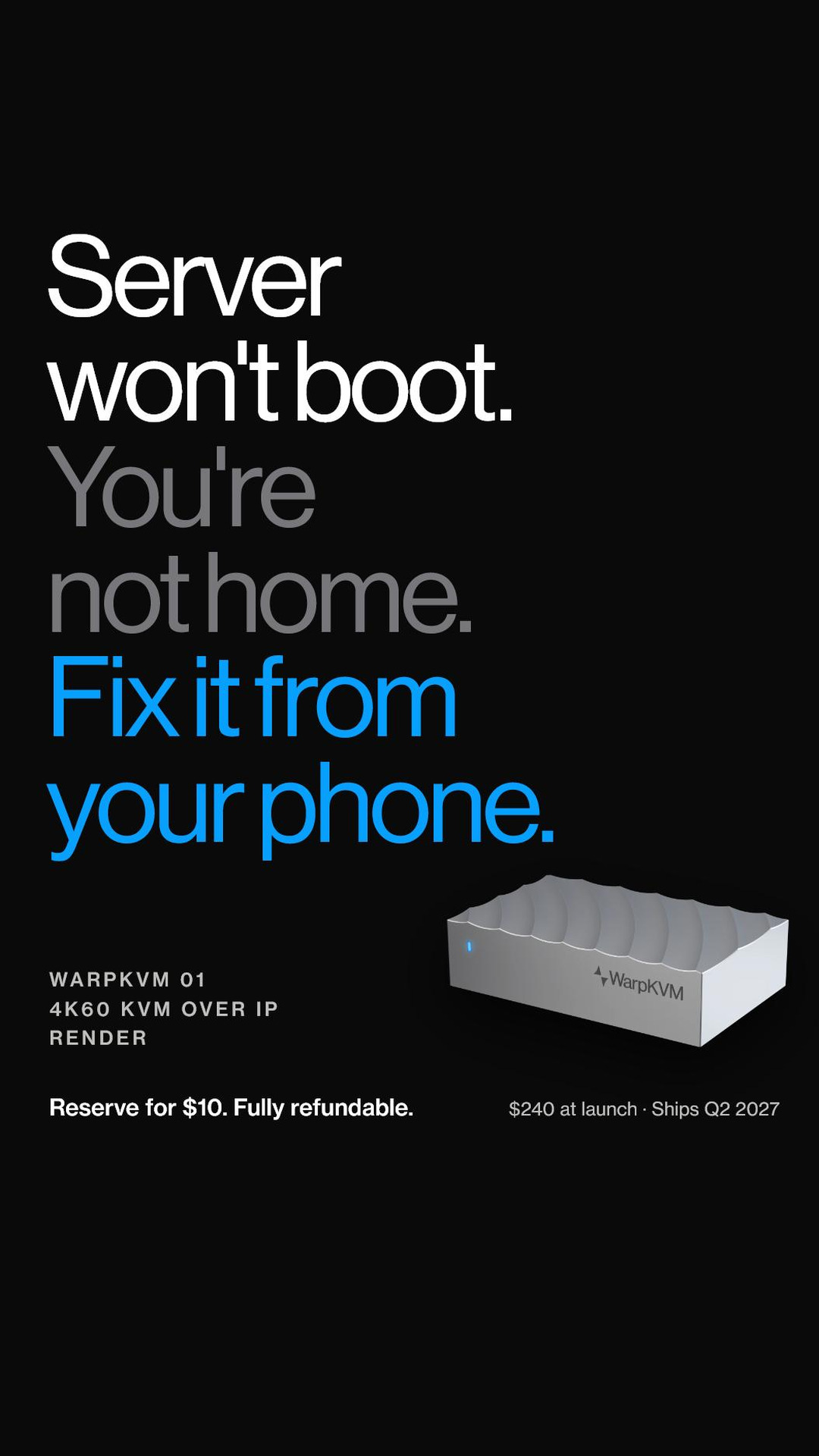
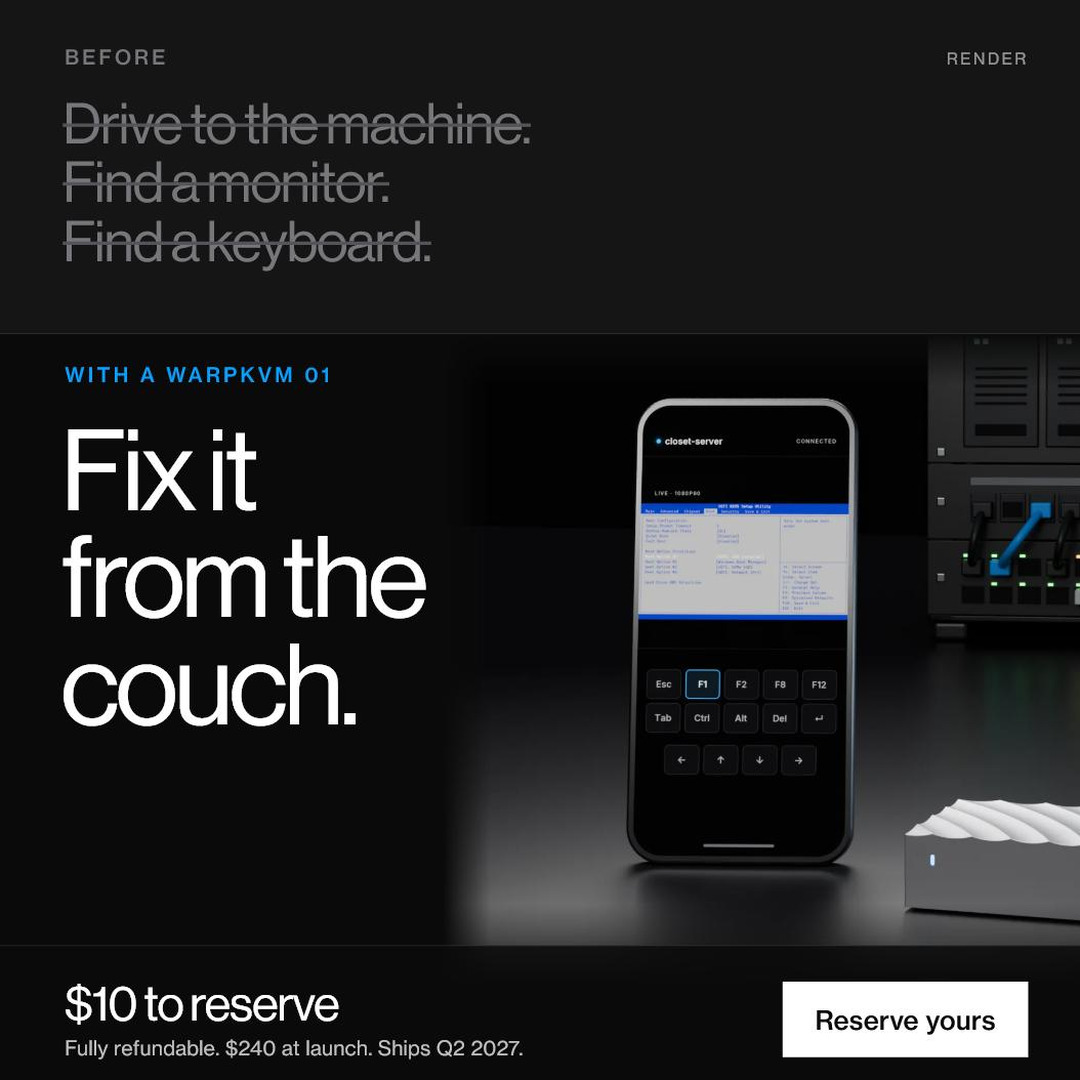
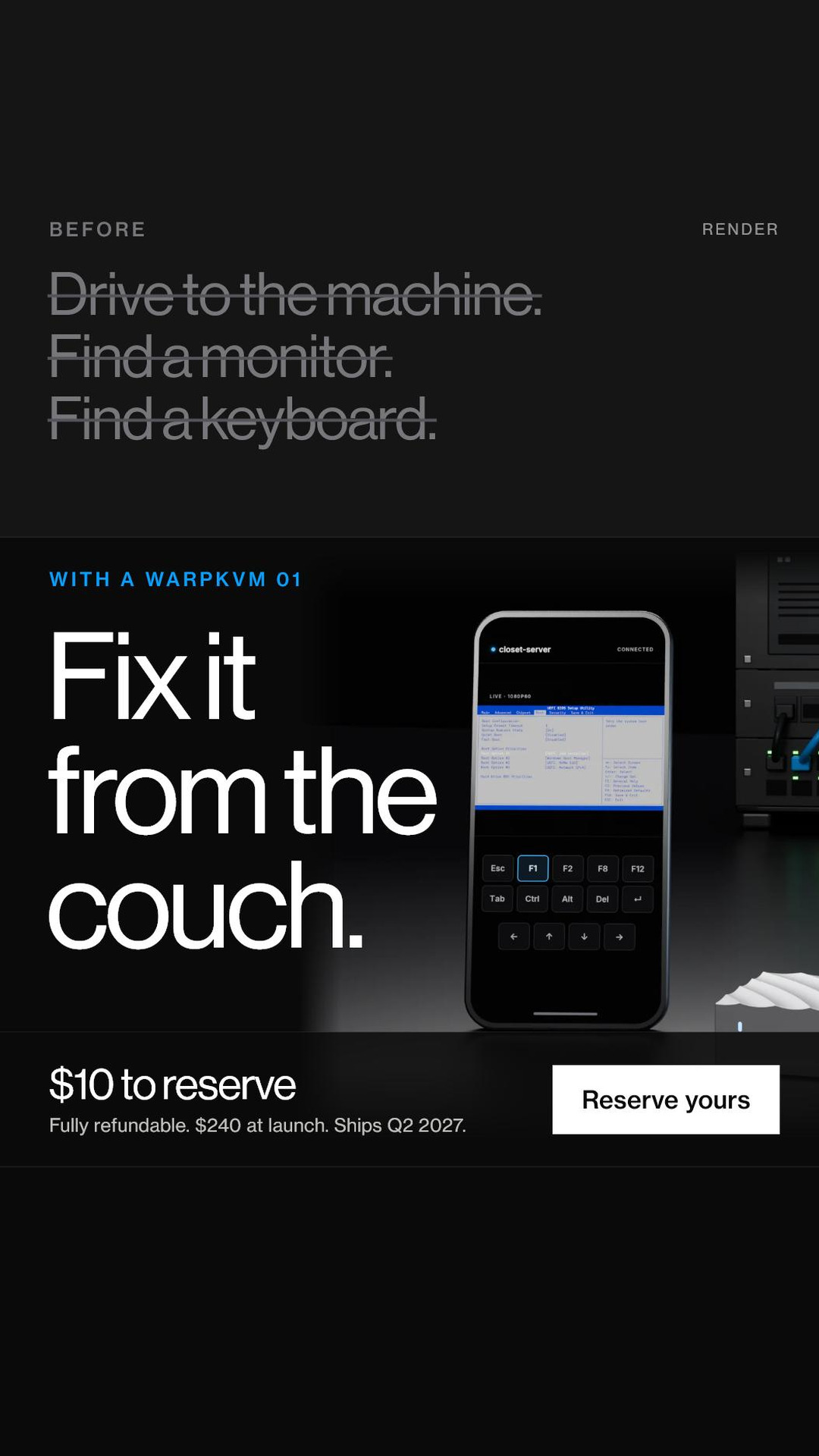
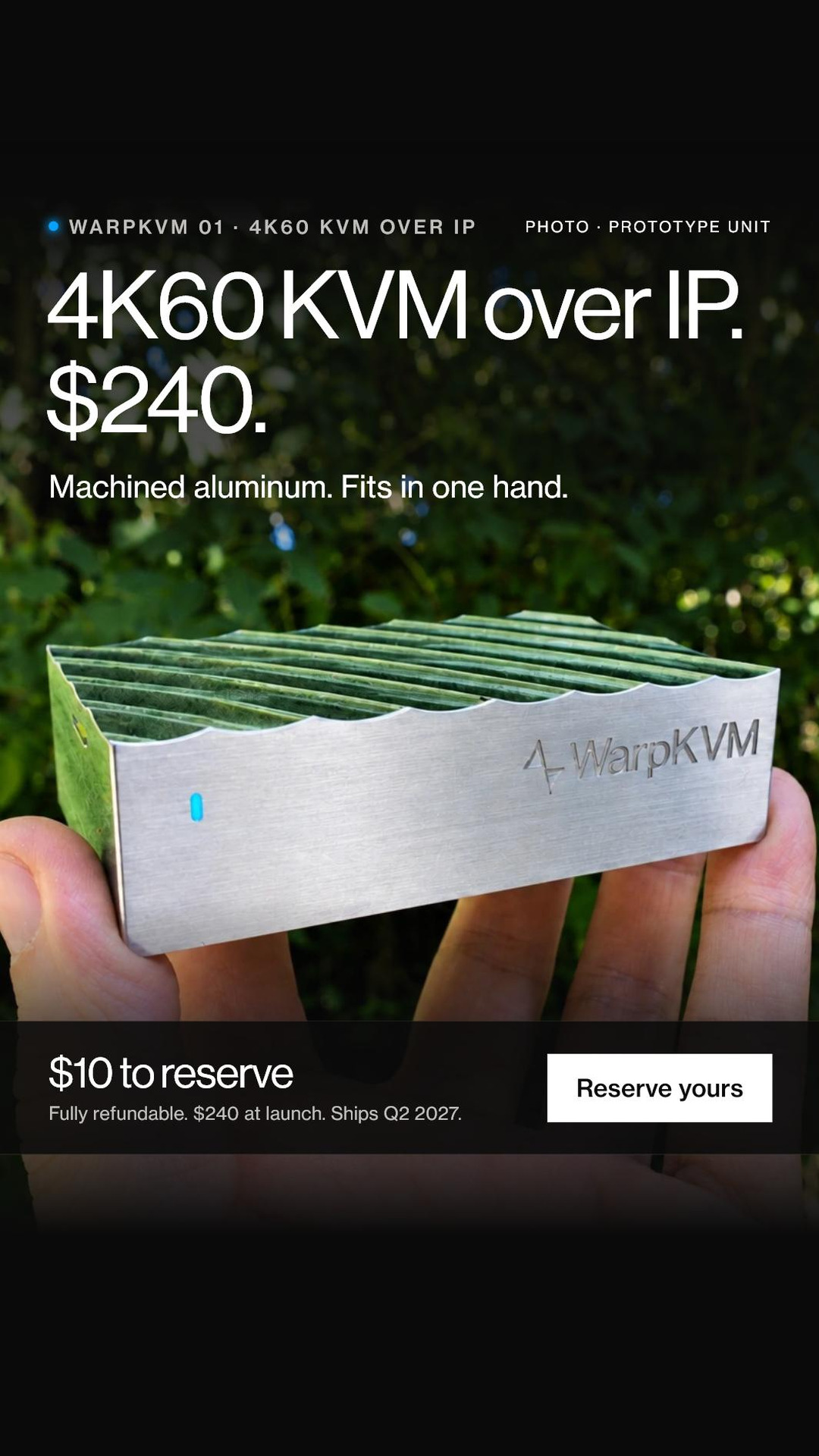
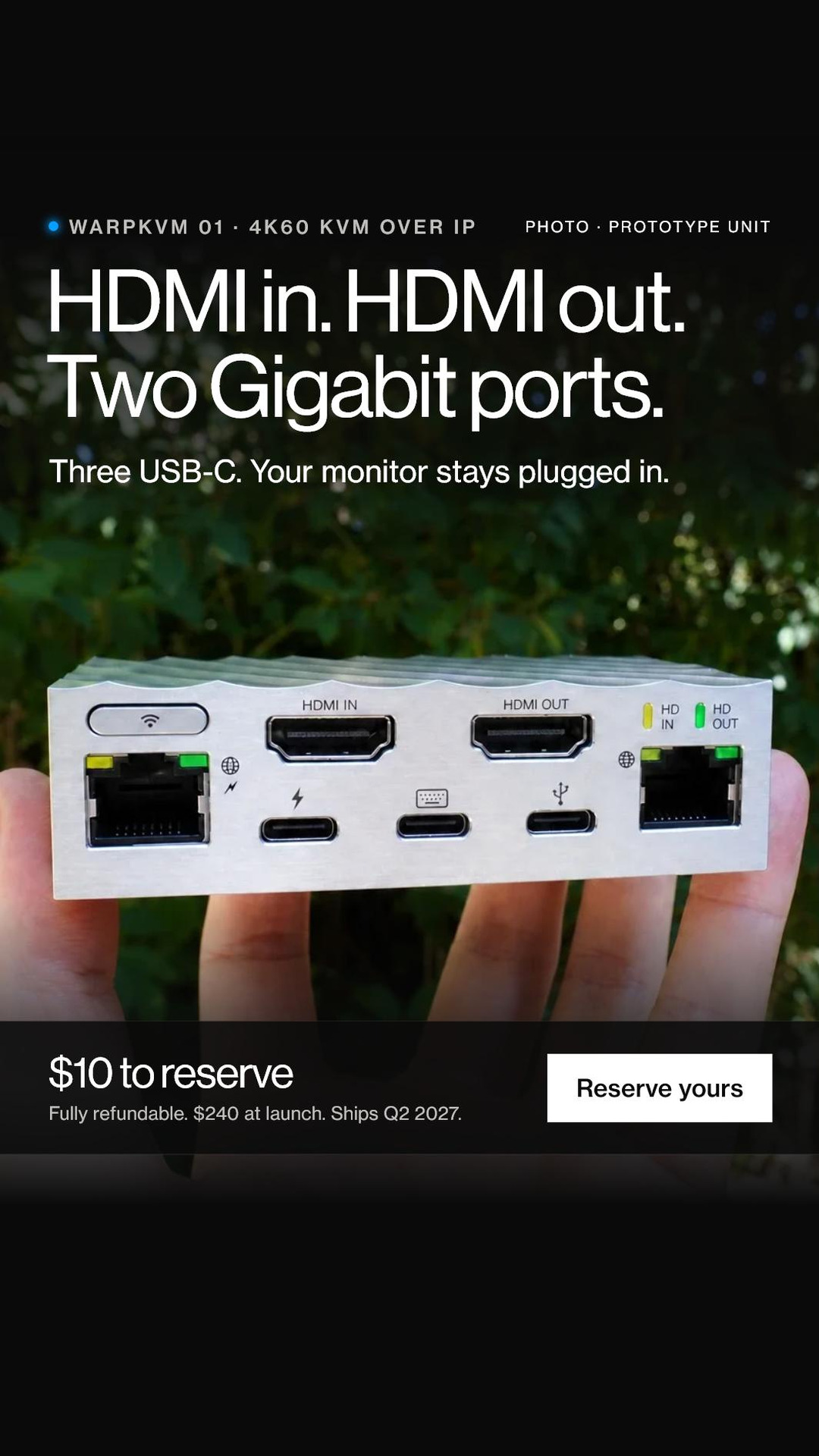
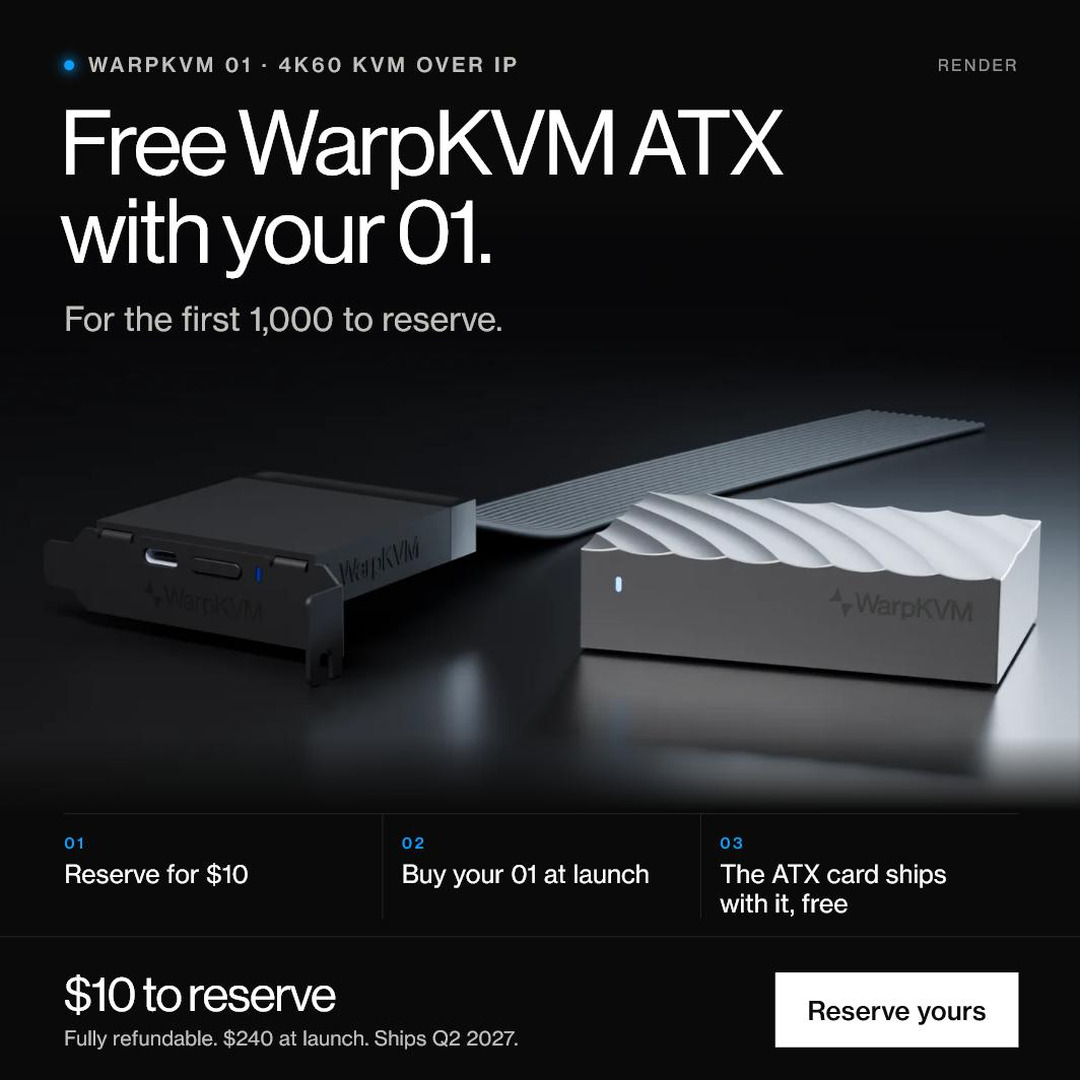
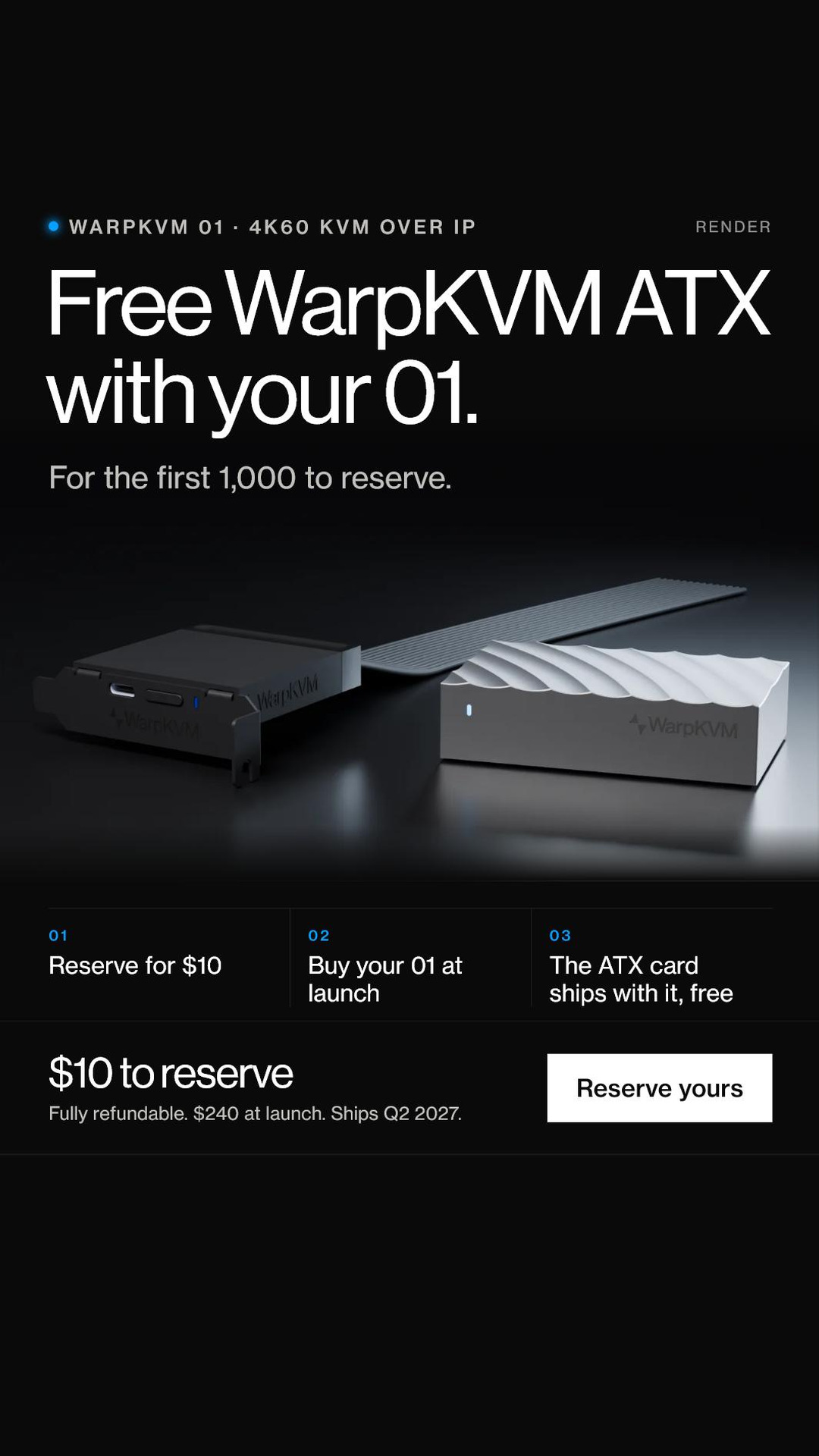
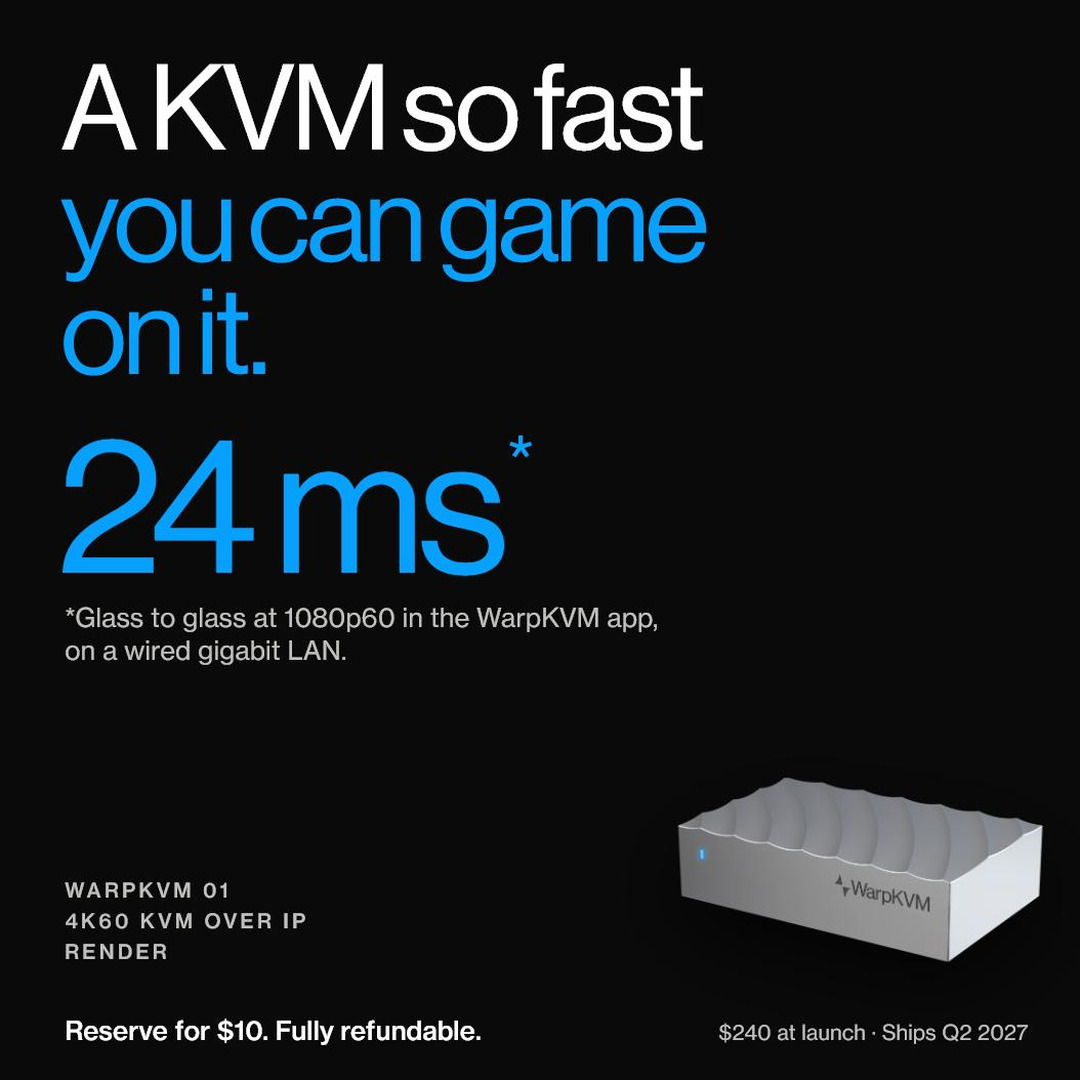
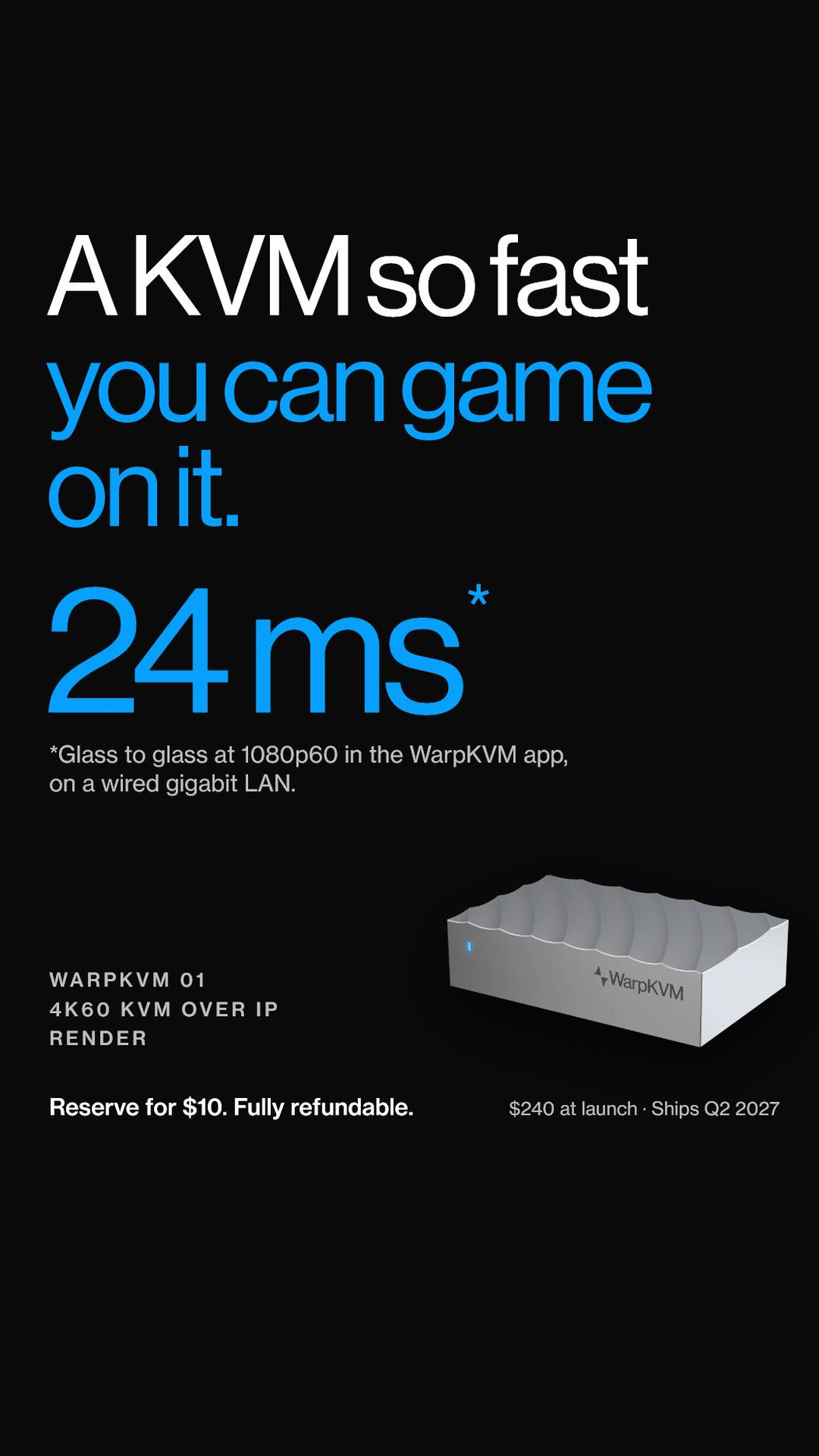
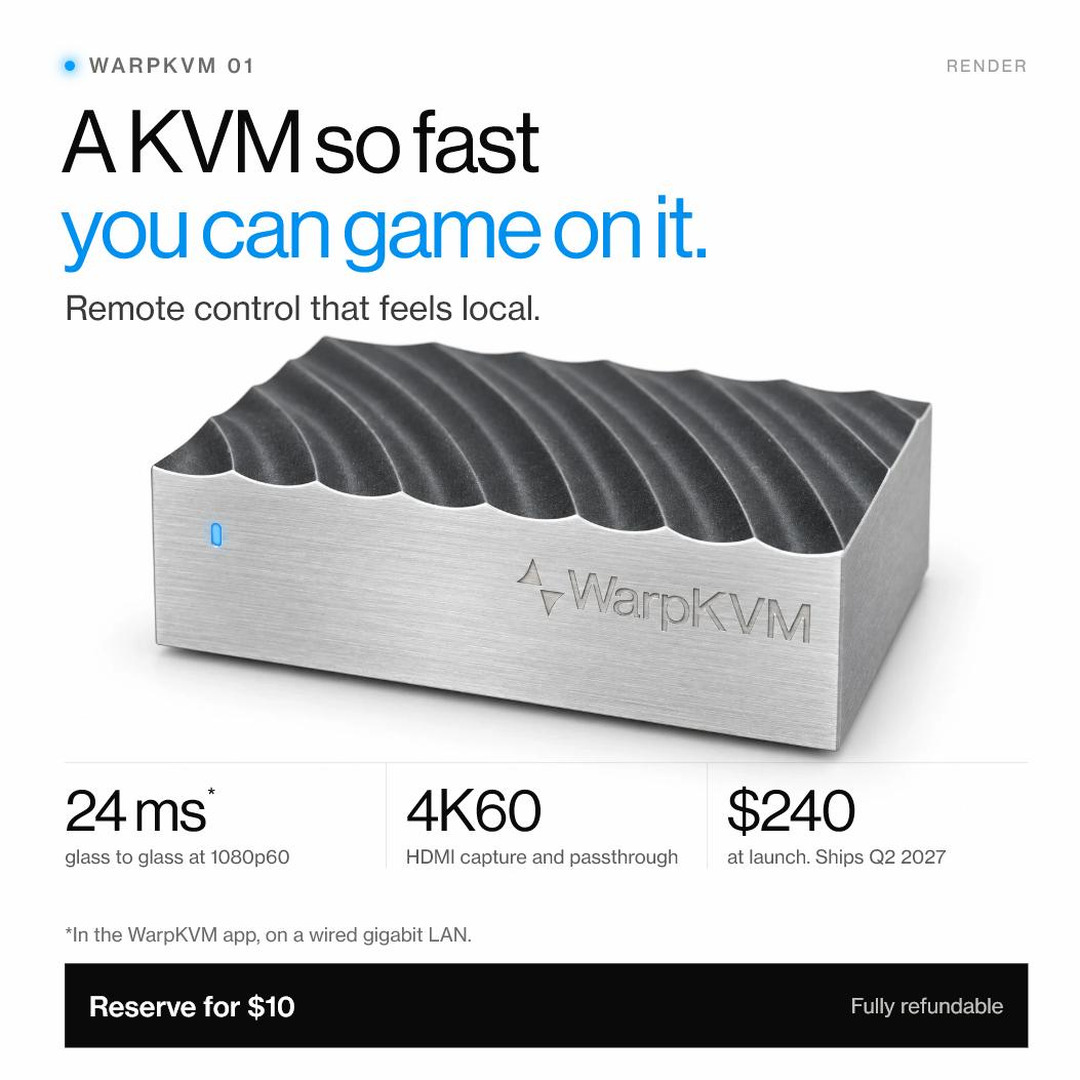
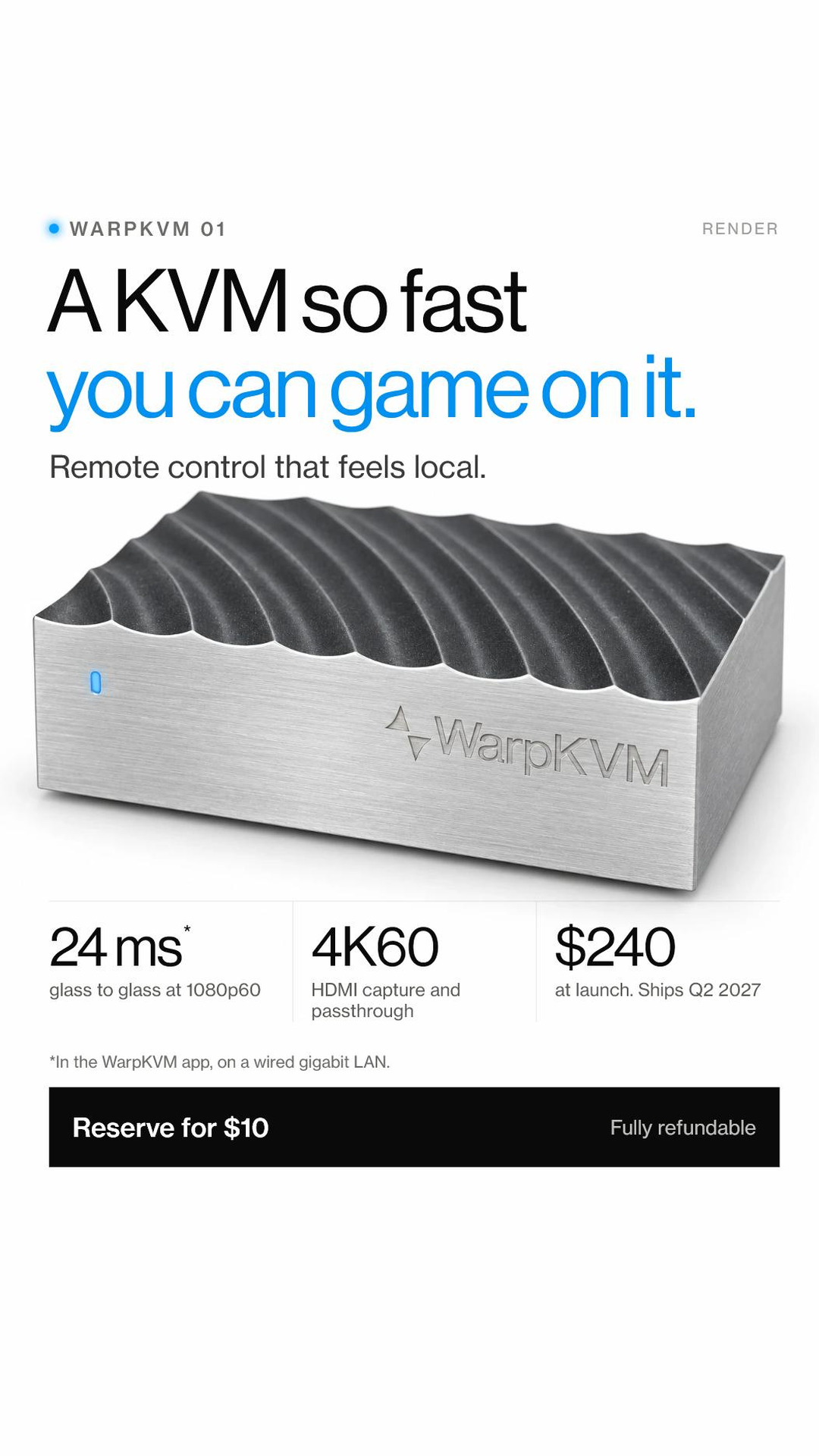
The ad cards running for WarpKVM 01 reservations, in all three sizes. Useful for coverage of the launch, or for partners who want to run the same creative.
Sec. 08 · The product line
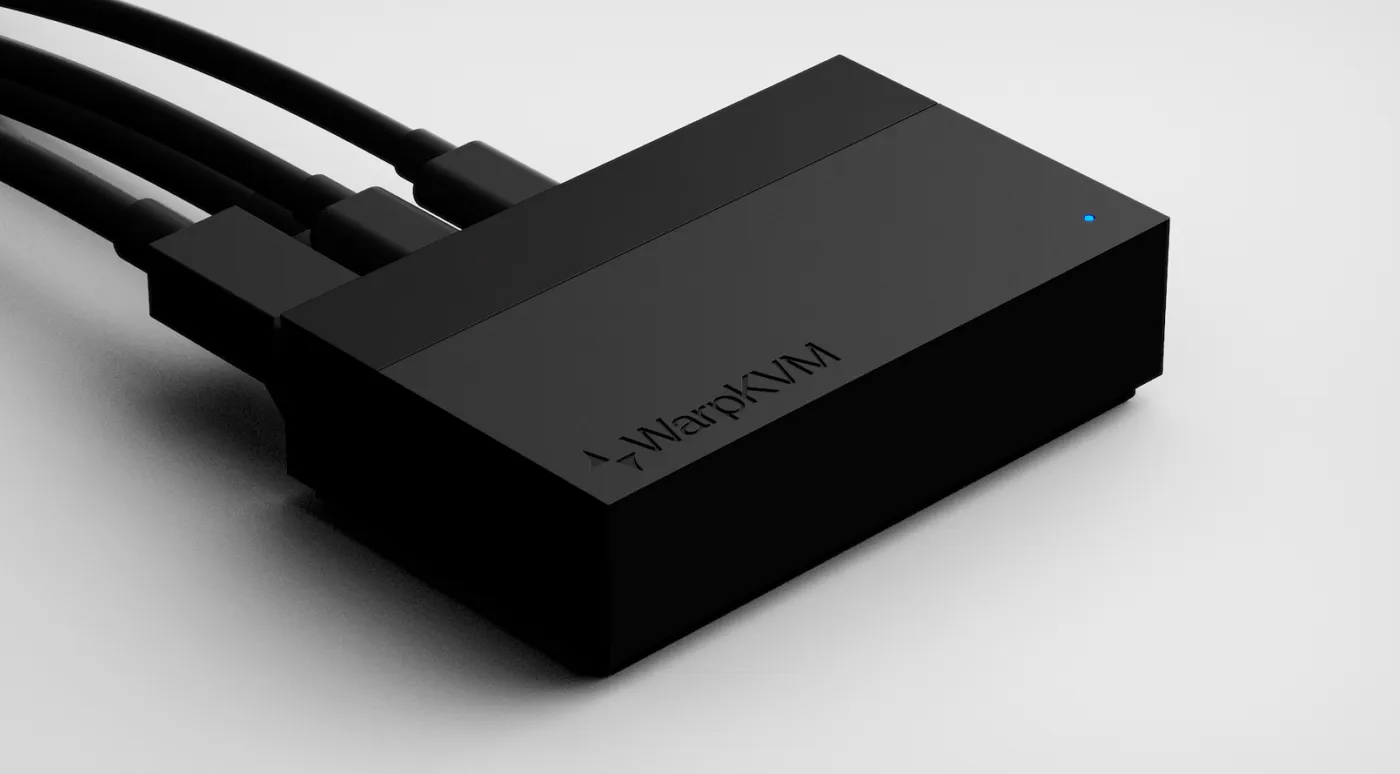
WarpKVM 02
1669 × 923 · JPG
The workhorse. 4K30 capture with 1080p60 local out, in a black enclosure built for the rack. $140, 2027.
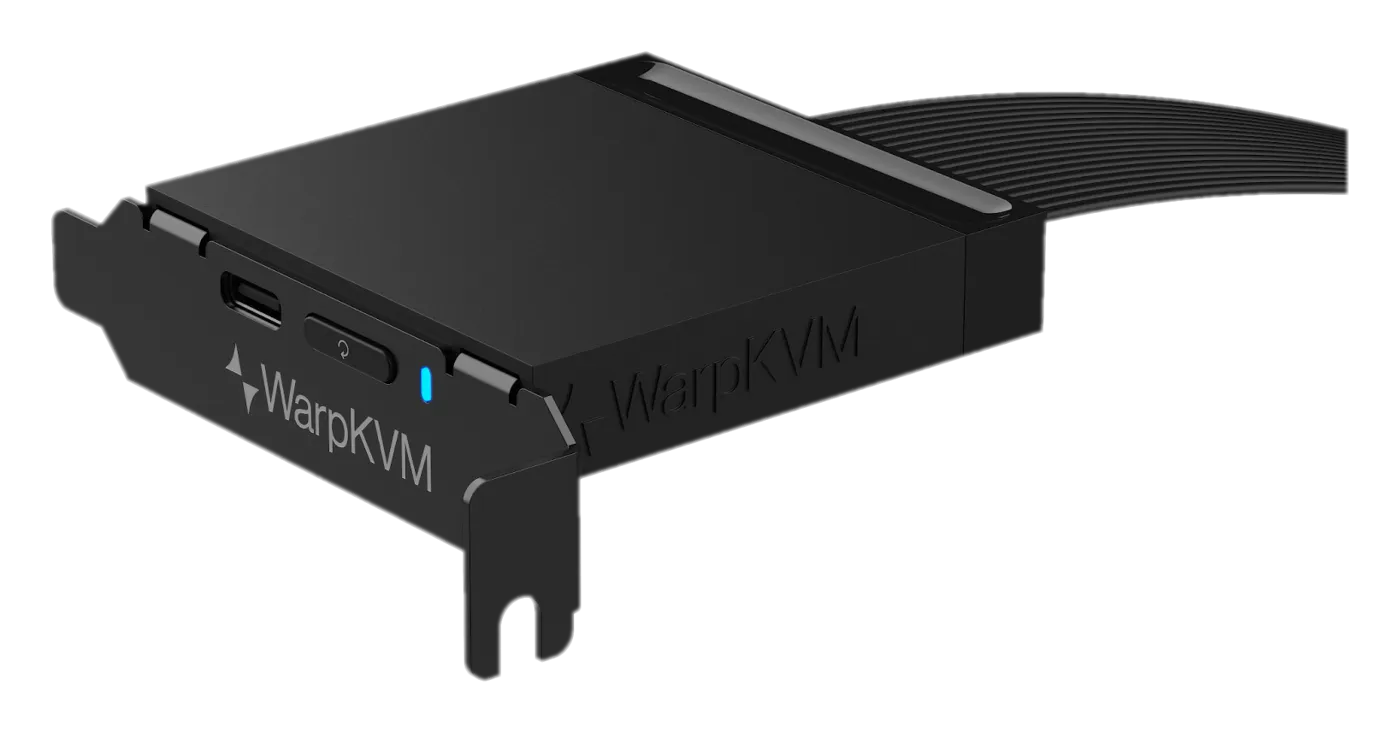
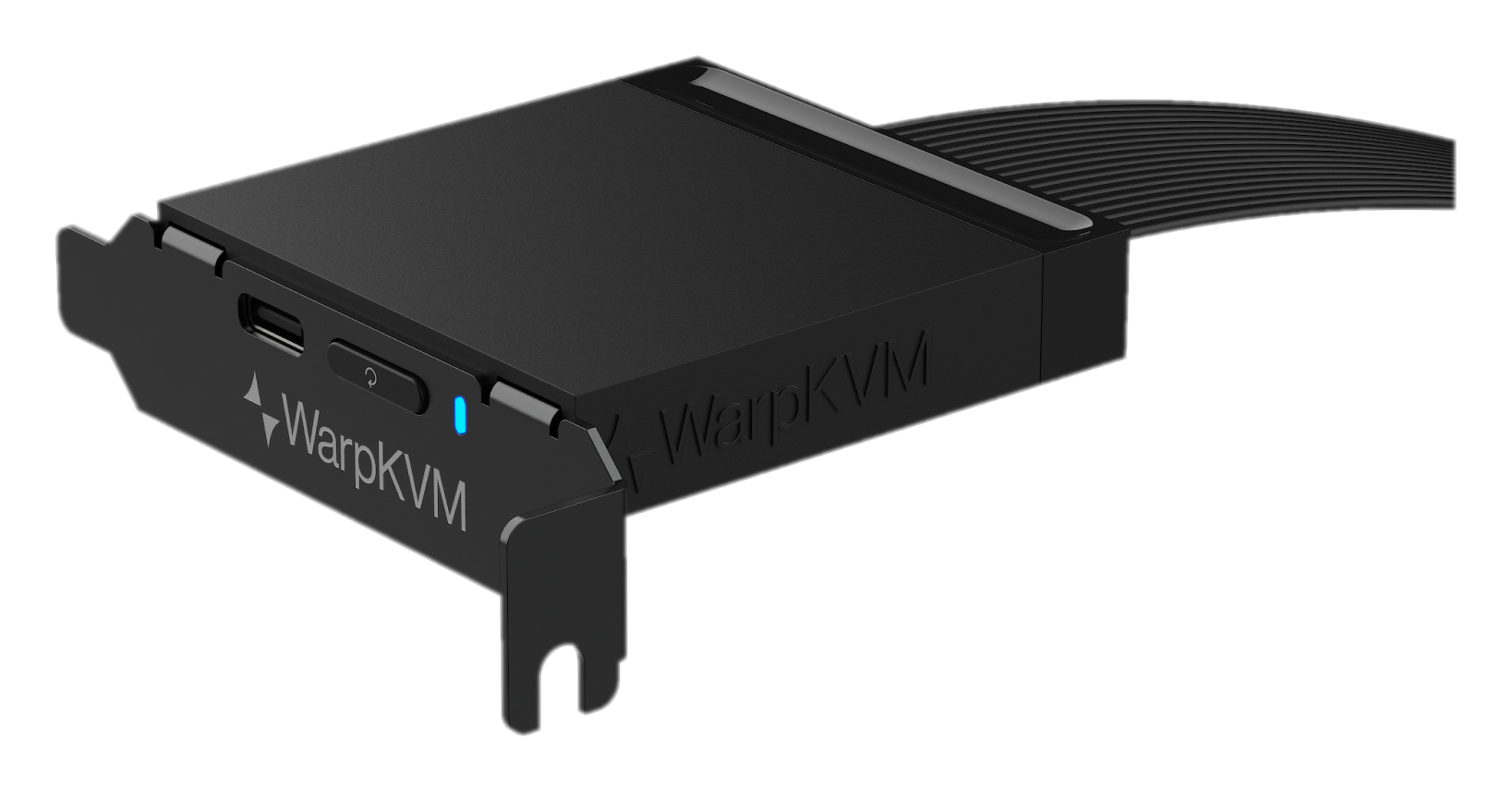
WarpKVM ATX card
1637 × 857 · PNG · transparent
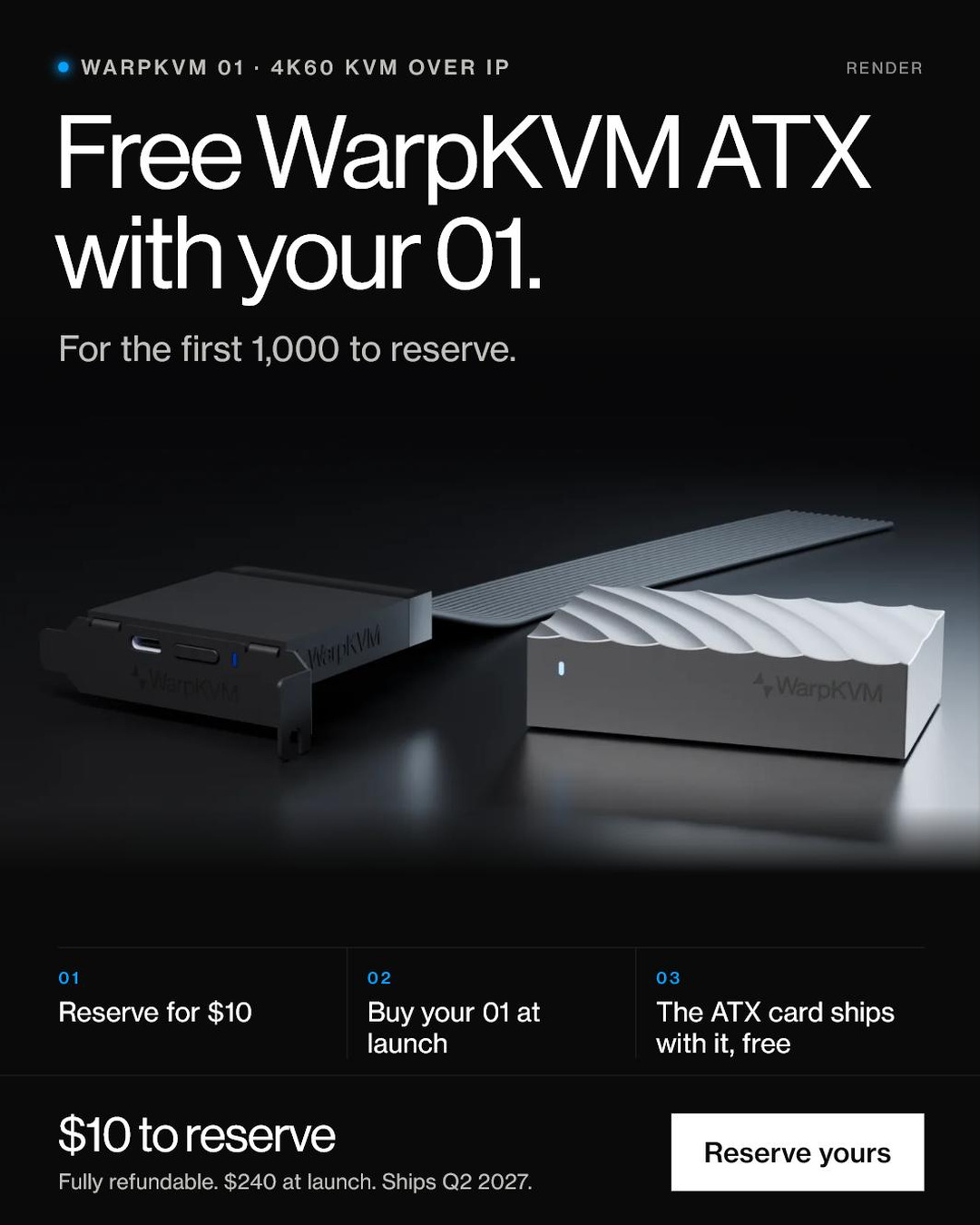
Power on and reset your PC remotely. No soldering. Free with the 01 for the first 1,000 to reserve. Ships alongside the 01.
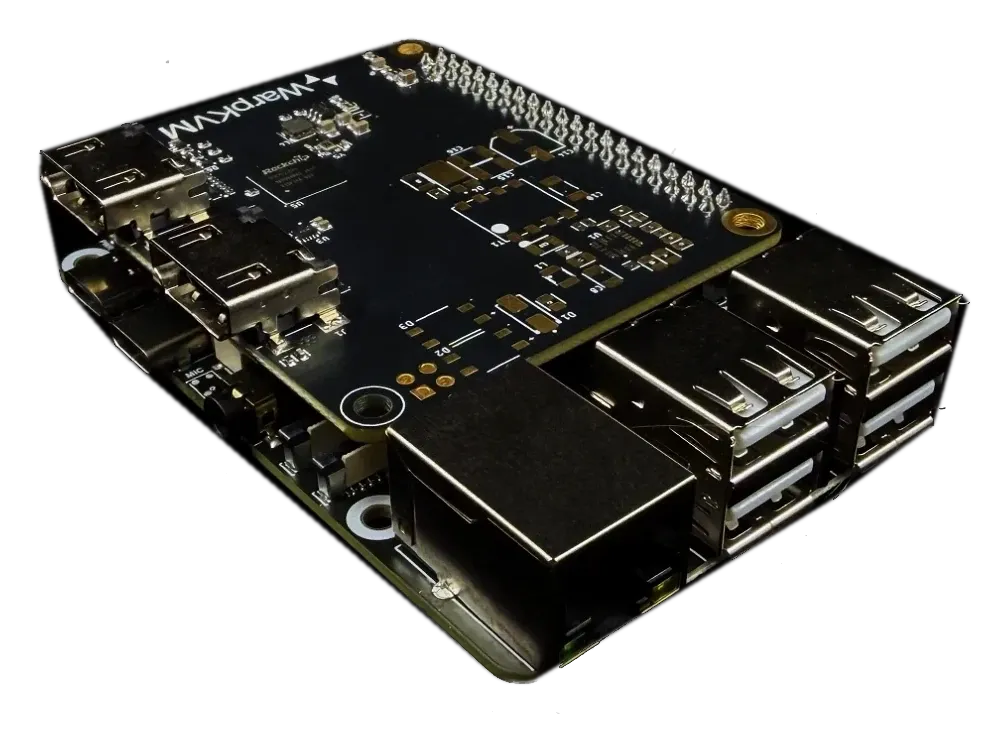
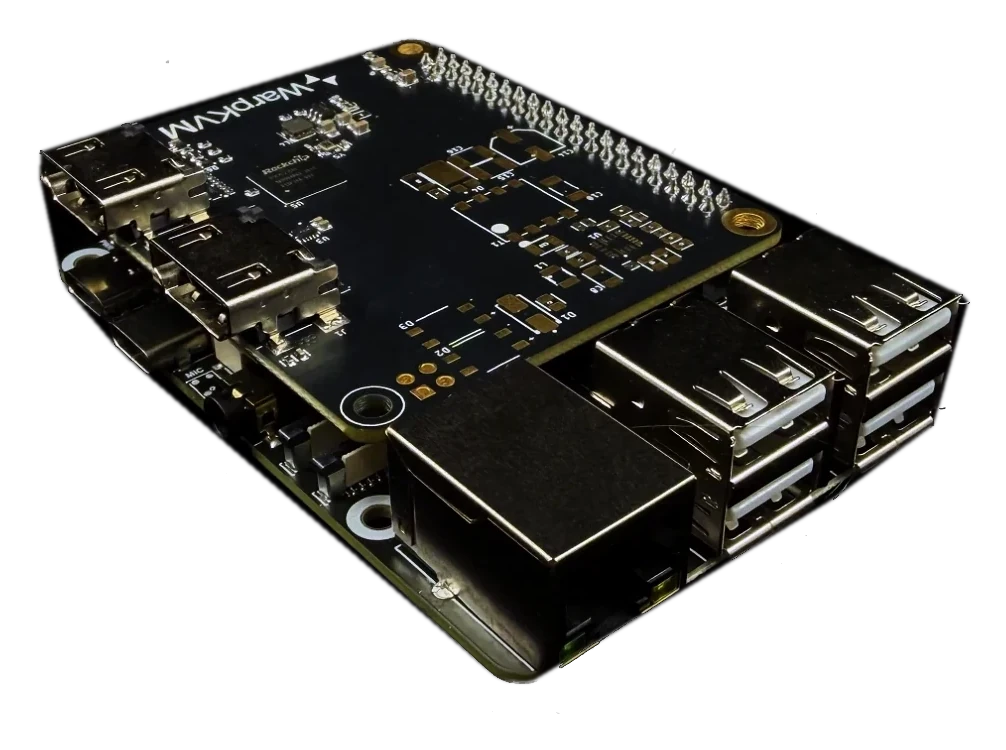
WarpKVM DIY Kit
1006 × 750 · PNG · transparent
The open-hardware version: true 4K30 capture on boards anyone can buy, running the same software. From $99, Q4 2026.
Sec. 09 · Brand
Click a swatch to copy its hex. Warp blue is the status light: used sparingly, as a glow, never as a large fill.
Typeface
Neue Haas Grotesk
One family, three cuts: Display 55 Roman for headings, Text 55 Roman for body, Text 65 Medium for labels. Headings are large and quiet, with negative tracking. The fonts are licensed to WarpKVM and are not included in this kit; Helvetica Neue is the closest stand-in.
Using the marks

Fig. · The Alcubierre metric
Space contracts · space expands
The name
In 1994, physicist Miguel Alcubierre showed that general relativity permits a bubble that contracts space ahead of a ship and expands it behind, moving the ship faster than light without breaking a law of physics. The WarpKVM symbol is that diagram. It is on the faceplate because it is what a WarpKVM does to distance: the machine does not come closer, and you do not go to it. The space between just stops mattering.
Sec. 10 · Founder
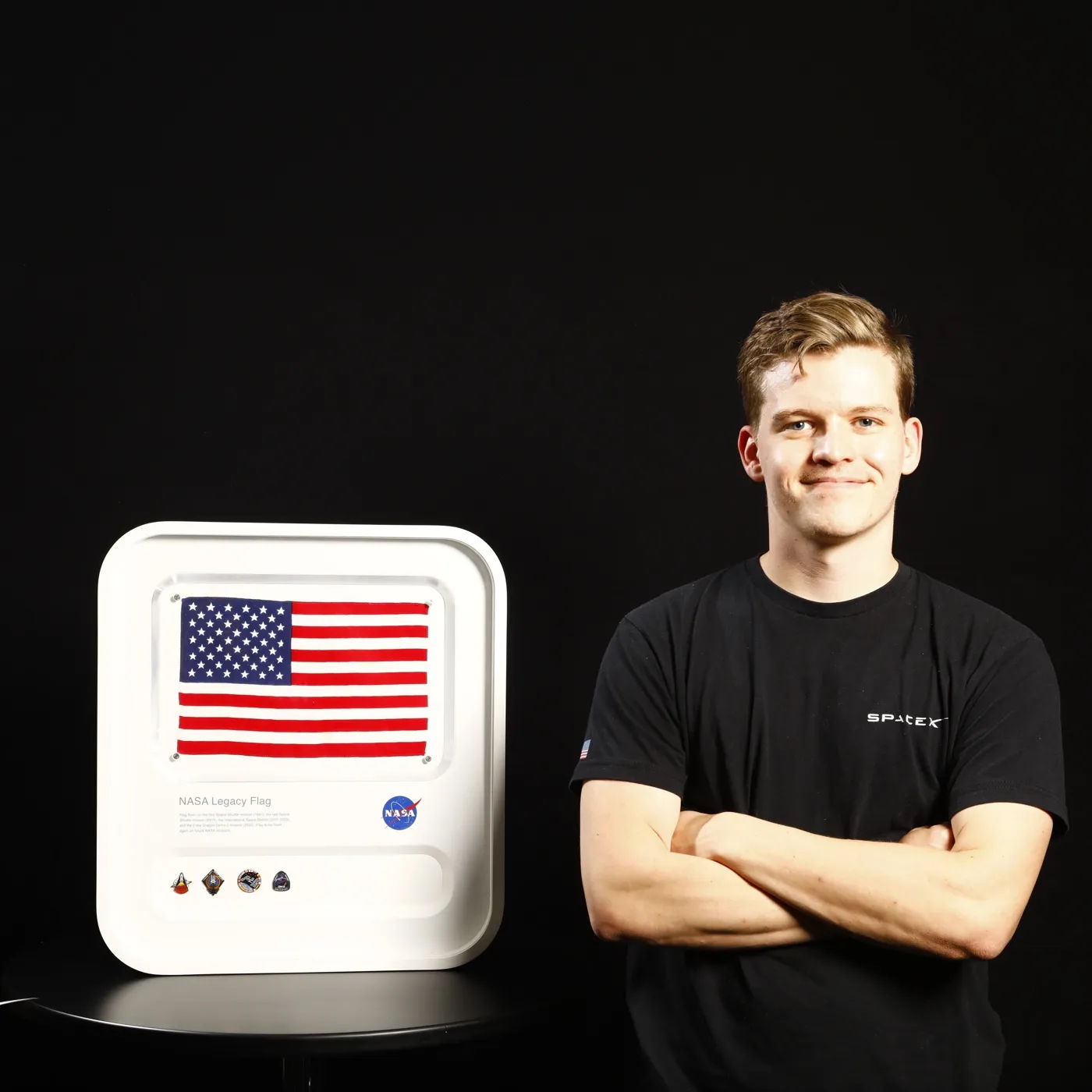
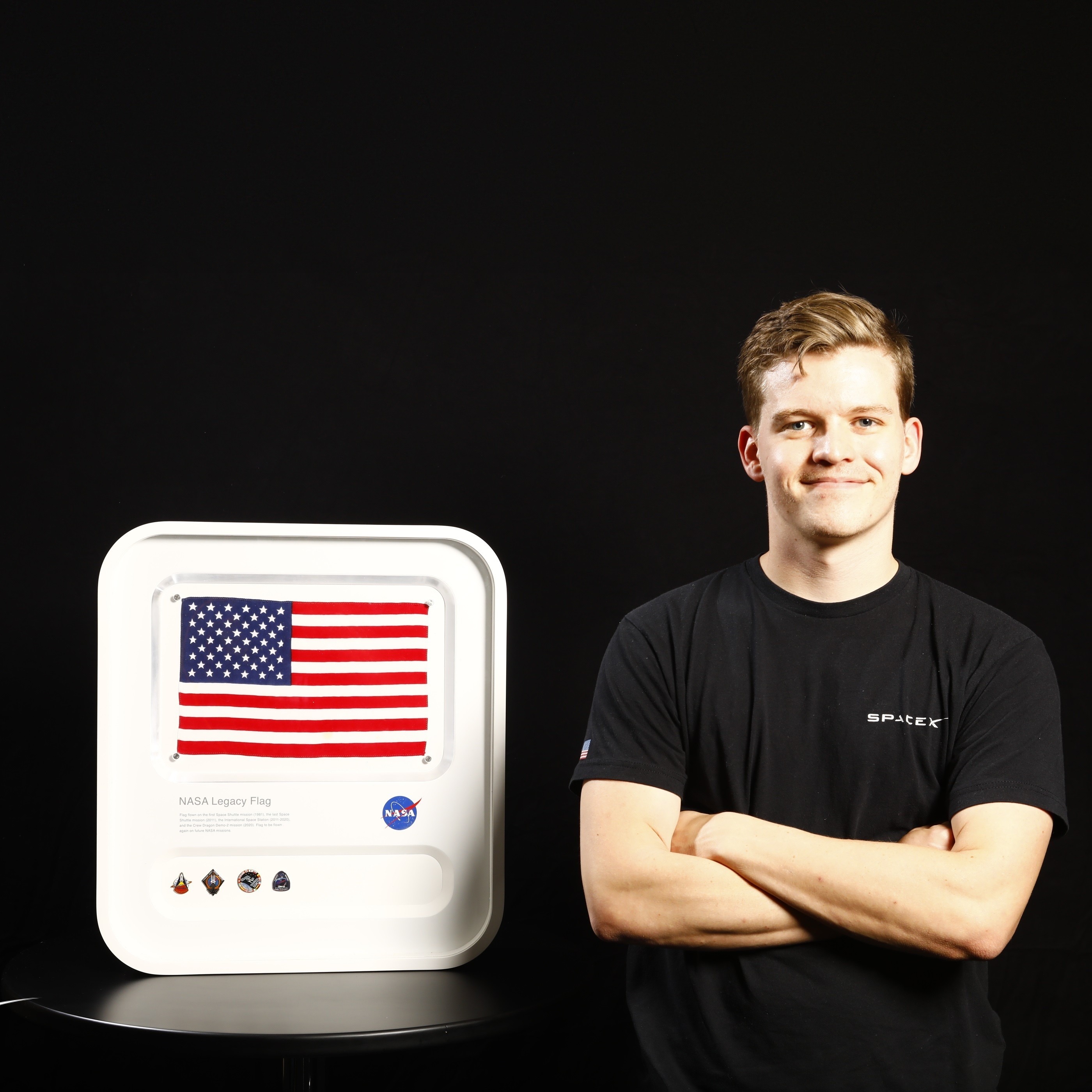
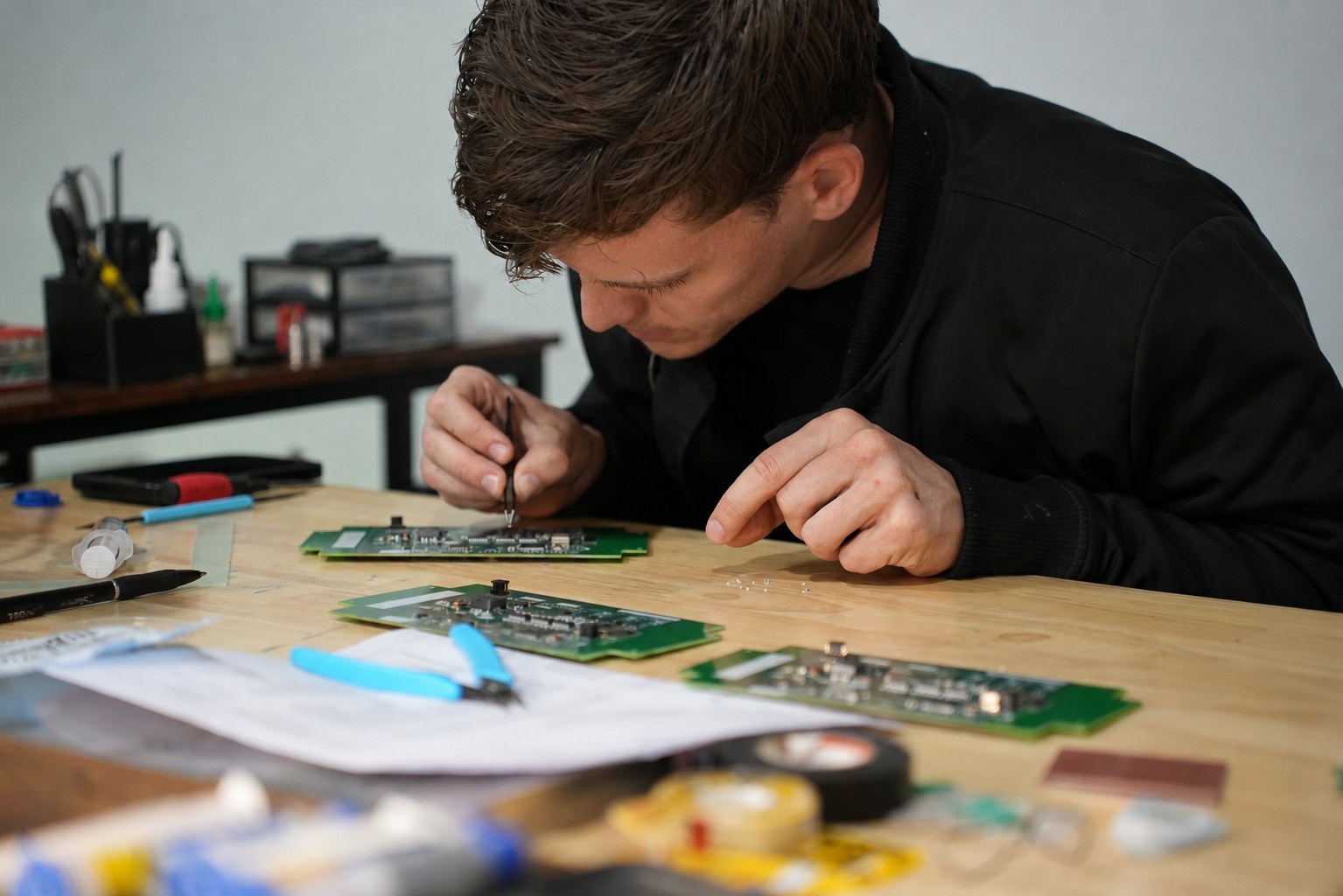
Andrew Douglass designs and builds WarpKVM. His career has been launch hardware, homelab racks and 3 a.m. incident calls, and the tool he kept reaching for was a KVM.
The DIY Raspberry Pi KVM builds inspired it. They proved anyone could own the whole stack, and left him wanting more: 4K capture, lower latency, and a board designed for the job from the start. His goal is simple: build the fastest KVM over IP on the market.
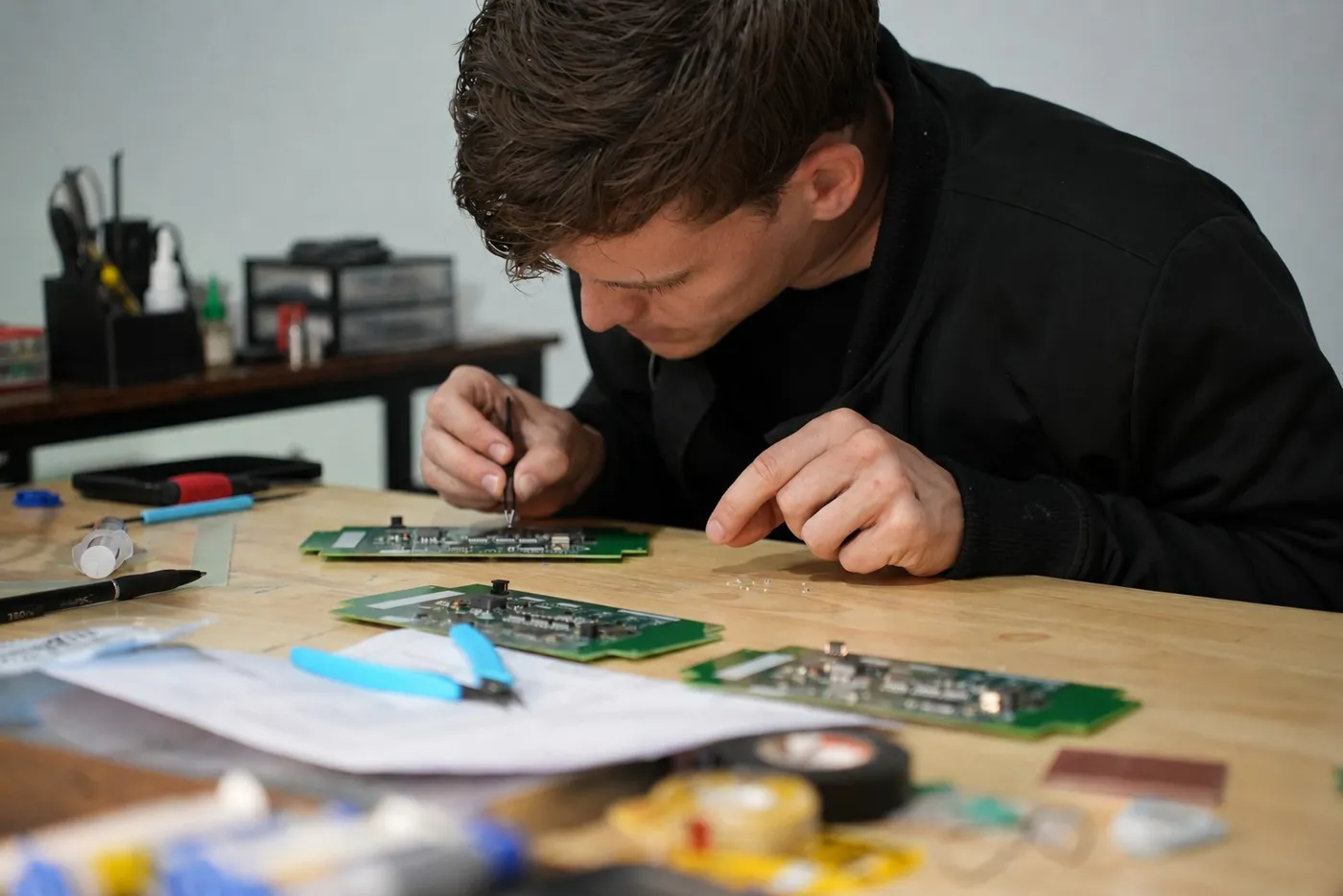
The capture board, the firmware and the browser console are all designed in-house, and every latency figure WarpKVM publishes comes from a measurement rig he built to hold the product to it.
Short bio
Andrew Douglass is the founder of WarpKVM. After a career around launch hardware, homelab racks and 3 a.m. incident calls, he set out to build the fastest KVM over IP on the market.
Sec. 11 · Contact
Review units, interviews, and anything not on this page: write to us directly. Questions go straight to the founder.
hello@warpkvm.comSpecifications are pre-release and may change before shipping.