October 21, 2026Review
JetKVM Video Quality & Latency Tested: How Good Is WebRTC KVM Really?
We measured the JetKVM's latency on a two-sensor glass-to-glass rig and judged its picture on a real bench. The answer: sharp enough, and quick enough, for exactly what a KVM is for.
By Andrew Douglass · Founder
Disclosure: Our articles contain affiliate links, including Amazon. If you buy through one, we may earn a commission at no extra cost to you, and as an Amazon Associate we earn from qualifying purchases. It never affects our testing, measurements, or verdicts. Full disclosure.
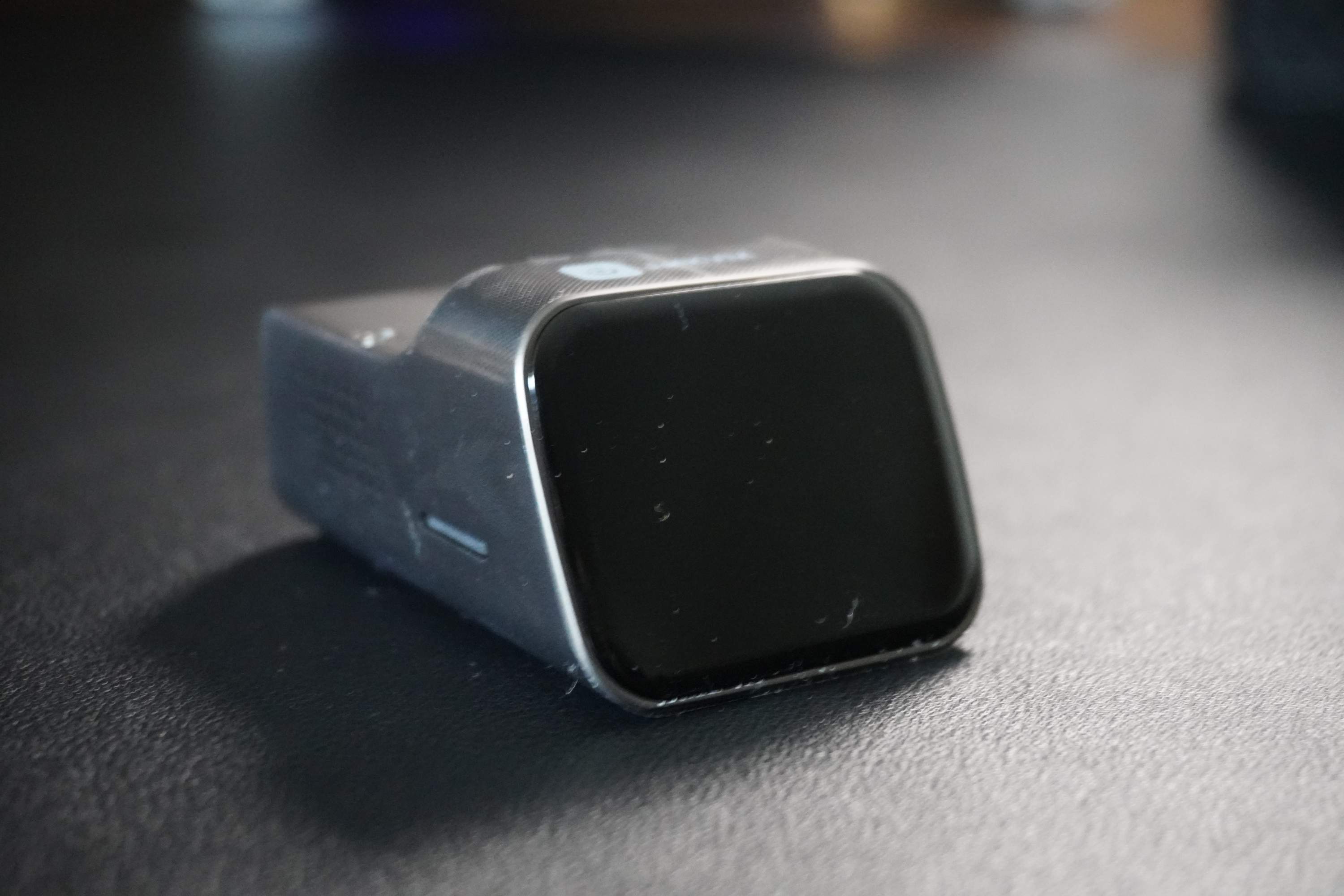
The question behind this JetKVM video quality and latency test is the one every buyer actually has: is a $100 WebRTC KVM good enough to work on, or does it feel like a slideshow? We put the JetKVM on our glass-to-glass latency rig and judged its picture on the bench, and the honest answer is that it is genuinely good for what a KVM is for, sharp, responsive administration, and predictably limited where it should be. It measured 59.8 ms glass to glass at its Quality Low setting and produces a clean 1080p image, which is exactly the profile you want for BIOS work and server consoles, if not for gaming.
The verdict up front
How we measured latency
We time glass-to-glass latency with two light sensors. An HDMI splitter feeds one source to a reference monitor over a straight cable and to the JetKVM, whose stream we show full screen in Chrome on an identical viewer monitor. A light sensor on each monitor times the same on-screen change, and the difference is the delay the JetKVM path adds: capture, encode, network, decode, and the viewer's display. We take the median of 300 measurements per side at 1080p60 over wired LAN, with the JetKVM at its best settings on current firmware, and we report the higher of a scrolling-text screen and a still screen. This measures the video path only; the input path, your click travelling through the JetKVM to the target, is not part of the number. The full protocol is in our latency testing writeup.
The JetKVM's headline came in at 59.8 ms on scrolling text with Quality set to Low (52.0 ms on a still screen). Quality High measured 63.1 ms on text, but 15 % of its frames froze, so Low is the setting we recommend and the one we report. In our full latency benchmarks that puts it in the quicker half of the KVMs we tested: behind the NanoKVM Pro (53.3 ms), the GL.iNet Comet (54.1 ms), and the Comet Pro and PiKVM V4 Plus with its H.264 boost (both 57.3 ms), but ahead of the far pricier TinyPilot Voyager 3 (61.3 ms), the Luckfox PicoKVM (90.0 ms) and the NanoKVM Full (144.8 ms). It is worth flagging the marketing context: JetKVM's own materials cite a latency in the 30 to 60 ms range, and our glass-to-glass figure sits at the top of it. Vendor figures often measure different things, which is why we compare devices only on one matched rig.
The JetKVM at 59.8 ms, in the quicker half of the nine KVMs we measured
Measured October 16 to 20, 2026 on our two-sensor glass-to-glass rig: 1920x1080 at 60 Hz, LG 27G810A monitors, Chrome on Windows 10 over wired gigabit LAN. Video path only. The BliKVM figure is MJPEG at 30 fps. The NanoKVM PCIe was not part of the October run.
Show data table
| Device | Measured median |
|---|---|
| NanoKVM Pro | 53.3 |
| GL.iNet Comet | 54.1 |
| GL.iNet Comet Pro | 57.3 |
| PiKVM V4 Plus | 57.3 |
| JetKVM | 59.8 |
| TinyPilot Voyager 3 | 61.3 |
| Luckfox PicoKVM | 90 |
| NanoKVM Full | 145 |
| BliKVM v4 | 186 |
What that latency feels like
Numbers are one thing; the felt experience is another. At around 60 ms of video delay, the JetKVM's picture keeps up with you: you type and the characters appear promptly, you move the pointer and it tracks without the rubber-banding of a truly laggy connection. (That figure covers the video path only; your input also has to travel to the target.) For the work a KVM does, editing a config at a rescue console, clicking through a BIOS, watching an installer, that responsiveness is genuinely fine. It is not instantaneous the way a local machine is, and under very heavy motion you notice the delay, but for administration it sits below the threshold where lag becomes a problem. Where it can chug briefly is under sustained heavy load, which is the single-core processor working hard, not a fundamental flaw.
The picture: 1080p over WebRTC
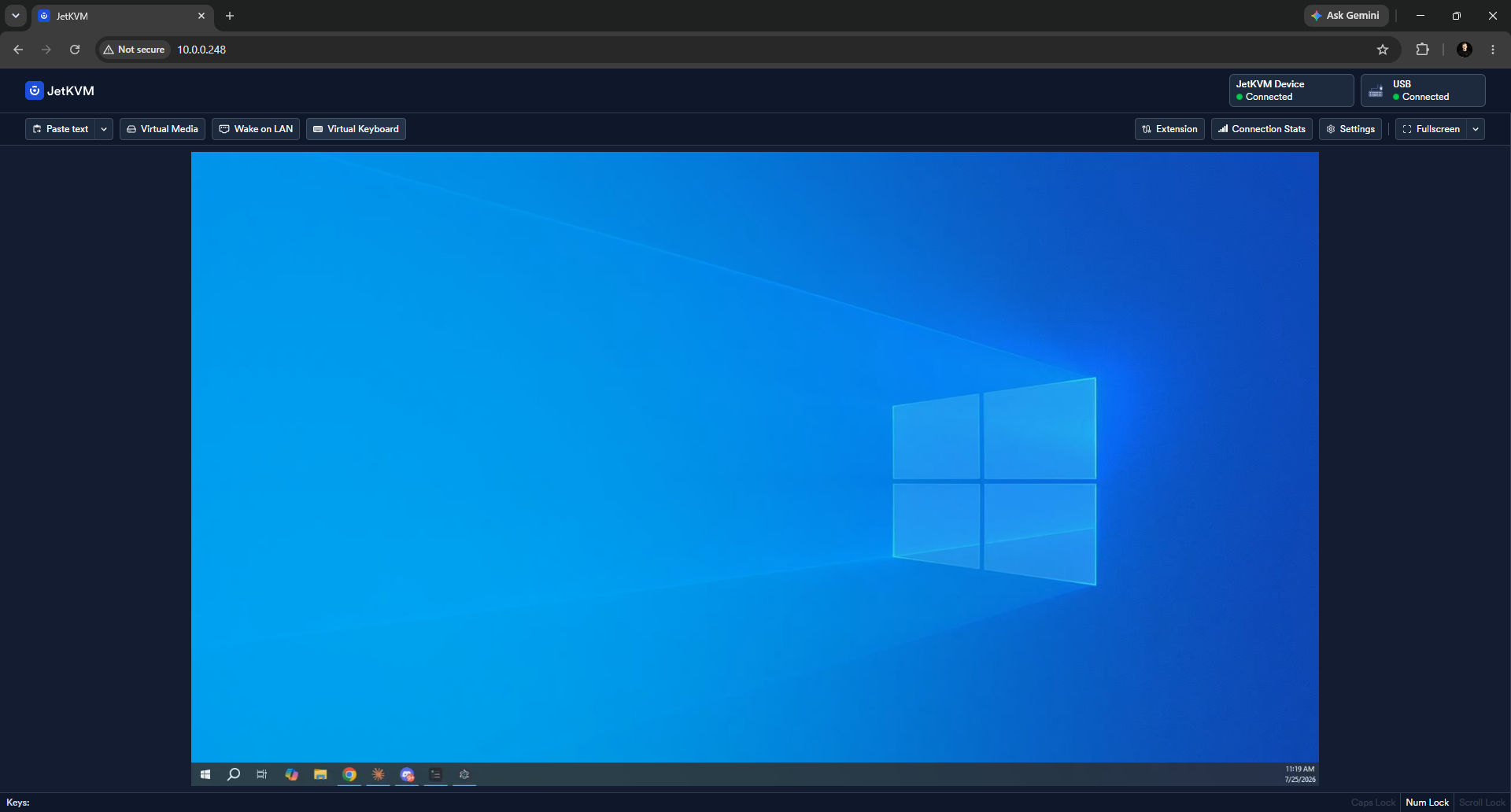
The JetKVM captures at up to 1080p through its Toshiba TC358743 bridge and streams over WebRTC, the low-latency, browser-native transport that needs no client software. The result is a clean, readable 1080p image: text is crisp, BIOS screens are legible, and terminals are sharp, which is the entire point. Because it uses a hardware H.264 (and H.265-capable) encoder, the picture holds up well without hammering the CPU. The one hard limit is resolution: the TC358743 speaks HDMI 1.4, so the JetKVM cannot capture 4K, no matter the settings. If your target runs at 4K and you need to read it natively, this is not the device; if it runs at 1080p or you can drop it there, the picture is excellent for the purpose.
Video quality in context
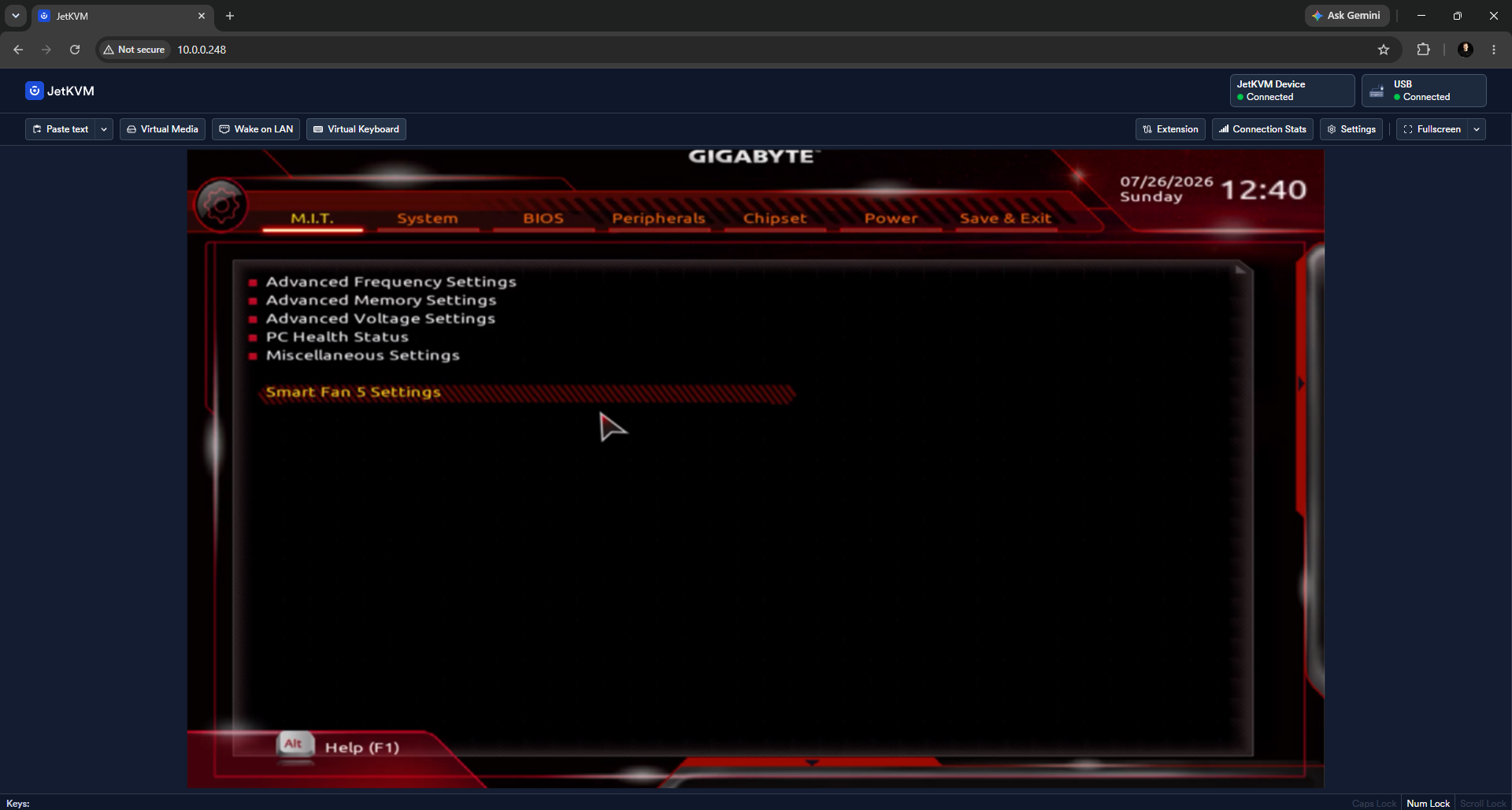
Every 1080p KVM using the same Toshiba capture chip shares the same ceiling, so the differences between them come down to encoder tuning and transport, not raw capability. The JetKVM's WebRTC-plus-hardware-encoder combination puts it among the cleaner 1080p streams: no obvious artifacting on static admin screens, and a picture that stays readable under the moderate motion of scrolling logs or dragging windows. It is not a device you would use to watch video or play a game, and it is not trying to be. Judged as what it is, a tool for seeing and controlling a machine, the image is more than adequate. Our full cross-device picture comparison, with matched crops, is in IP KVM video quality compared.
Tuning for better numbers
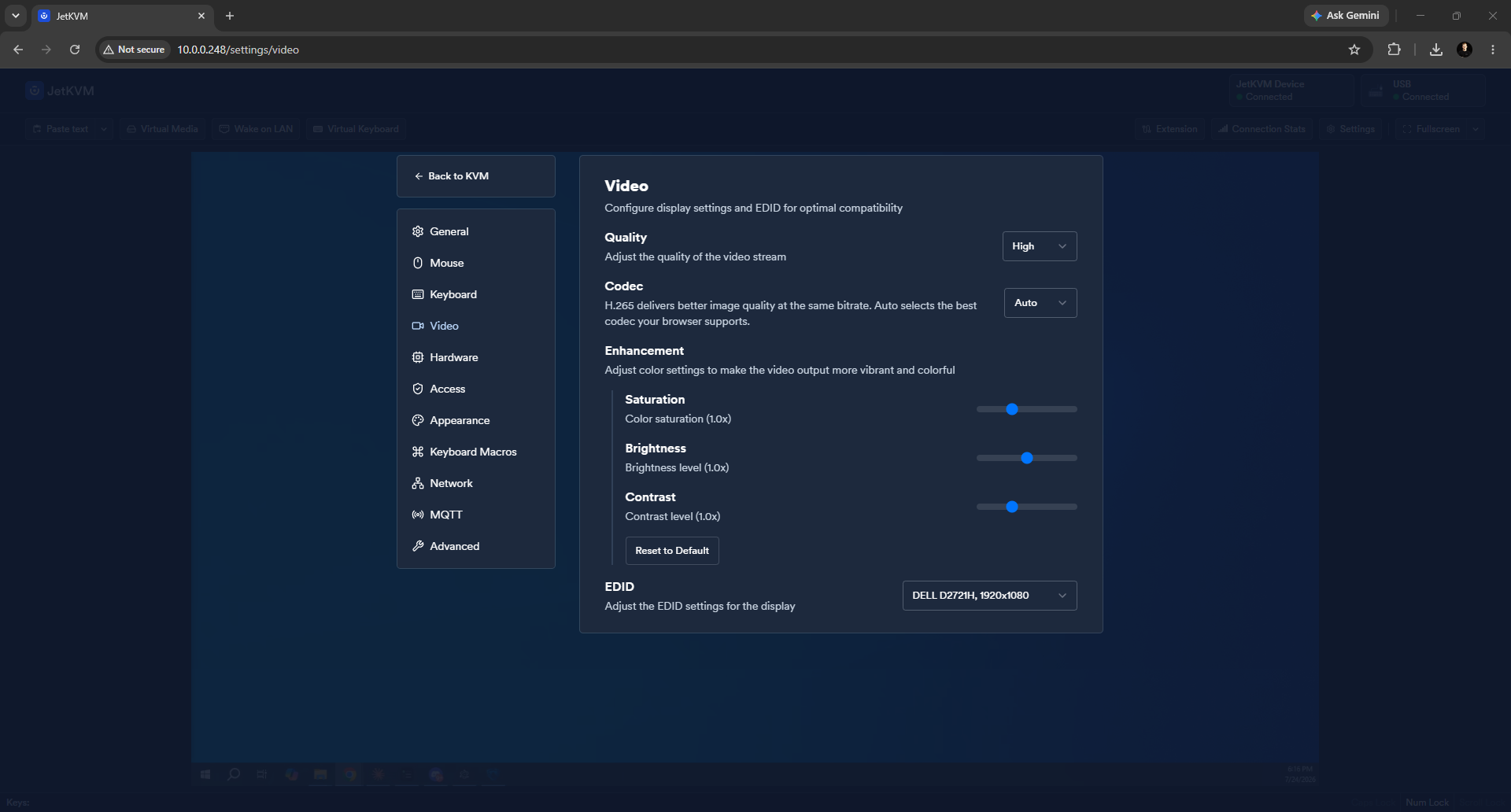
The default figures are what most people get, but the JetKVM's picture and latency respond to a few settings. Setting Quality to Low (our fastest result; High measured 63.1 ms and froze 15 % of frames), matching the bitrate to your link, using a wired connection, and keeping the resolution at 1080p rather than pushing the source higher all help. And reaching it over a direct path (a local LAN or a peer-to-peer Tailscale connection) rather than a relayed cloud route keeps latency low on remote sessions. We cover the settings that move the needle in how to reduce IP KVM latency.
Beyond the picture: the rest of the JetKVM
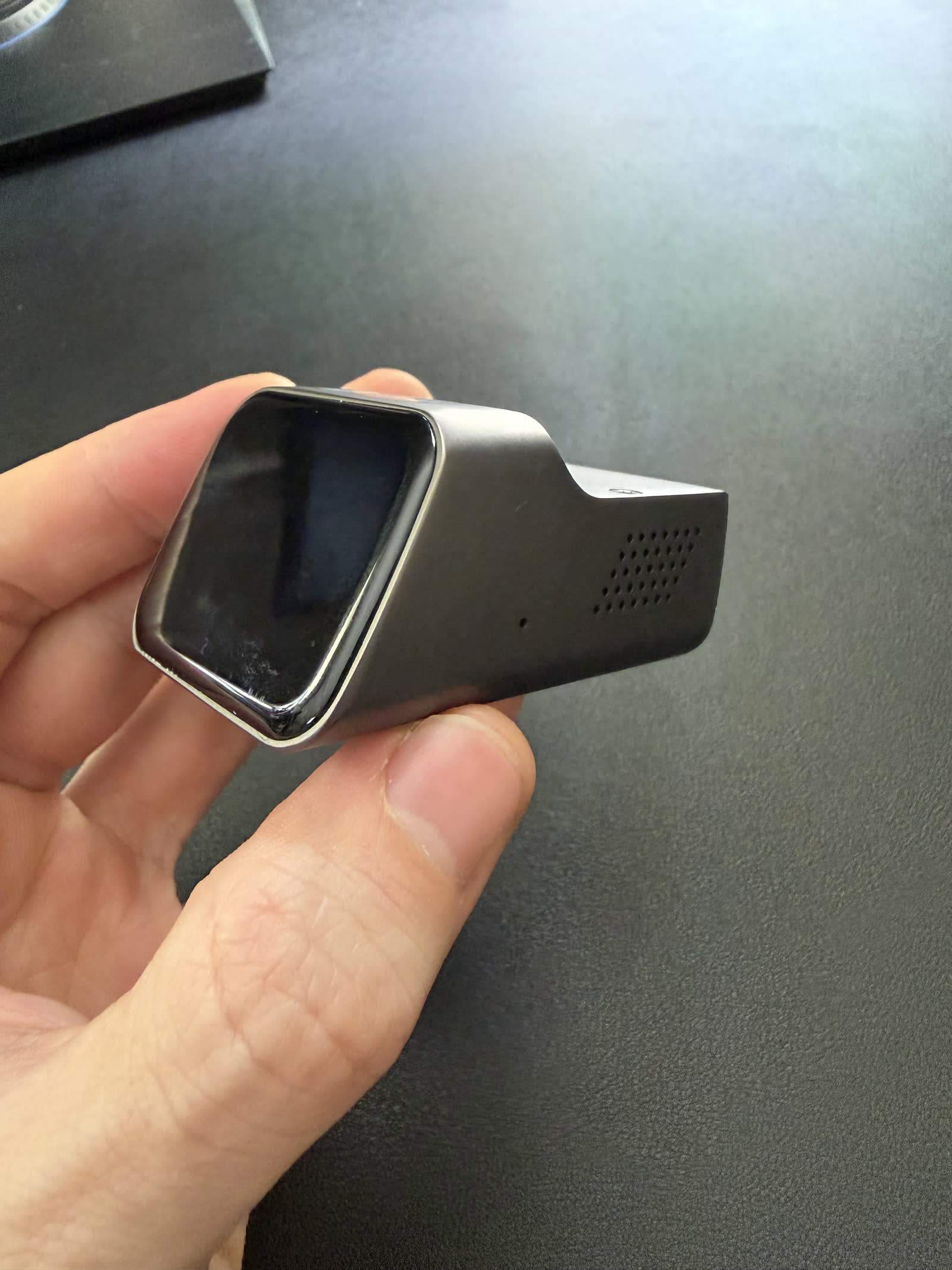
Video and latency are the focus here, but the JetKVM's appeal rests on more than its stream, and a few points round out the assessment. Setup and installation are famously quick, under two minutes from box to a working session over its single USB-C connection, which we detail in the setup guide. It is built on a Rockchip RV1106G3 and runs genuinely open-source firmware with an active community behind it, a legacy of its well-backed Kickstarter (the team traces to BuildJet) and the early attention of reviewers like Jeff Geerling. Virtual media lets you mount an ISO as a virtual CD or drive to install or repair an OS on a machine with no physical disc, and the optional ATX power control extension adds remote power-cycling of a hung machine, both covered in their own guides. On security, the JetKVM avoids the default-credential problems that dog parts of the budget NanoKVM class, but like any device with hardware-level access it belongs behind a VPN rather than exposed to the internet. The device is also genuinely tiny, a fraction of the size of the CM4-based competition, which suits it to a crowded rack or a spot tucked behind a desktop. Together these are why the JetKVM, not just its picture, earned its reputation.
The takeaway
Tested rather than assumed, the JetKVM's video and latency land exactly where a good budget KVM should: a measured 59.8 ms glass to glass that keeps up for administration, and a clean, readable 1080p WebRTC picture. It is not the fastest of the KVMs we tested and it does not do 4K, but neither limit matters for the BIOS work, console access, and remote installs a KVM exists for. For that job, the answer to "how good is it really?" is: good enough that you stop thinking about it, which is the highest compliment a KVM can earn. The full device assessment is in our JetKVM review, and the whole fleet's measured latency is in our benchmarks.
Every latency figure here was measured in October 2026 on our own glass-to-glass rig. Disclosure: this is published by WarpKVM, which is developing an IP KVM of its own and will publish its numbers on the same rig.