
Network and remote access
Ethernet and Wi-Fi on the DIY Kit, finding it on your network, and reaching it from anywhere with Tailscale.
Everything on this page lives in the console under Network.
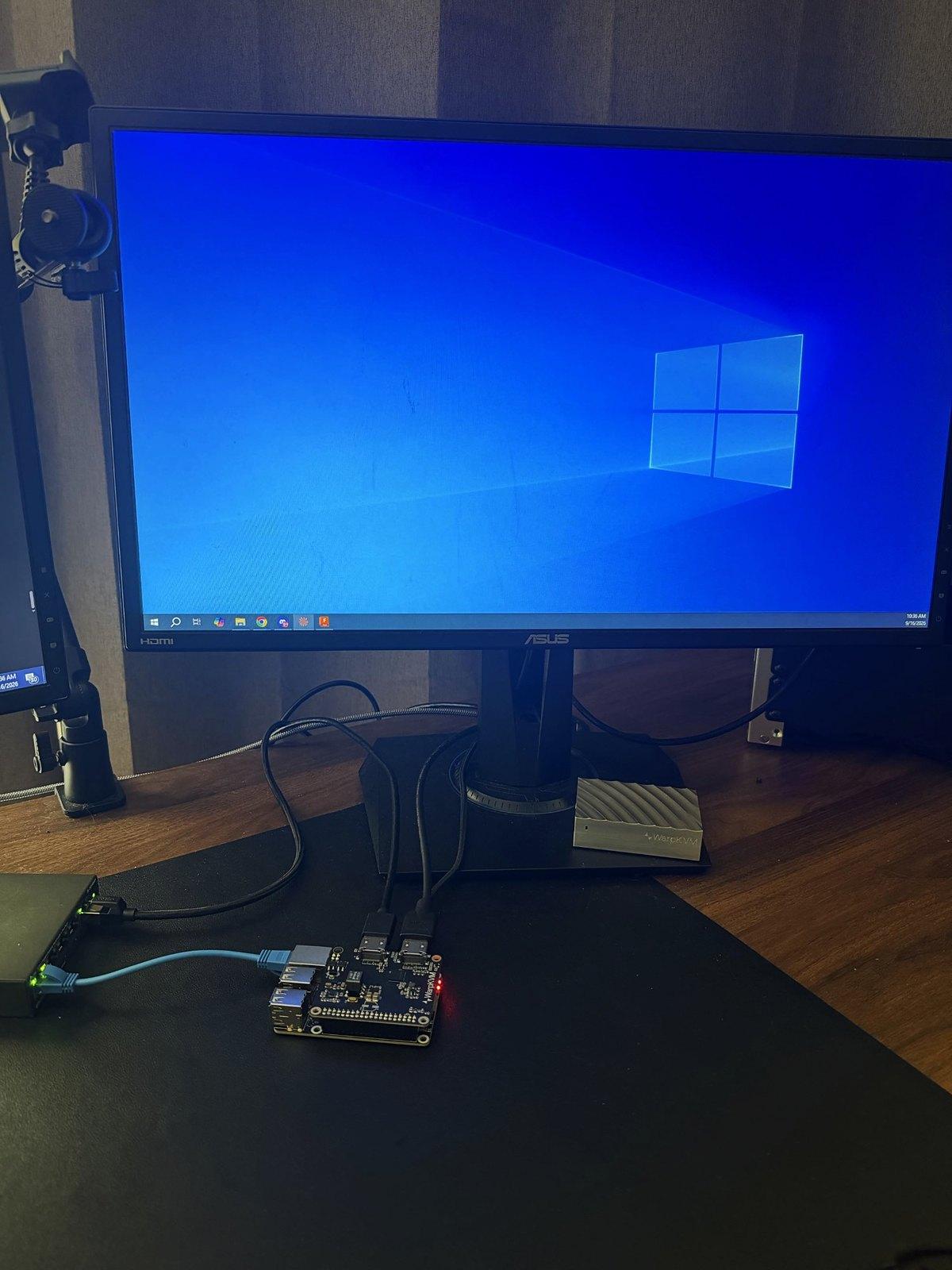
Ethernet
Plug the Aura's Ethernet port into your switch or router and the kit takes an address over DHCP. The console's Network section shows each interface with its address, gateway, DNS servers, and hardware address.
Wi-Fi
Fit the two antennas first. Under Network, the kit scans for nearby networks; pick one, enter the password, and it joins. Forget this network removes the saved credentials. Ethernet and Wi-Fi can both be up at once, and the console lists the address on each.
Finding the kit
The kit announces itself on the local network as warpkvm-xxxx.local, where
xxxx is the last four characters of its Ethernet MAC address, so the console
is at https://warpkvm-xxxx.local:8443 on most desktop systems.
You can rename it under Network, Hostname. The new name applies to the
.local address too, so bookmark the new one.
If your network does not pass .local names, look up the address in your
router's client list and add a DHCP reservation so it stays the same.
Reaching it from anywhere: Tailscale
Tailscale puts the kit on your own private network, end-to-end encrypted, with no port forwarding and nothing opened on your router. It is installed on the image and off until you turn it on.
- Under Network, Tailscale, choose connect.
- The console shows an authorization link, also as a QR code. Open it and sign in to your Tailscale account to approve the kit.
- Once it is running, the console shows the tailnet it joined, its Tailscale address, and its MagicDNS name. Use either from any device on your tailnet.
Turning Tailscale off from the same card takes the kit off your tailnet.
Ports
| Port | What it is |
|---|---|
| TCP 8443 | The console and API, over HTTPS |
| TCP 8088 | Plain HTTP; redirects to 8443 and accepts no sign-in or API call |
| UDP 4433, UDP 8447 | The video stream |
| TCP 22 | SSH, keys only |
There is no firewall on the image yet, so every port above is reachable from any network the kit is on. Keep it on a network you trust, and use Tailscale rather than port forwarding to reach it from outside. See Security.
The clock
The board has no battery-backed clock, so it needs a time server after every cold boot. On a network with no route to one, the console does not come up; see the image page.