
22-pin adapter (Aura and Raspberry Pi)
The 22-pin RK628H HDMI to CSI adapter on the Luckfox Aura and Raspberry Pi, at 4K30 and 1080p120.
The 22-pin board uses the same signal order as the Raspberry Pi camera connector, so the same board works on a Luckfox Aura (Rockchip RV1126B) and a Raspberry Pi CM4, or a Pi 4B over two lanes. HDMI audio comes out on an I2S header for the host's own audio input.
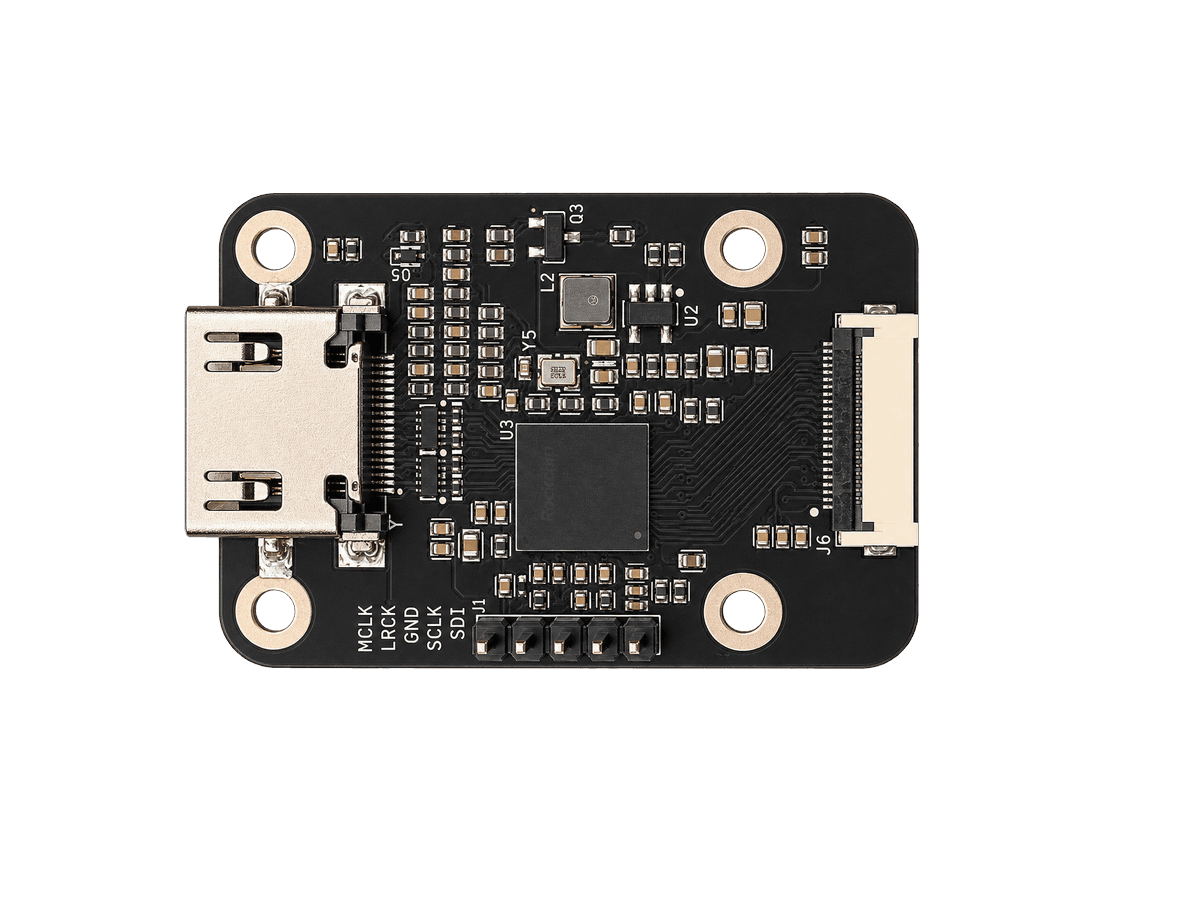
Design files and schematics are in the rk628-22p folder of the repository. For the Raspberry Pi, see Raspberry Pi.
Mechanical
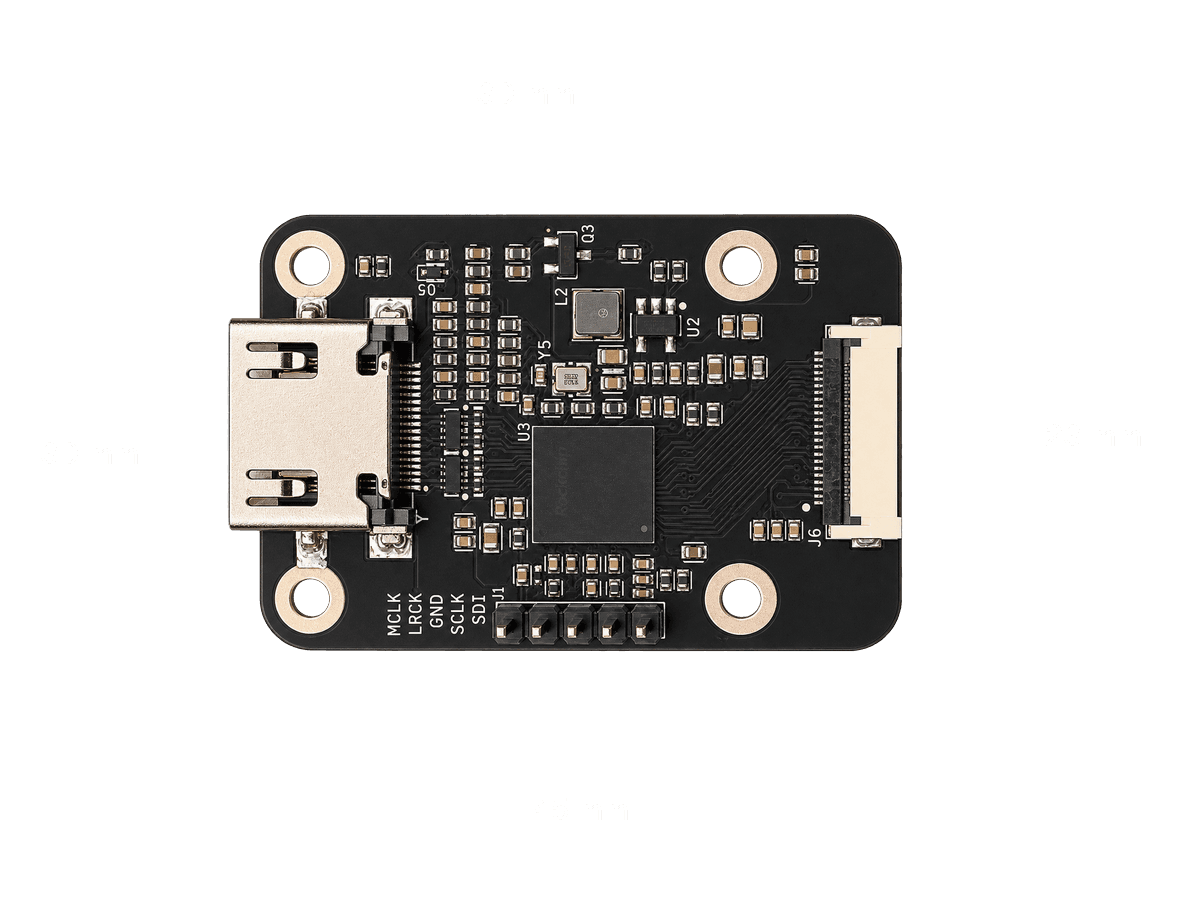
The board is 45 × 30 mm with four M2.5 mounting holes on a 30 × 23 mm pattern, center to center.
Tested modes
300 to 1200 frames per run, on each host's stock image plus the install steps.
| Mode | Luckfox Aura | Raspberry Pi CM4, 4 lanes | Pi, 2 lanes |
|---|---|---|---|
| 3840x2160 @ 30 | 30.00 fps, no errors | 30.00 fps, no errors | Too fast for 2 lanes |
| 1920x1080 @ 120 | 120.00 fps, 1 error at start-up | 120.00 fps, no errors | Too fast for 2 lanes |
| 1920x1080 @ 60 | 60.00 fps | 60.00 fps | 60.00 fps |
EDID changes apply live on both hosts: the source switches mode within a few seconds, with no cable replug.
Luckfox Aura
Luckfox's own Debian 13 image has no RK628 driver, so the install replaces its boot partition with one that does. Everything else on the board stays stock, including Wi-Fi.
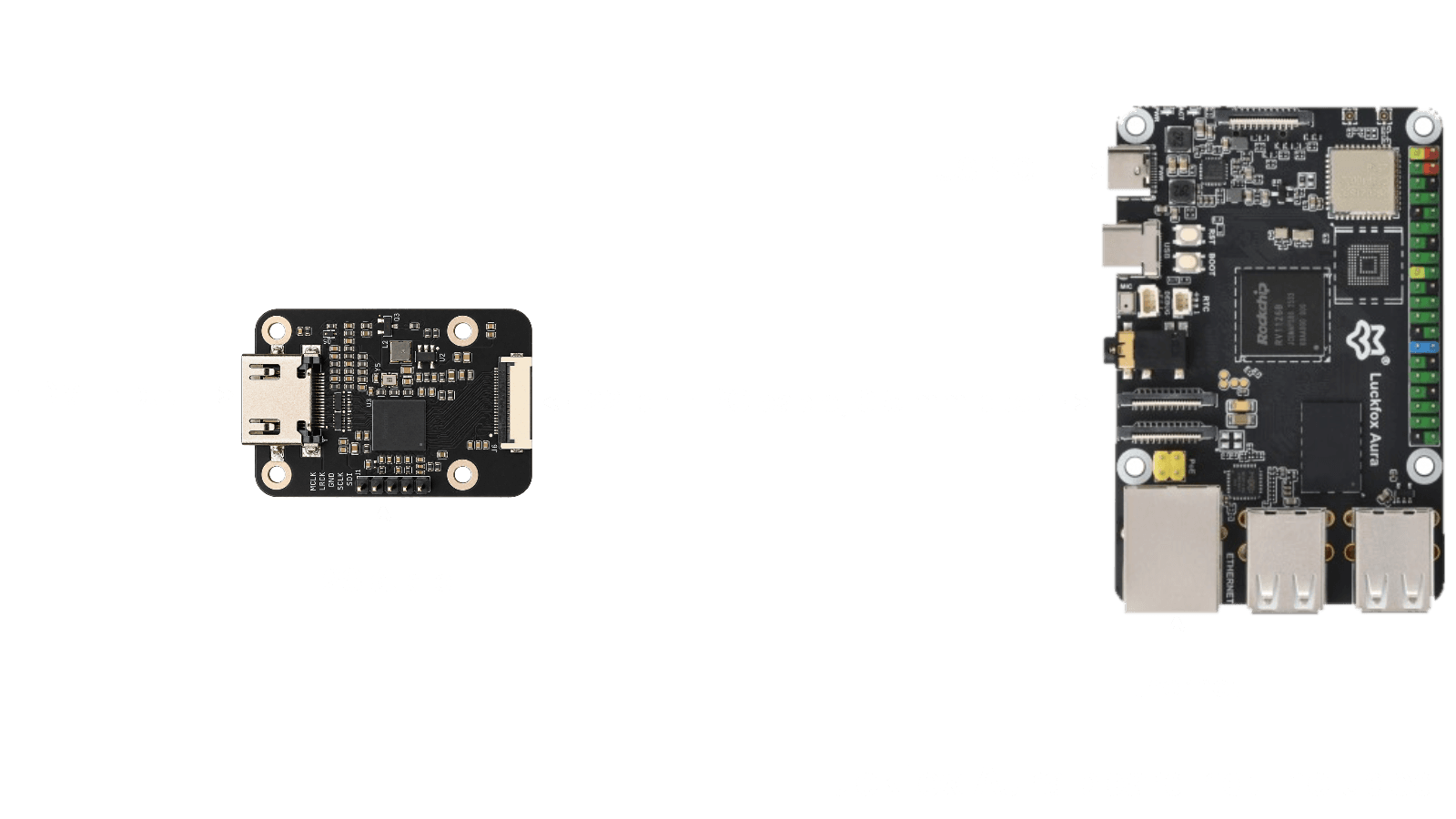
- Flash Luckfox's Debian 13 image for the Aura, to an SD card or the eMMC.
- Power off. Connect the bridge to the Aura's CSI0 connector with a 22-pin 0.5 mm FPC cable, and connect an HDMI source.
- Power on, download
rk628-aura-boot-6.1.141.tar.gzfrom the releases page, copy it to the Aura, then:
tar xf rk628-aura-boot-6.1.141.tar.gz
sudo sh rk628-aura-boot/install.sh rk628-22p- Unplug the Aura and plug it back in. Don't use
reboot: a warm reboot does not reset the bridge cleanly. - Check it with
sudo sh rk628-aura-boot/rk628-check.sh.
The installer saves the old boot partition to /root first. To go back to
stock, write Luckfox's own boot.img (it is in their image download) the same
way: sudo sh rk628-aura-boot/install.sh /path/to/boot.img.
Audio
Three wires go from the bridge's I2S header to the Aura's 40-pin header. The bridge is the I2S master; leave MCLK unconnected. We have not tested audio with the release boot image yet.
| Bridge header | Aura signal | Header pin |
|---|---|---|
| SCLK | SAI1_SCLK_M2 | 12 |
| LRCK | SAI1_LRCK_M2 | 16 |
| SDI | SAI1_SDI_M2 | 18 |
| GND | GND | 14 or 20 |
Known limitations
- Connect the bridge before power on. Plugged in later, it stays dead until a full power cycle.
- One capture at a time.
- The bridge uses the camera port, so the host's own camera can't be used on it.