September 22, 2026Review
TinyPilot Voyager 3 Review: Premium Polish, Premium Price
The best-built, best-packaged IP KVM we own. Also the slowest and most expensive, on the same Raspberry Pi as a cheaper rival.
By Andrew Douglass · Founder
Disclosure: Our articles contain affiliate links, including Amazon. If you buy through one, we may earn a commission at no extra cost to you, and as an Amazon Associate we earn from qualifying purchases. It never affects our testing, measurements, or verdicts. Full disclosure.
TinyPilot makes the most polished IP KVM we own, and this is the hardest review to write, because the numbers are unkind to it. We bought a Voyager 3, ran it, measured it, and opened it up. It has the best build quality and the nicest packaging of any device on our bench. It also posted the highest latency and the highest power draw of any mainstream KVM we tested, on the same Raspberry Pi and the same open-source software that powers a cheaper rival. What you are really paying for here is polish, support, and a turnkey experience, not performance.
A KVM over IP gives you keyboard, video, and mouse control of a machine at the hardware level, so you can reach a server in BIOS or mid-reinstall. TinyPilot has been doing this longer than most, and it shows in the finish. Whether that is worth the price is the whole question.
The verdict up front
What it is, and the lineup
TinyPilot sells the Voyager 3, a PoE-equipped Voyager 3 Plus, and a Pro software tier, following earlier models like the Voyager 2a. The software is open source on GitHub, and you can build your own on a Raspberry Pi if you want. The company's whole pitch is that you should not have to: buy the finished unit, plug it in, and it works, with a warranty and ongoing updates behind it.
Founded by Michael Lynch, who documented the entire business publicly, TinyPilot built a reputation as the friendly, well-supported option. One thing worth knowing: Lynch sold the company in April 2024 to a private owner, and assembly had already moved to a contract manufacturer in Vietnam. So it remains a US-registered company (TINYPILOT LLC, Massachusetts), but it is Vietnam-made and no longer founder-run. We cover the ownership map across the market in who makes each IP KVM.
Build quality and what is inside
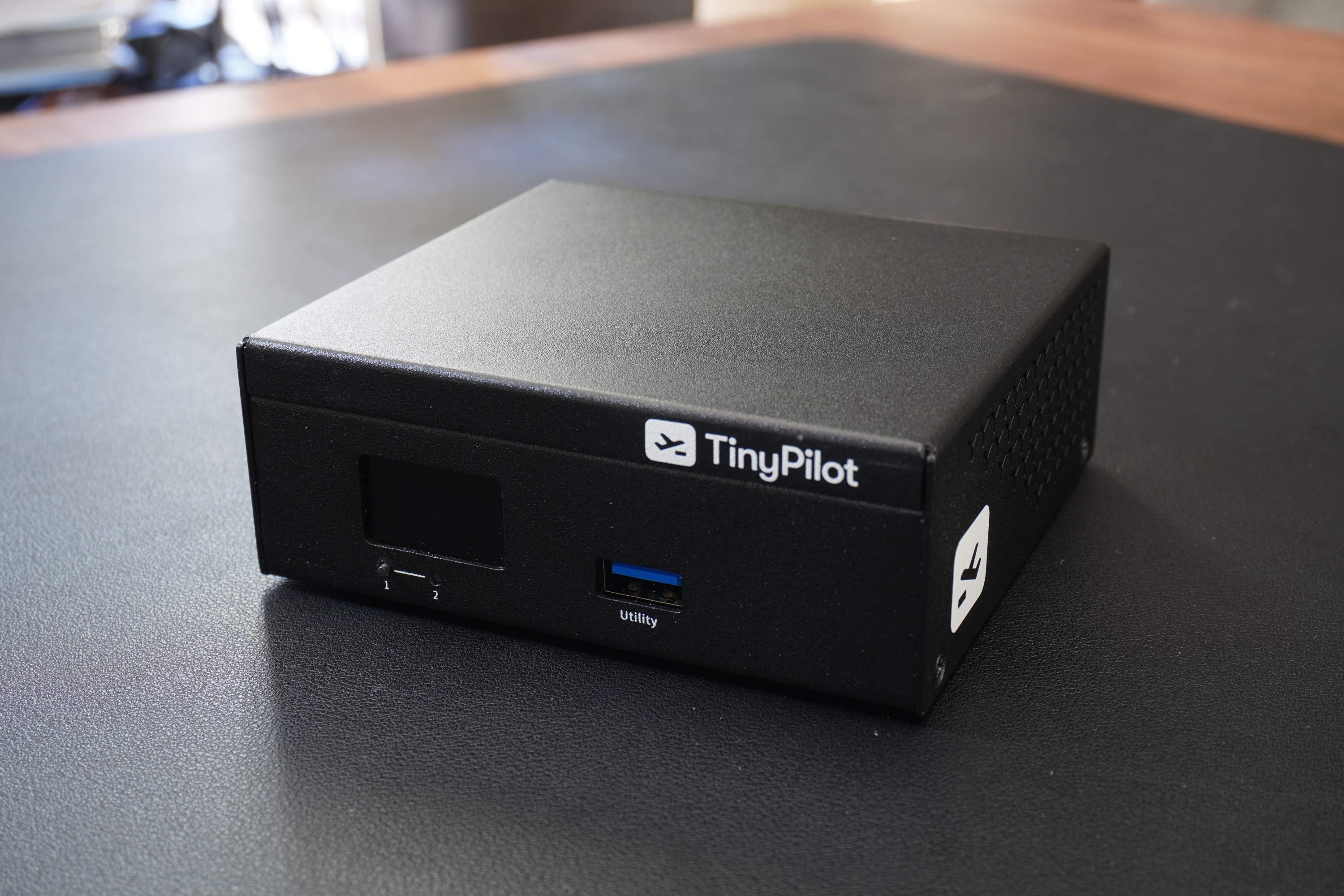
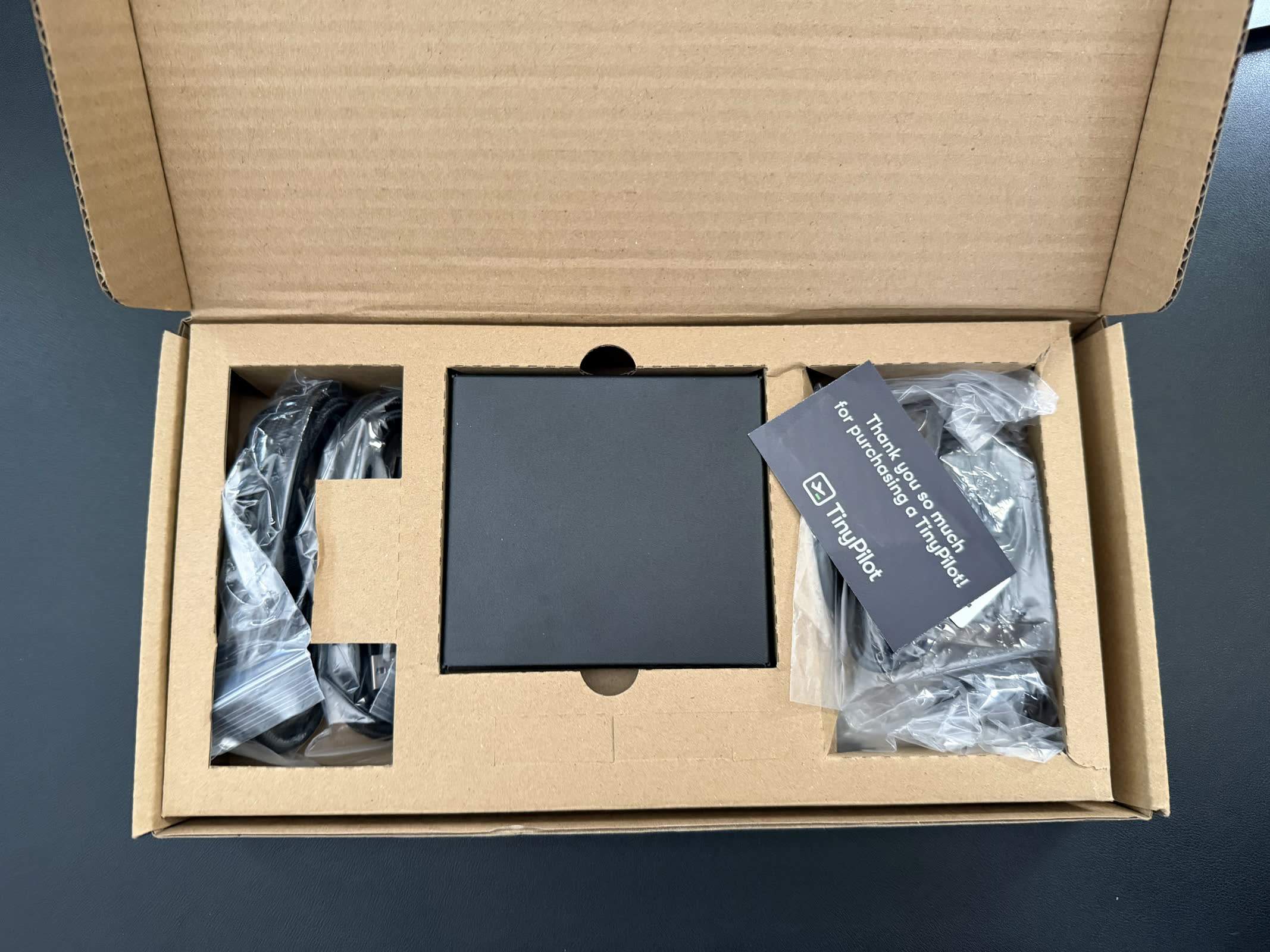
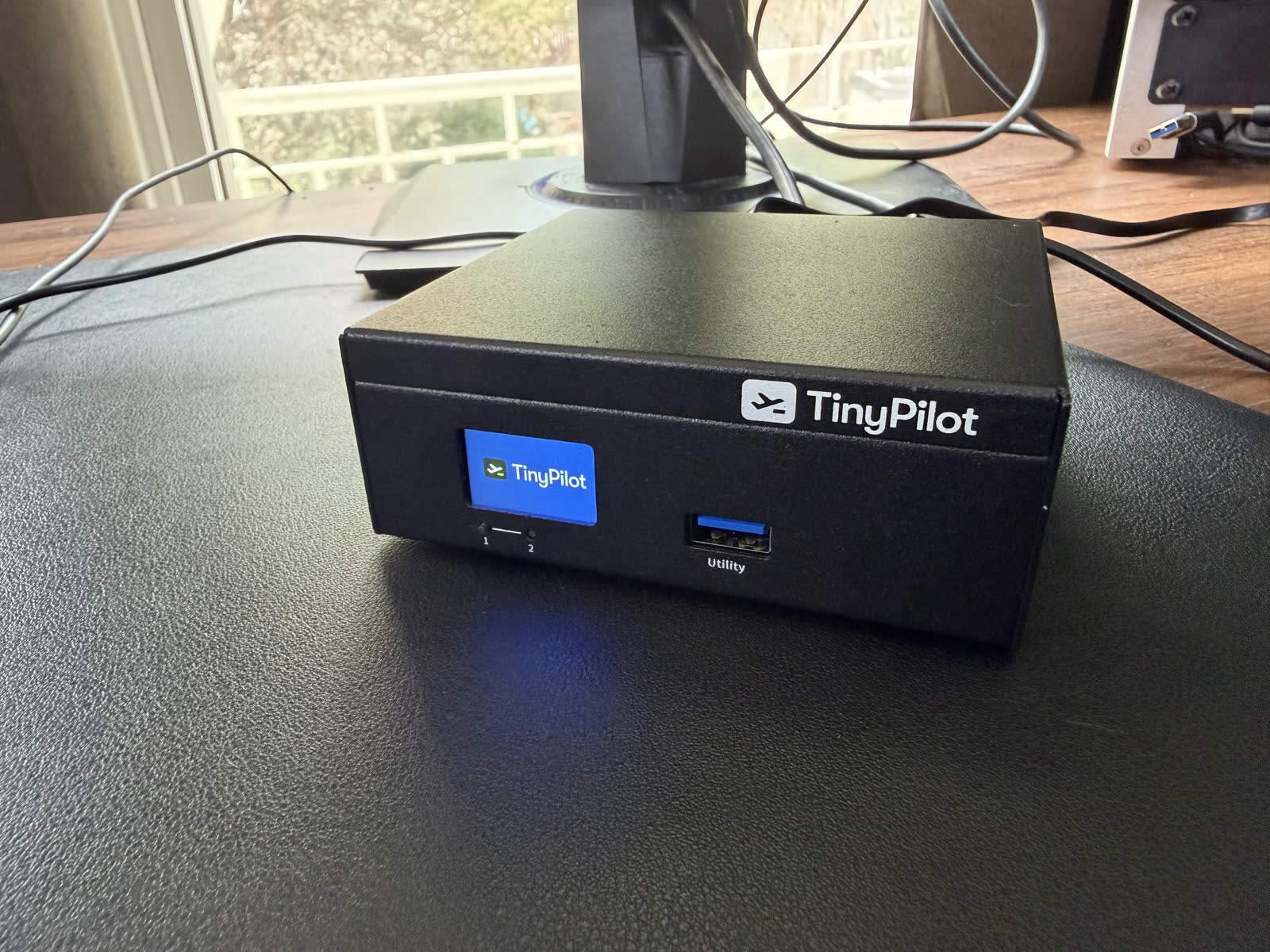
This is where TinyPilot wins outright. Unboxing the Voyager 3 gives you the nicest presentation of anything we tested: the unit, a set of branded HDMI and USB cables, and a branded power adapter, all in retail-grade packaging. The technical requirements on the target are minimal and standard, an HDMI output and a USB port plus Ethernet to your network, with no software to install on the host. The chassis is solid metal with a front status display. In design and hardware improvements over the older Voyager 2a, the 3 moved from a MacroSilicon MS2109 USB capture to the Toshiba TC358743 CSI bridge, and TinyPilot's changelog highlights reduced disk writes and a faster update process. It feels like a finished product from a real company, because it is.
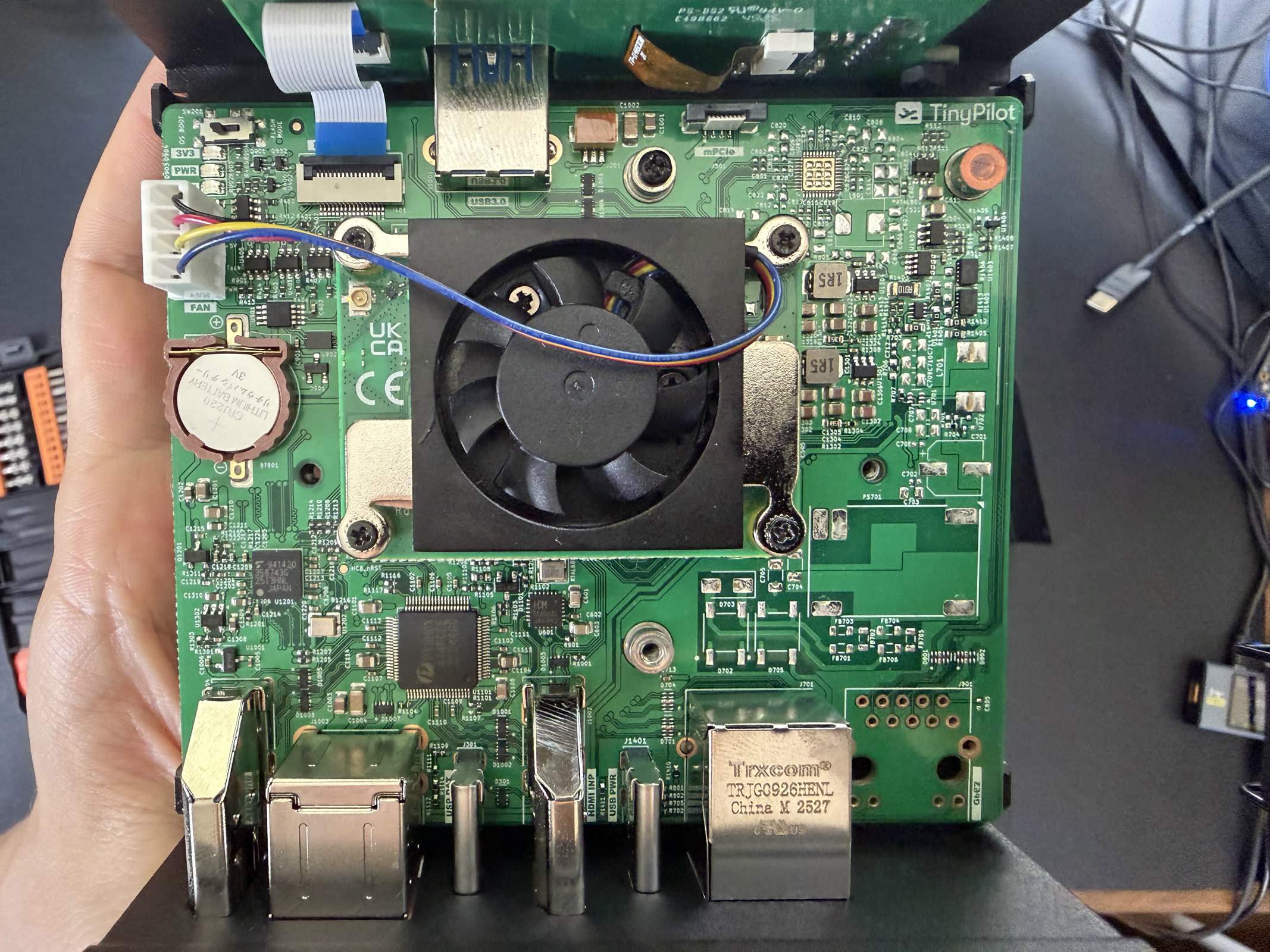
We opened it. Inside is a Raspberry Pi CM4 (Broadcom BCM2711, quad Cortex-A72, 2 GB) with a soldered Samsung 32 GB eMMC, capturing HDMI through a Toshiba TC358743 bridge. That capture chip is an upgrade over the MacroSilicon MS2109 USB capture the older Voyager 2a used; the CSI path is the right choice. It runs uStreamer (the streaming engine from the PiKVM project) plus Janus on Raspbian. In other words, the Voyager 3's core hardware and its video engine are the same ones the PiKVM ecosystem uses. That is not a criticism of the engineering; it is legitimate reuse of good open-source work. It just matters a lot for the price. Full internals are in our teardown and capture-chip database.
The uncomfortable part: performance
Here is the problem. On our bench the Voyager 3 measured about 267 ms click-to-photon at 1080p60, the slowest of any mainstream KVM we tested, and we re-ran it to be sure. It also drew 4.11 W streaming, the highest power in our fleet.
What makes that striking is the comparison to PiKVM. The PiKVM V4 Plus runs the same CM4, the same TC358743 capture, and the same uStreamer engine, and it measured about 69 ms, nearly four times faster, at a lower 3.53 W. Same silicon, same software core, very different result. We expected the Voyager 3 to land near the PiKVM and it did not, and the reason is tuning: TinyPilot's polished appliance exposes very few latency or encoder settings, so there was no knob to turn to close the gap. This is a software and configuration outcome, not a hardware limit. Our unit also flagged undervoltage and throttling, which points at the power supply or cable and is worth ruling out, but it does not explain a 4x latency gap. The numbers are in our latency benchmarks and power comparison.
TinyPilot vs PiKVM
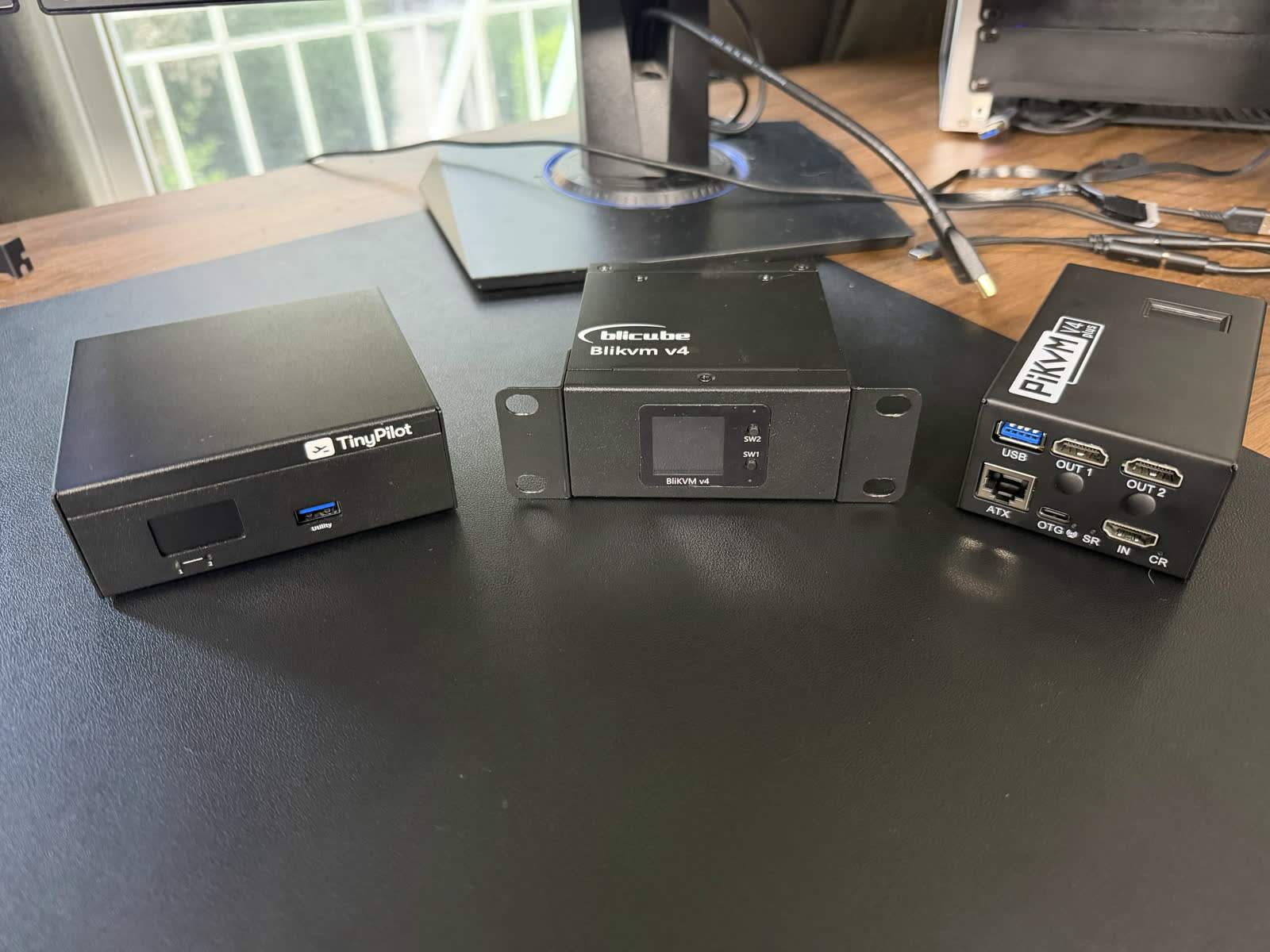
This is the comparison buyers actually make, and our testing gives a clear answer on the hardware: they are built on the same foundation. A DIY PiKVM or a pre-built PiKVM V4 gives you the same capture and streaming stack, faster in our measurements, and PiKVM's is the more mature ecosystem. What TinyPilot adds on top is finish and service: nicer packaging, a cleaner out-of-box experience, a warranty, indefinite software updates, and a US company to call. If those matter to you, TinyPilot is the more comfortable product. If raw performance per dollar matters, PiKVM wins, and both lose on price to the newcomers.
Software, features, and one real limitation
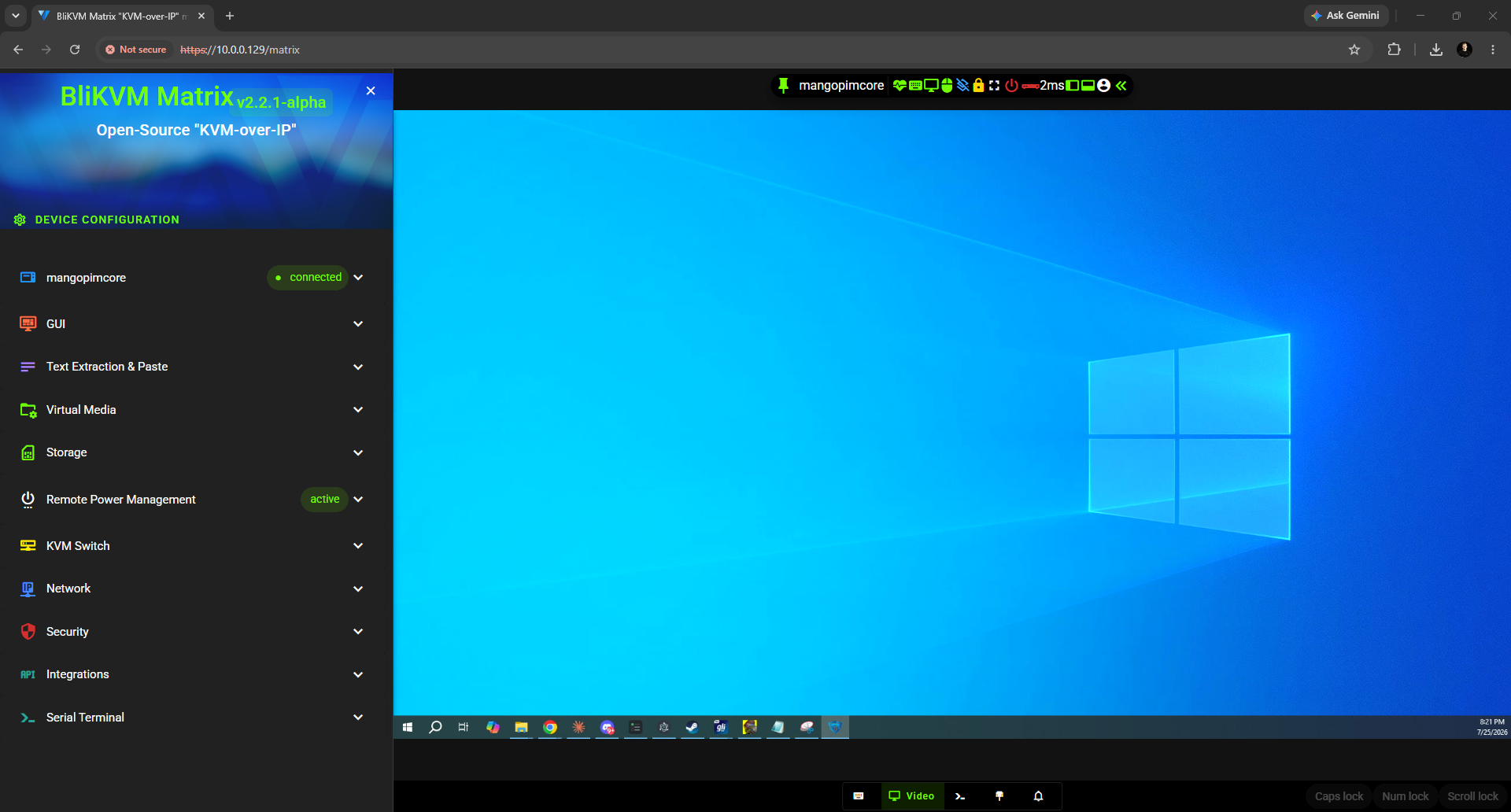
The HTML5 web interface needs no client software, which is a genuine selling point over old enterprise KVMs. In use cases that means the usual out-of-band jobs: recovering a headless server that dropped off the network, installing an OS on bare metal via virtual media, reaching a colocated or edge box, and standardizing remote access across a mixed fleet of machines that lack IPMI or Intel AMT. Virtual media lets you mount an ISO for a remote OS install, there is a serial console (which needs a specific USB-to-serial adapter), and updates are frequent and painless with a stated commitment to indefinite free updates even after the one-year hardware warranty ends.
One limitation is worth flagging clearly because it bit us: the Voyager 3 supports absolute mouse input only, with no relative mode. On a single primary display that is fine, but it breaks down when the target uses a secondary monitor, and it is a documented issue on TinyPilot's own forum. For a premium device, that is a surprising gap. Setup itself is quick, 1:30 to a first stream, though a required update pushed a fully-ready state to about 5:44, and you have to enable SSH in settings before you can reach a shell.
What owners say, and the price
Across three video reviews and their 34 comments, the split is consistent. Owners like the build and the software. The dominant theme, by a wide margin (we counted nine separate mentions), is that it is overpriced against sub-$100 alternatives. Commenters repeatedly line the Voyager 3 up against the GL.iNet Comet, JetKVM, and NanoKVM and conclude the finish does not justify a 4x price. One owner reported BIOS screens not showing on their earlier units, and a few argued it does little that free remote software cannot, which misunderstands hardware-level access but reflects real sticker shock.
“Seems like a quality product but compared to a sub $100 GL.iNet Comet or a JetKVM it's hard for me to justify the price even with its feature set.”
Alternatives
| Device | Price | Latency (our test) | Open source | Notable |
|---|---|---|---|---|
| TinyPilot Voyager 3 | ~$399 | ~267 ms | Yes | Best build and support, slowest and priciest |
| PiKVM V4 Plus | ~$400 | ~69 ms | Yes | Same core hardware, 4x faster, more mature |
| JetKVM | ~$103 | ~98 ms | Yes | A quarter of the price, open firmware |
| GL.iNet Comet | ~$90 | 55.4 ms | No | Fastest we tested, feature-packed |
| Sipeed NanoKVM | ~$50 | ~124 ms | Partial | Cheapest, security caveats |
If you want the same capability for far less, the JetKVM at around $103 is the value benchmark, and the GL.iNet Comet was the fastest device we tested. If you want the TinyPilot's foundation done faster, the PiKVM V4 Plus costs about the same and measured four times quicker. TinyPilot's case is specifically for buyers who value a polished, warrantied, US-vendor product over price and raw speed.
FAQ
FAQ
They share the same foundation: both use a Raspberry Pi with a Toshiba TC358743 capture chip and the uStreamer streaming engine. PiKVM is the more mature open-source ecosystem and, in our testing, dramatically faster (about 69 ms versus 267 ms for the Voyager 3). TinyPilot's differentiator is finish and service: nicer packaging, turnkey setup, a warranty, and a US company.
The Voyager 3 is around $399, and the PoE Voyager 3 Plus around $499. That is several times the price of newcomers like the JetKVM ($103) or GL.iNet Comet ($90) that do the same core job.
Michael Lynch, an American engineer who built and documented the business publicly. He sold TinyPilot in April 2024 to a private owner, so it remains a US-registered company but is no longer founder-run, and assembly has moved to a contract manufacturer in Vietnam.
Only if you specifically value turnkey polish, a warranty, and a US vendor with support. On measured performance it was the slowest and most power-hungry mainstream KVM we tested, on the same hardware a cheaper PiKVM runs far faster. For most buyers the JetKVM or GL.iNet Comet deliver the same job for a quarter of the price.
The PiKVM V4 Plus for the same foundation done faster, the JetKVM for most of the capability at around $103, and the GL.iNet Comet, the fastest device in our testing, for around $90.
Bottom line
We measured every number here ourselves and opened the unit. See the teardown, latency benchmarks, and power comparison for the full picture.